Answered
LR Mobile Presets to Lightroom Classic
Developed images in LR Mobile using their presets. Where can I find those same presets in LR Classic?
{Title edited by Moderator for clarity and to aid search queries}

Developed images in LR Mobile using their presets. Where can I find those same presets in LR Classic?
{Title edited by Moderator for clarity and to aid search queries}
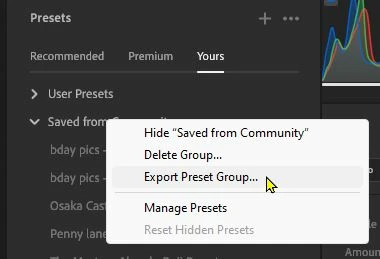
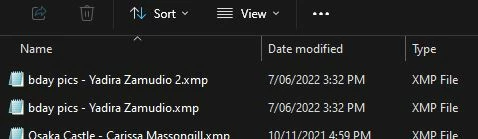
Using Lightroom-Desktop in a Windows PC- you can easily [Right-Click] and Export a 'Group' of Presets to a local Windows Folder- Extract the preset XMP files from the ZIP file, then Import to Lr-Classic.
Already have an account? Login
Enter your E-mail address. We'll send you an e-mail with instructions to reset your password.


 AdChoices