
Participant
February 9, 2021
Question

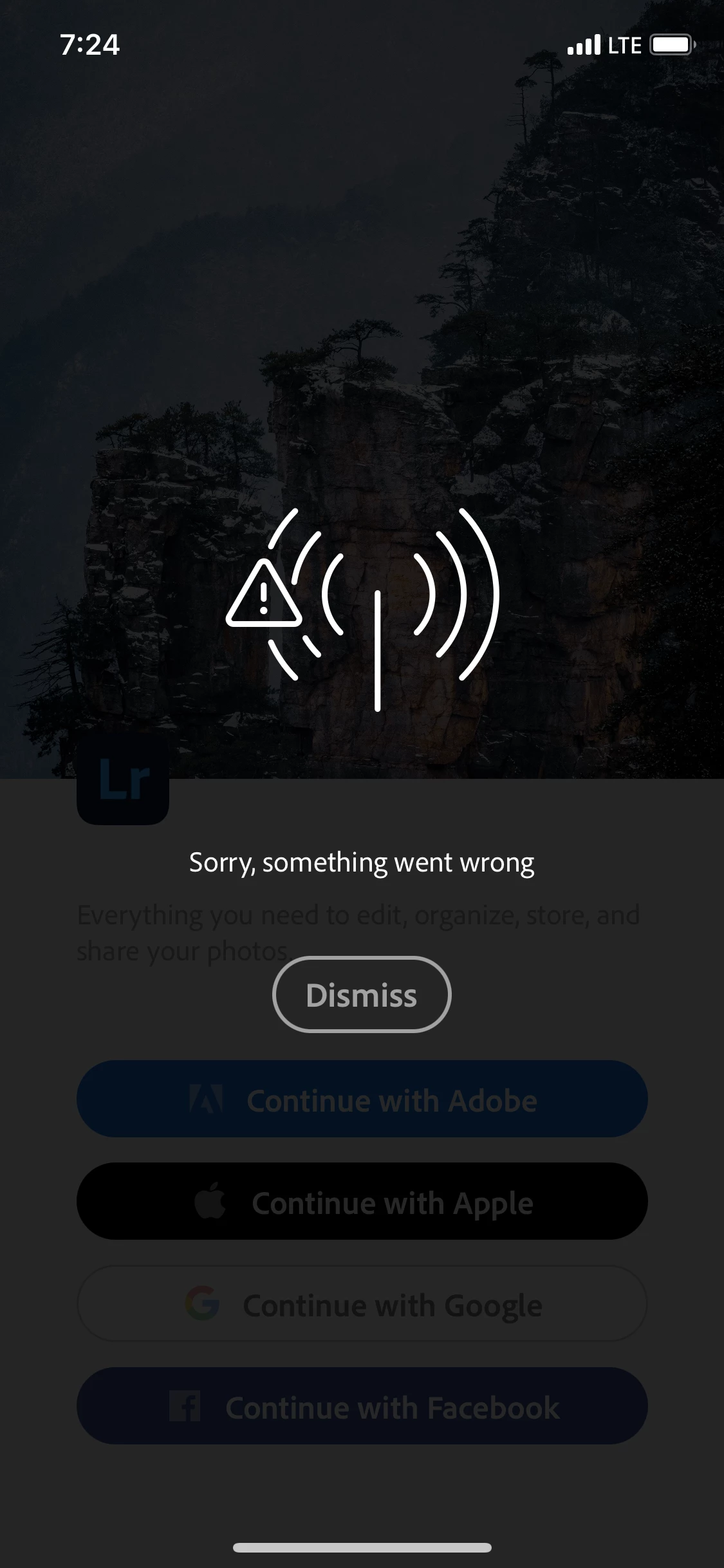
LR Mobile - Sorry, something went wrong.
  • February 9, 2021
  • 9 replies
  • 6287 views

This only happens when I try to log in using Adobe. I have an iPhone XS. I updated my phone's OS and uninstalled and reinstalled Lightroom several times. Thank you. 

{Moved from Lightroom Cloud to Lightroom Mobile & Apple TV Forum  & title edited by Moderator}

9 replies

Participant
January 29, 2025

Hello, good time.

No matter which internet connection I use, I keep getting the message Something went wrong when trying to log into my Lightroom account on my iPad. However, the same account is already logged in on my phone.

I™ve uninstalled and reinstalled the app multiple times, and even restarted my iPad, but I still can™t log in.

I would appreciate your help in resolving this issue so I can access my Lightroom account on my iPad


Participant
September 13, 2024

i have this problem as well, spent premium for no reason wasted my money


Community Manager
September 13, 2024

Hello @Jankin_Liew3563 

Did any of the questions I asked users in the thread above speak to your network setup?  Is your device or network using VPN, or strict proxy/security settings?  Lightroom requires access to certain network services that some security software or network hardware might block.  


If simply reinstalling the app does not help, please see if disabling any security settings/software you use helps.  Or try a different network.  If network security you use is what's interrupting service, please see this help doc to know the endpoints that you should allow in your security config: https://helpx.adobe.com/enterprise/kb/network-endpoints.html 

Participant
July 29, 2024

Im having the same problem, and no im not using a VPN, there are no other strict network settings. All other options work, except "continue with adobe" which is unfortunate since i made a adobe account..... is this resolved yet???


Community Manager
July 30, 2024

Hello @Kevin388756005tzx 

In every case I know so far, this message comes up due to issues with the nextwork being used.  If it's not a firewall on the device, it's network security on the access point/router level that can cause this. 


There is no service outage on our side to correct, which would be the only other cause for that specific error.  I just checked and cannot reproduce any problem from my home internet just now.


What device and OS version are you running?  If this is a phone, does it help to try again on cellular vs wifi?  Or try wifi from work, school, a library, or coffee shop?  Does a device restart help?


We're hoping to get more clues about why you are seeing this when other people do not.

Participant
May 7, 2024

How something went wrong

Participant
February 19, 2024

Something went wrong 

Participant
May 17, 2023
  • I will also note that this happens when I press the "Continue with Adobe" button. I am not given an opportunity to type in my login credentials
Community Manager
May 18, 2023

Hello @Eslam29938428owxp 

Are you seeing this inside a corporate network or VPN with a strict firewall?  Does it help to try a different network, or use cellular instead of wifi (if you are on a phone)?


If this happening inside a strictly controlled network, please refer to this help document to see the minimal set of endpoints Adobe apps require be allowlisted to work correctly: https://helpx.adobe.com/uk/enterprise/kb/network-endpoints.html 

Participant
January 25, 2022

Did you ever find a solution for this? I'm having this same error and have tried everything - nothing seems to work. 

Community Manager
January 26, 2022

Hi Jenna

Can you be more specific about what exactly you tried?
Are you using home wifi, work wifi, cellular?  In short, does it work if you try a different network?  Is your device on VPN, and if so does it help to disable VPN?

Participant
January 26, 2022

Hi Charlie! Thanks for your response. 

I spent about an hour today with an Adobe chat agent trying to work through this and came up empty handed. 

Basically, I can download the Lightroom app from the App Store, but on the very first screen when I'm trying to get to a login screen, when I click "Continue With Adobe" the same error message in the original post here pops up. I can't even get to the login screen. 

I have tried deleting the app and re-downloading, updating my phone to the latest iOS, turning my phone off and on, on WiFi and on cellular. I do not use a VPN.

The chat agent gave up after we realized it worked on my iPad and not my phone, lol. Any expertise you are willing to offer is much appreciated. 

- Jenna 

Community Manager
February 10, 2021

Hi William

That seems like Lightroom lacks access to the internet.  I do see you have a good cellular connection based on the screen shot.. Is your device running on some kind of VPN or other proxied connection?  In iOS Safari, are you able to sign into your same account at lightroom.adobe.com (or LR Web app)?

Participant
February 9, 2021

I will also note that this happens when I press the "Continue with Adobe" button. I am not given an opportunity to type in my login credentials.