
Question
LR on iOS applying edits on import—how to stop it??
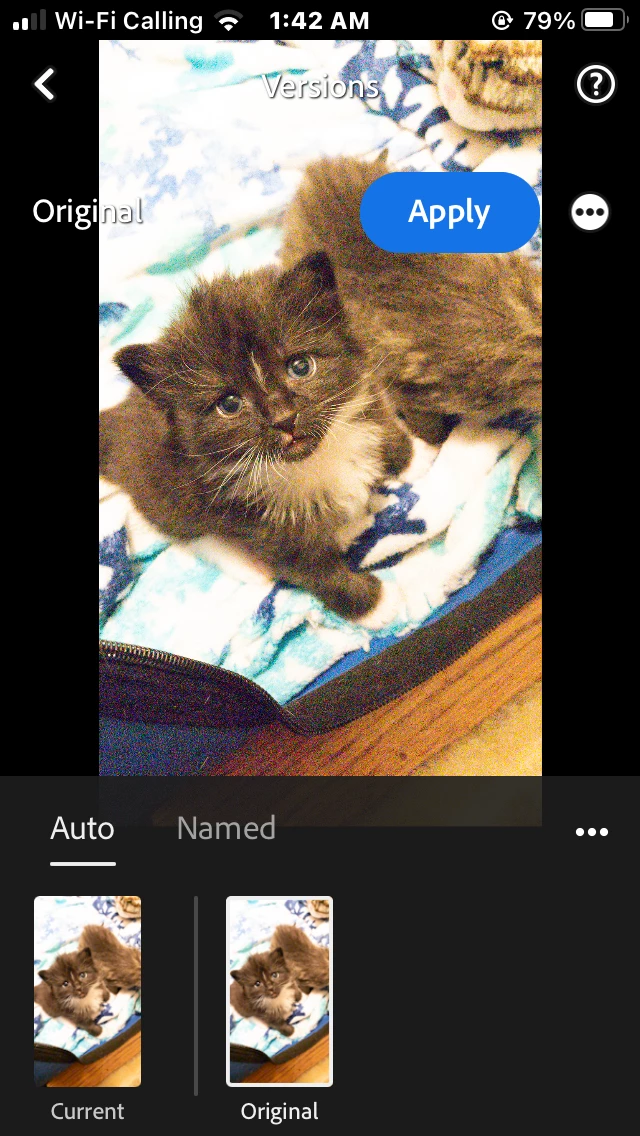
I have been playing with taking raw photos on my phone with an app. I downloaded the Lightroom app to my iPhone to edit them but when I import them they have edits already applied and they look terrible! The exposure is jacked up, the colors are off, and the photo is cropped as soon as it opens in LR! Worse, in the history it doesn't show any edits or a filter or preset applied so I can't even undo whatever it's doing!! Why is this happening?
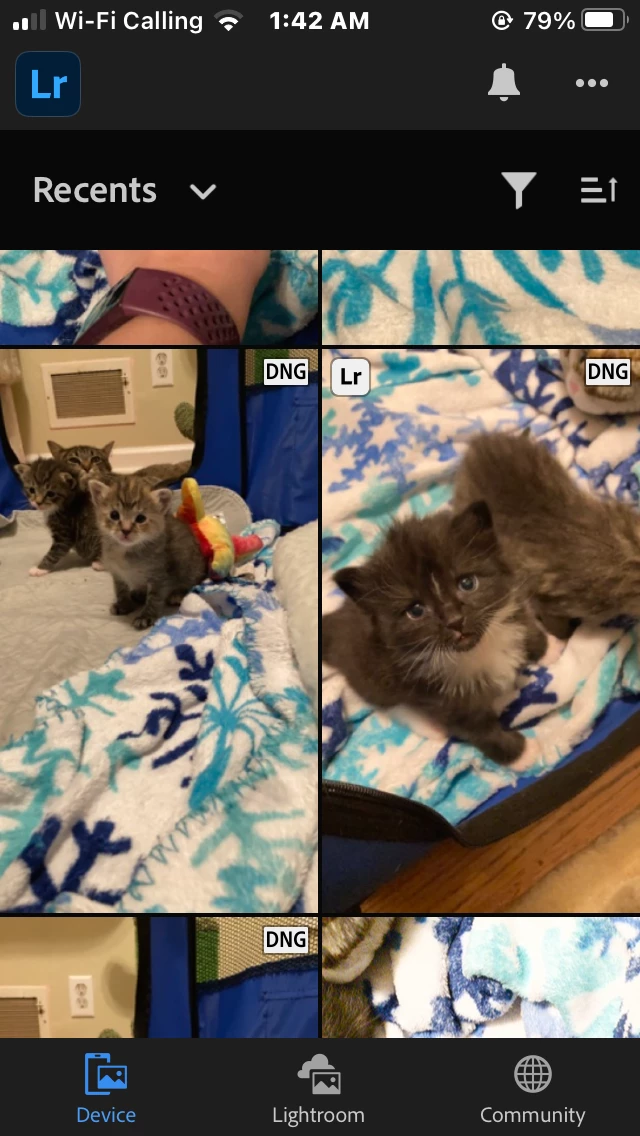
screenshot of preview in the device tab. Screenshot of what it looks like immediately on opening to edit and that the history says that is the original no edits applied. full screen cap attached too.


 AdChoices