

Participant
May 17, 2023
Answered

(macOS) Help! Lightroom Local Catalog Damaged

  • May 17, 2023
  • 1 reply
  • 413 views

Leider hilft die Information bzw. Lösung von Adobe nicht. Was jemand was z u tun ist? Ich verzweifele...Lg Alina 
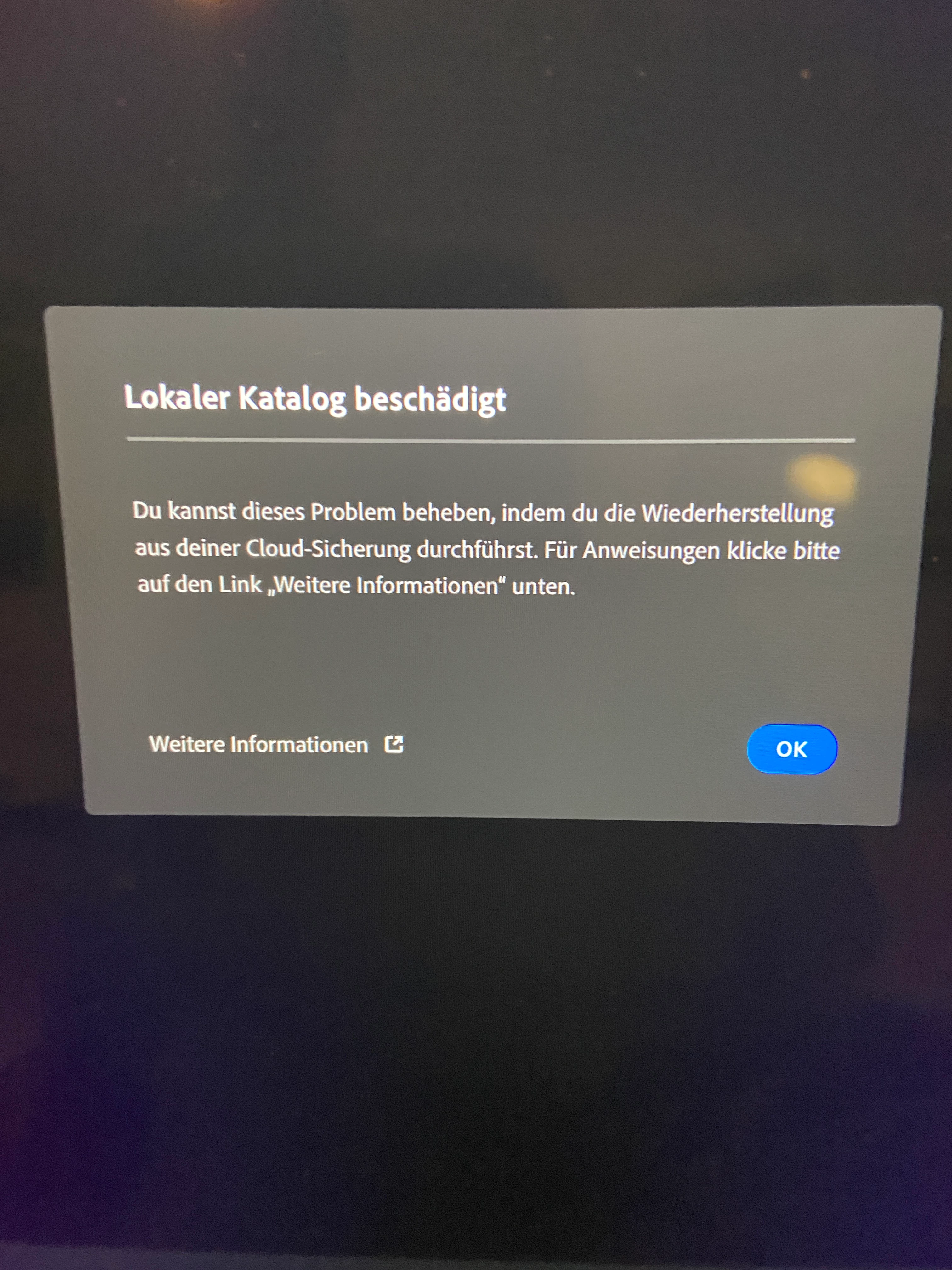
[Thread title updated by moderator.]

This topic has been closed for replies.
Correct answer Sameer K

Hey, @Alina29926025k742. Welcome to the Lightroom Community. I'll need more info to help you figure this out.

What version of Lightroom & the macOS are you working on? Did Lightroom crash unexpectedly recently? Have you tried moving Lightroom's Library from the Pictures folder to another location?


Try these suggestions if the issues with Lightroom started since a recent update.


Let me know how it goes. Thanks!
Sameer K


1 reply

Sameer K
Community Manager
Sameer KCommunity ManagerCorrect answer
Community Manager
May 21, 2023

Hey, @Alina29926025k742. Welcome to the Lightroom Community. I'll need more info to help you figure this out.

What version of Lightroom & the macOS are you working on? Did Lightroom crash unexpectedly recently? Have you tried moving Lightroom's Library from the Pictures folder to another location?


Try these suggestions if the issues with Lightroom started since a recent update.


Let me know how it goes. Thanks!
Sameer K


Participant
June 2, 2023

It goes! Thank you so much 😊
