


(macOS) Lightroom v6.4 errors and glitches to photos
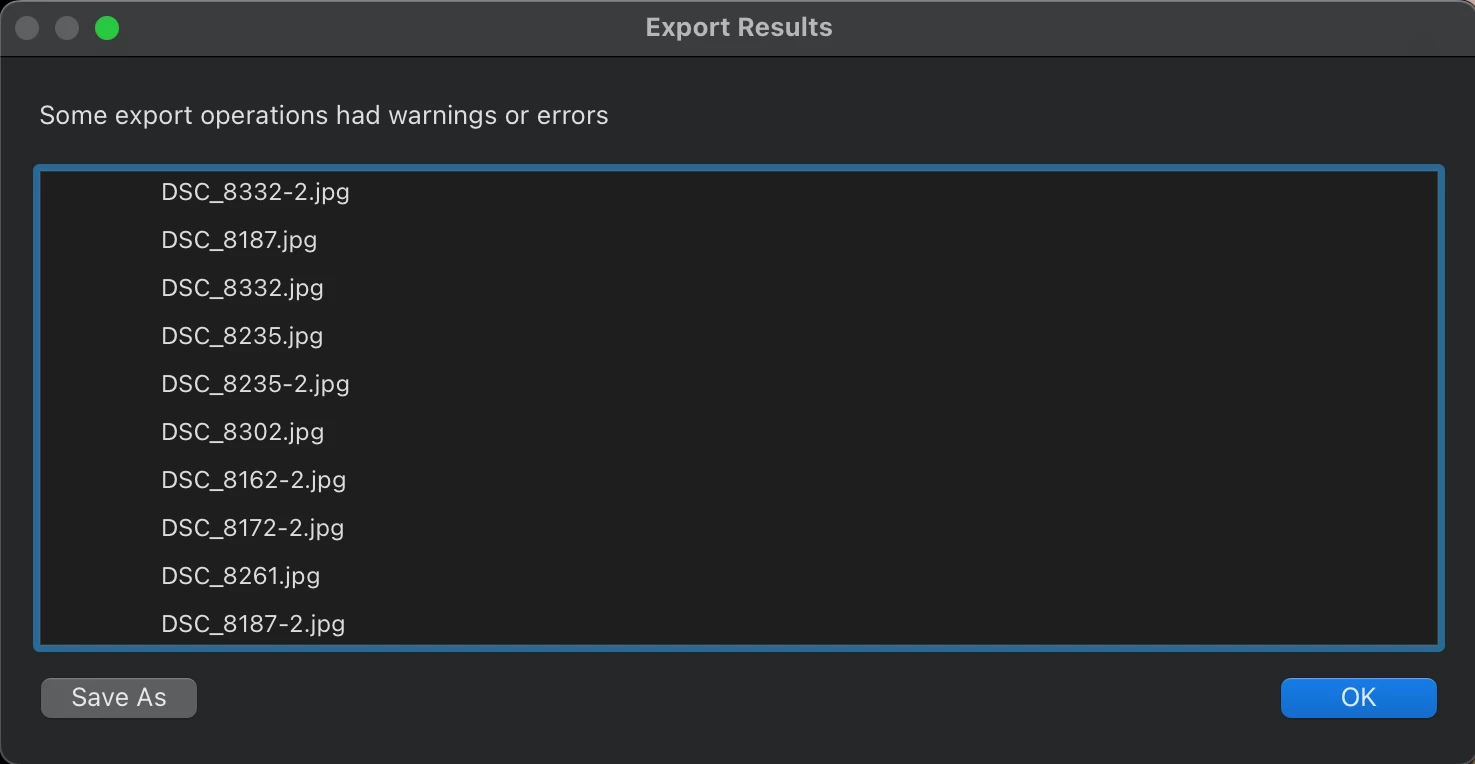
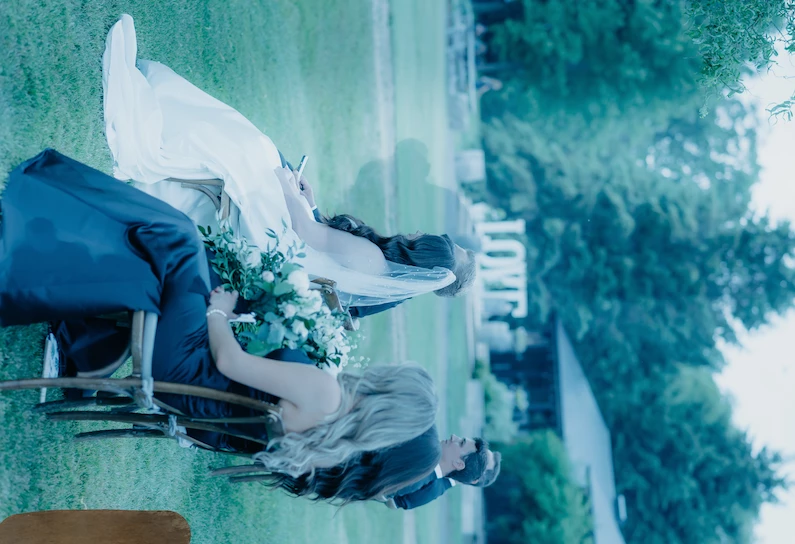
SO MANY GLITCHES LATELY SINCE THE NEW UPDATE! Errors all over the place when saving photos, they dont download and I have to look at the list and go back to re-save each one. Also some photos will show a complely different-terribly edited-rotated version of another photo. Why?? I just spent 8 hours trying to save a completed gallery and making sure no photo was missing or messed up.
1. Version 6.4 of Lightroom from the Mac App Store
2. Mac Laptop year 2020
3. Select a group of photos to export, whether its a group of 8 or 20 or the whole gallery. Click Export Jpeg Large and then you will get the error in the end.
4. I expect to save all photos as a whole group and for them to save no problem. But instead I get a list of errors once the export process is complete.
 AdChoices