
Participant
May 12, 2022
Question

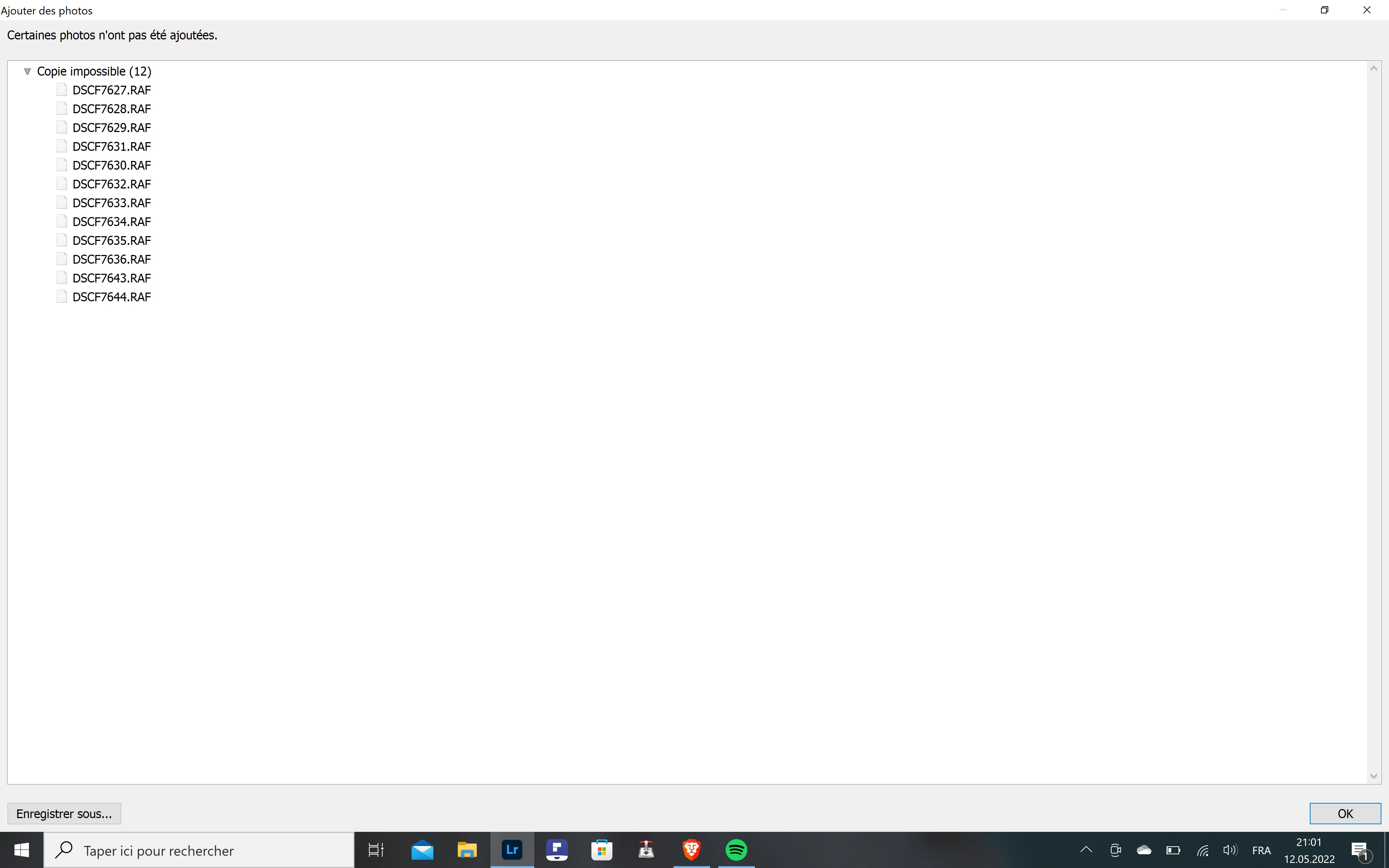
Message d'erreur à l'importation "Copie impossible"

  • May 12, 2022
  • 1 reply
  • 230 views

Bonjour,

Lors de mes dernières tentatives d'importation de fichiers RAF dans Adobe Photoshop Lightroom, le message d'erreur "Certaines photos n'ont pas été ajoutées (Copie impossible)" s'affiche et aucune photo n'est importée. 

Pourriez-vous m'aider?
This topic has been closed for replies.

1 reply

Ranjisha Sengupta
Legend
May 12, 2022

Hi there,


We're sorry to hear that you cannot import the files to Adobe Lightroom. We're here to help.

Which version of Windows and Lightroom are you using? Which camera model are you using?

Could you please confirm if you are importing images from the camera/SD card or stored on the internal drive? Are you using any compression modes in the camera? Do these specific images open or work in any other software? Where are you importing to (destination)? Is it an internal drive or an external drive?


The most common reason Lightroom can't import your photos is that it believes the files are already imported. Specific files will appear greyed out when this happens and cannot be imported into the catalog. To fix this, go to File Handling and uncheck the “Don't Import Suspected Duplicates” option.

If it doesn't help, uninstall the application and re-install it from the creative cloud application.


If you still get errors at import, please check the log and share the specific sample images here which failed at import.

Please let us know if this helps.


Regards,

Ranjisha