Inspiring
June 23, 2025
Answered

Missing pictures : actual number of picture bigger than shown

  • June 23, 2025
  • 1 reply
  • 394 views

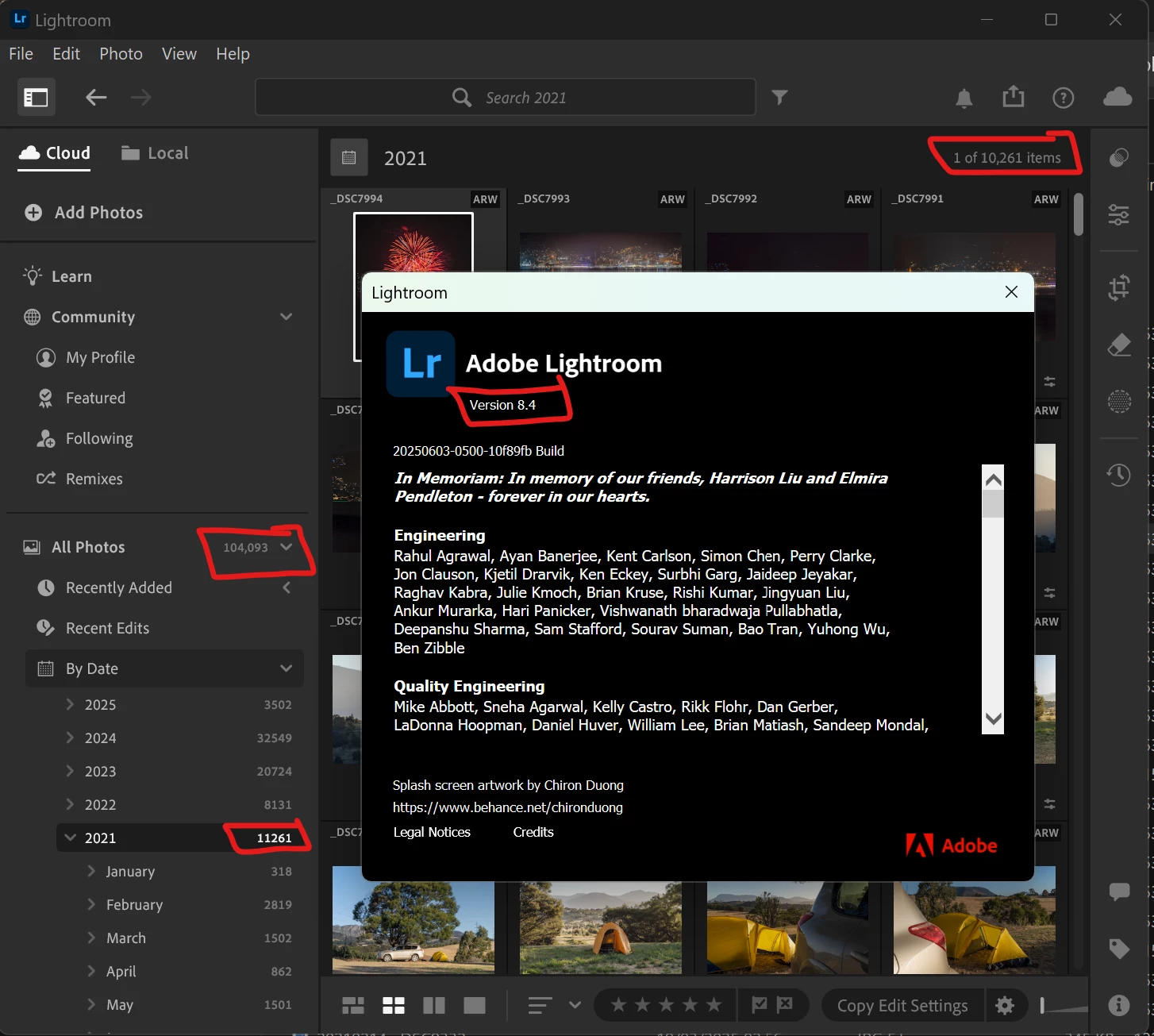
Since updating to Ligthroom 8.4, some of my pictures are not shown in "All photos" and anywhere else. When I select a specific date in "By date" menu, some dates are not showing all the pictures. See screenshot attached.
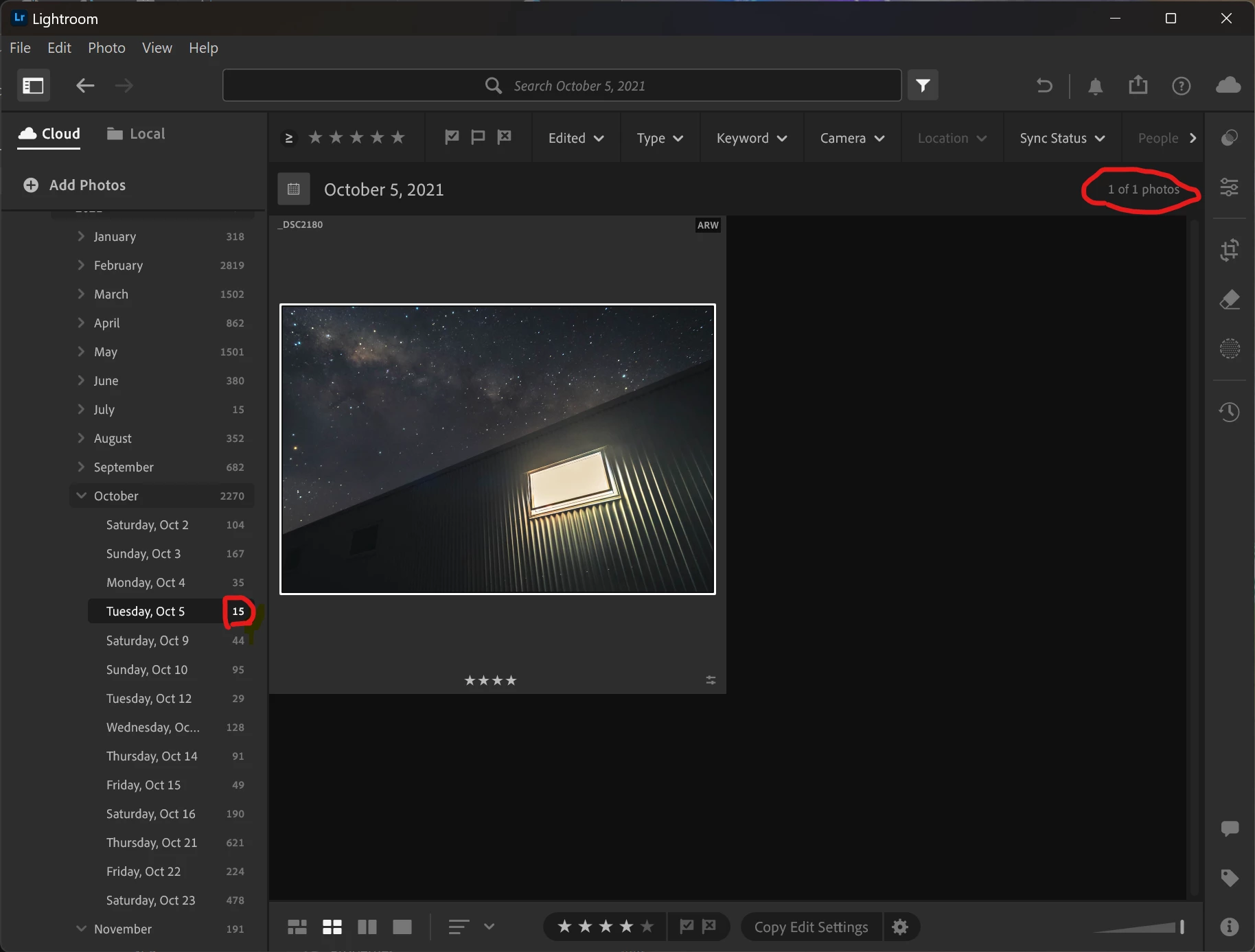
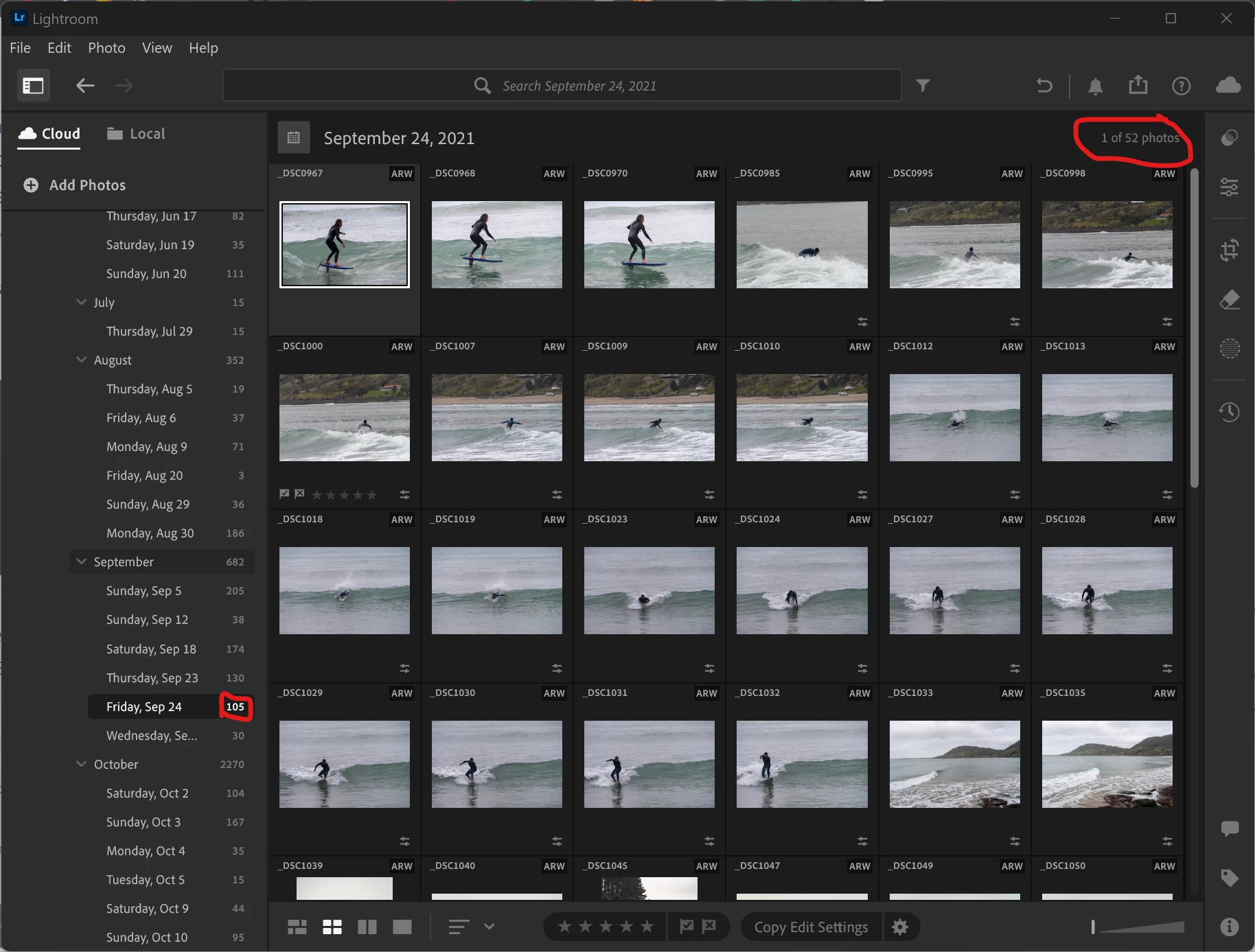
 

Version: Lightroom 8.4 20250603-0500-10f89fb Build

OS: Windows


Overall I have 1000 pictures missing for the year 2021, which is really worrying for me.


Correct answer Antonin6C15

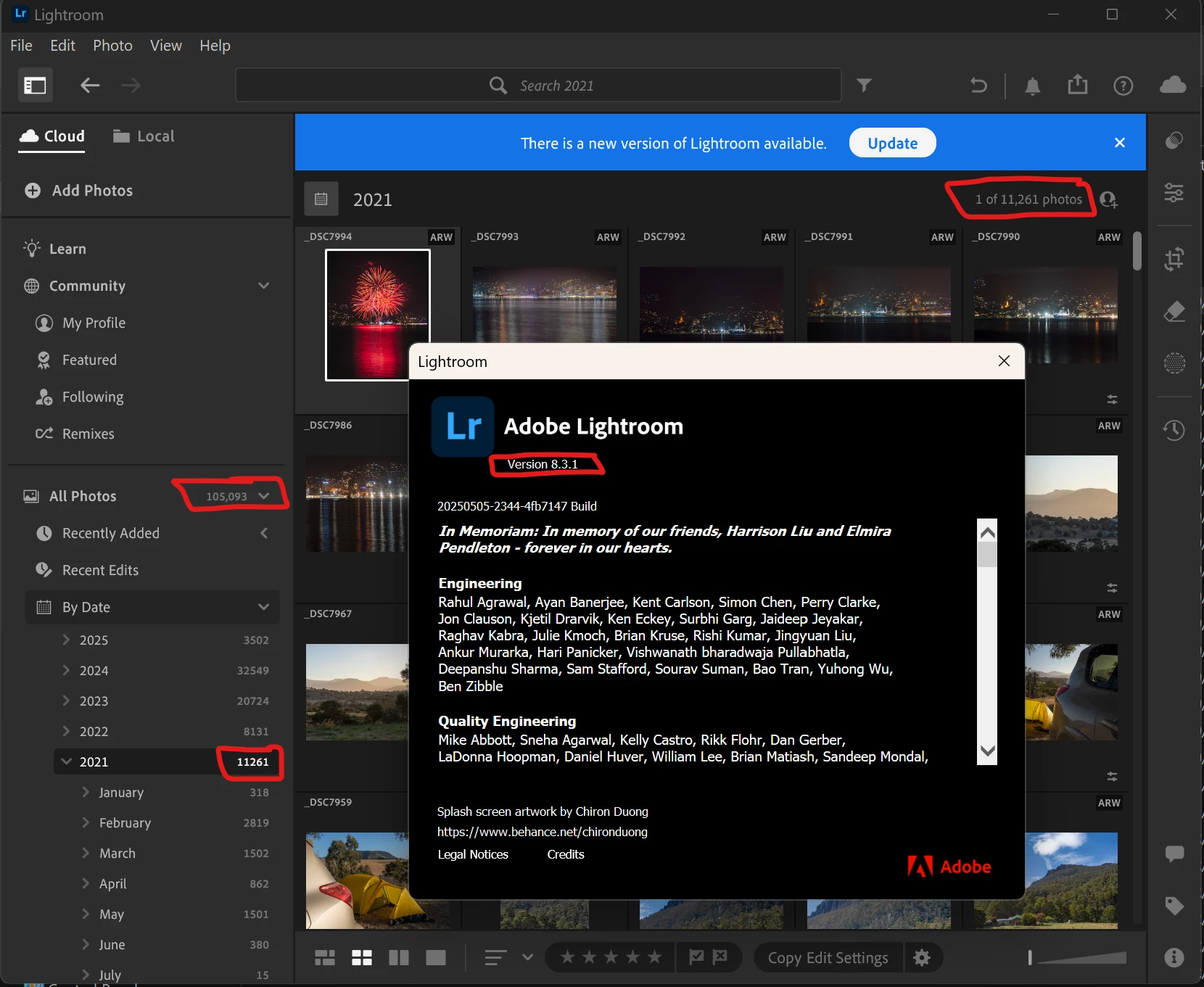
I've just made an experiment and it seems to be linked to the update to version 8.4.

I reinstalled lightroom 8.3.1 from the Creative Cloud app and my pictures are all showing correctly :


But after, I reinstalled ligthroom 8.4, and 1000 pictures are missing again :


So I will keep using ligthroom 8.3.1 for the moment, until a fix is available.

1 reply

Sameer K
Community Manager
Community Manager
June 23, 2025

Hey, @Antonin6C15. Welcome to the Lightroom Community. I'll need more info to help you figure this out. 


Does this happen with specific sets of images? Please log in to Lightroom Web (https://adobe.ly/3HQ444r) & check if the images appear correctly on Lightroom Web. If the images appear on Lightroom Web, try to search for them on Lightroom desktop by their names and verify if they appear as a search result and are only 'missing' from the By Date arrangement. 


Let me know how it goes. 

Thanks! 

Sameer K

(Type '@' and type my name to mention me when you reply)

Julie k
Participating Frequently
June 23, 2025

We're also curious if it persists after restarting Lightroom.