
Question
Missing profile in LR Mobile
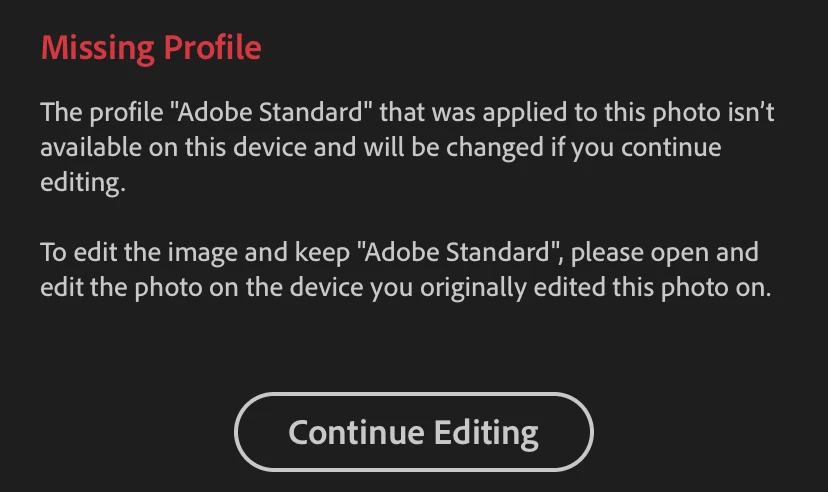
Hello everybody! I'm new here. And I really need your help. Found nothing similar, so here is my problem.
After importing new presets that I found recently — some of them just doesn't work. And even may not be applicable to new images (I can't find them on "presets" tab while editing new images). What's wrong?
P.S. after I tap "Continue editing" — nothing happens at al. The only way to continue working with that image is to DELETE it and to import once again.
How can I fix it? Thank you!
{Moved from Lightroom Cloud to Lightroom Mobile Forum by Moderator}
 AdChoices