


Question
Moiré-like pattern Occurs When Importing RAW Files
Hello. I'm experiencing this error every time I use Lightroom and I would like some help.
This photo is a RAW image captured with the ExpertRAW app built into the Samsung Galaxy smartphone, depicting the night sky.
[Before]
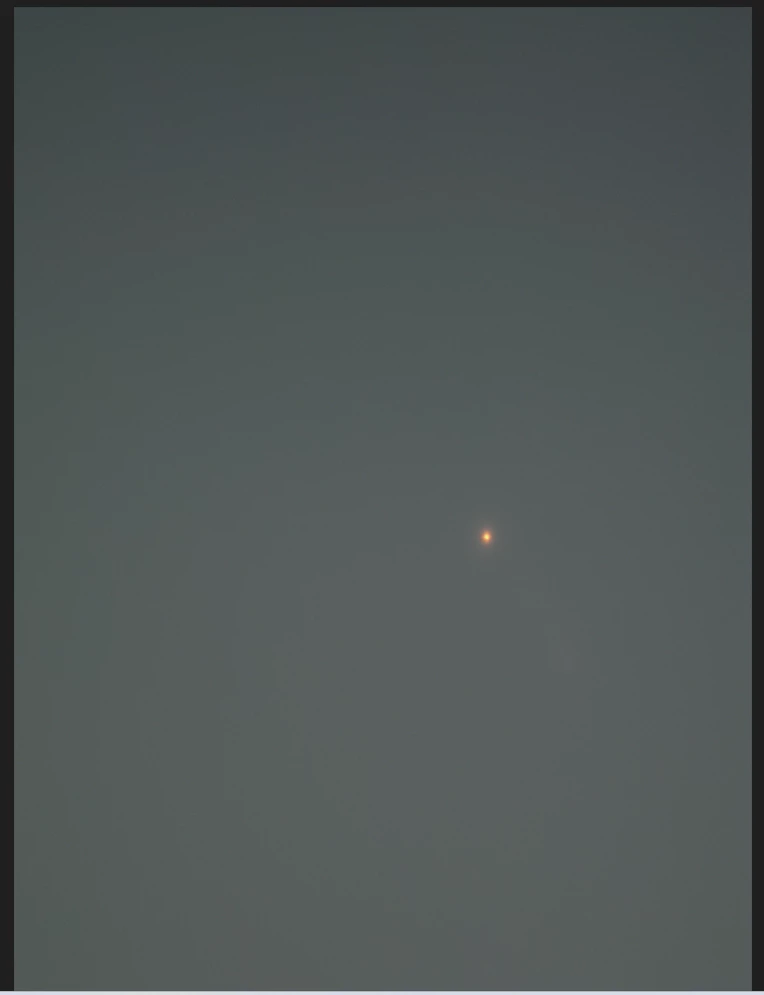
As you can see in the original photo, there is a single star in the typical sky.
However, when I import this photo into ExpertRAW for adjustments, moiré-like patterns appear. This issue occurs in the original photo mode, and adjusting various parameters does not make it disappear.
I'm using at Windows 11 and latest version of Lightroom.
[After (in Lightroom)]
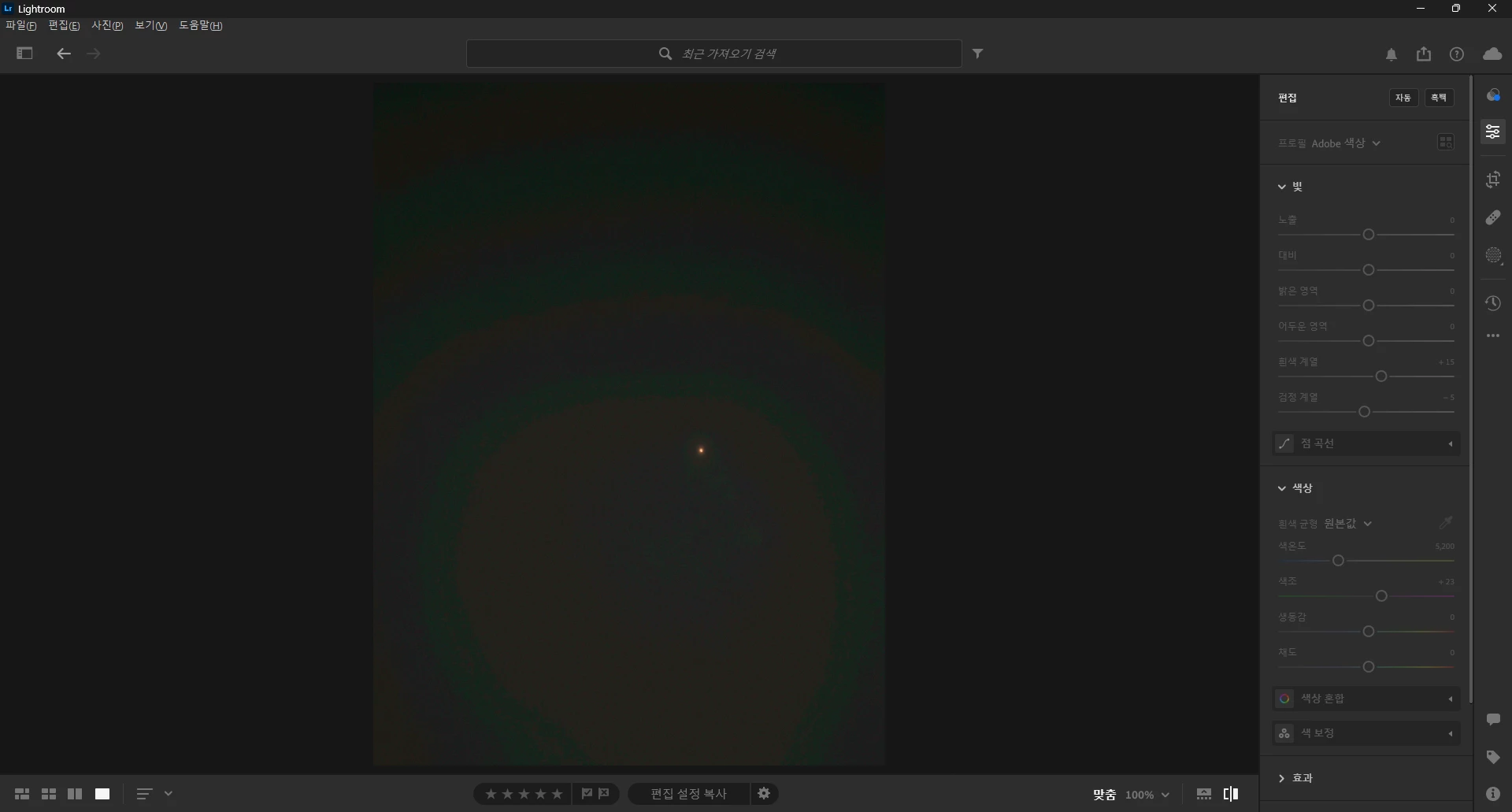
What can I do to resolve this problem?
Even after reinstalling Lightroom without making any changes to the settings, the same symptoms persist.
 AdChoices