
Question
Moving Lightroom (cloud) catalogue to external drive
I want to move my 300+ gb Lightroom (cloud version) catalogue containing original files to an external drive. I already did that, but when I startup LR it doesn't show any photos while the sync is paused. If I turn it on, it starts downloading the photos again to the old location and creates a new Lightroom library.
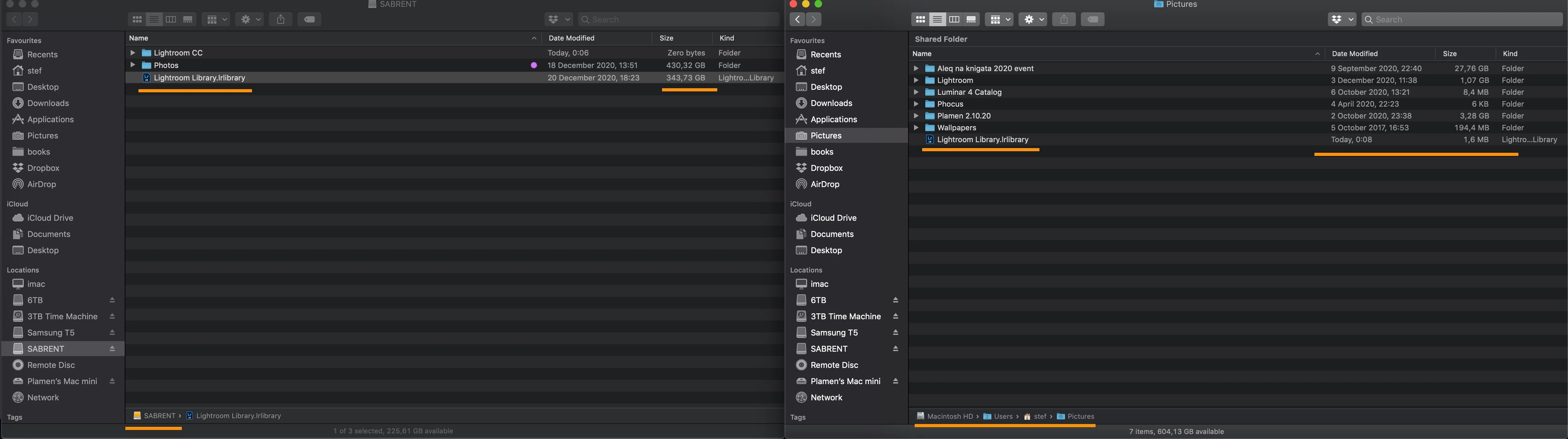
I have setup in the preferences the new folder of the external drive under Local storage - Storage location for originals. However I notice in the upper part of the same window it counts the internal HD storage.
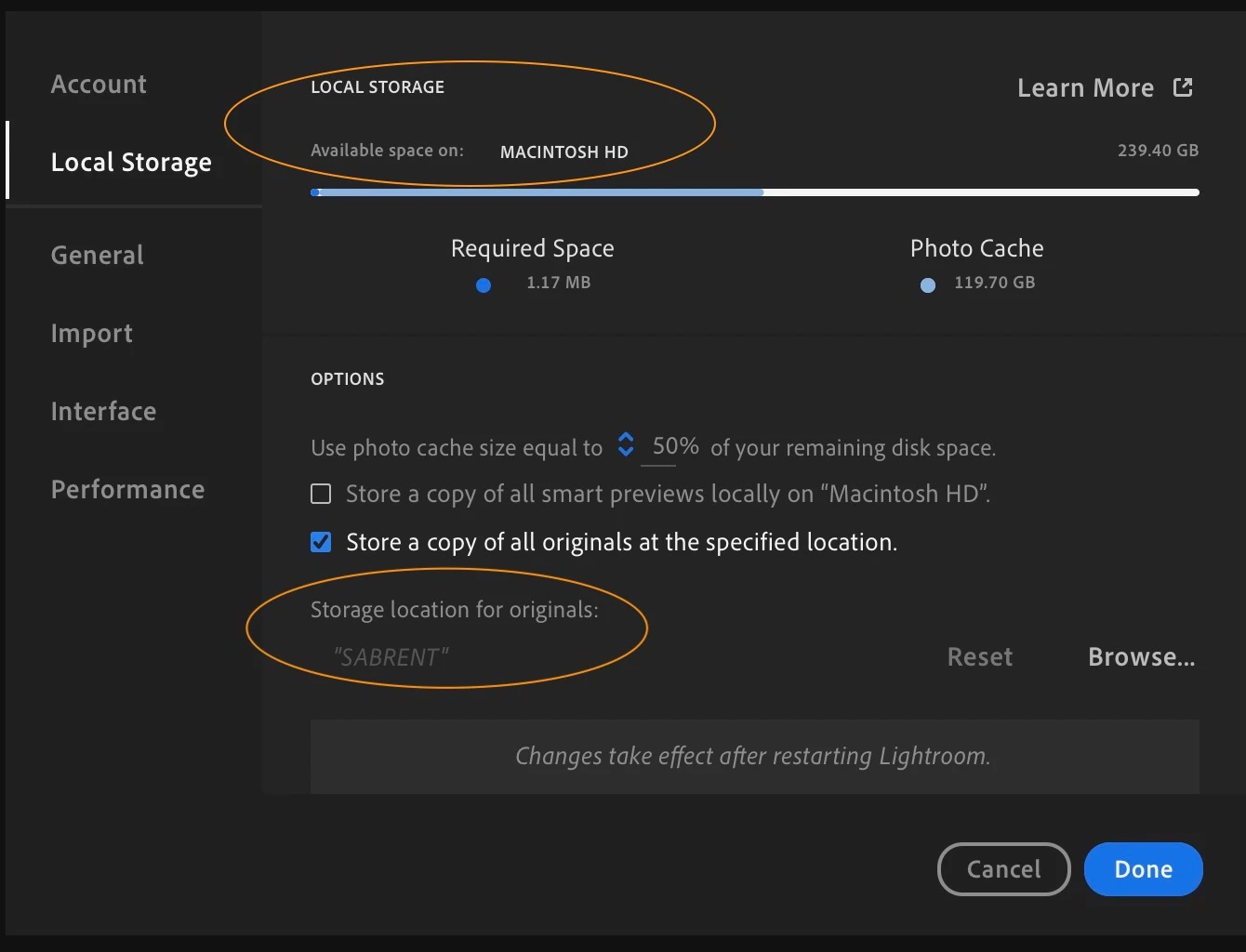
What to do? Why it defaults to the internal HD again? I have restarted the app multiple times. It's latest version 4.1


 AdChoices