


Participant
October 14, 2023
Question

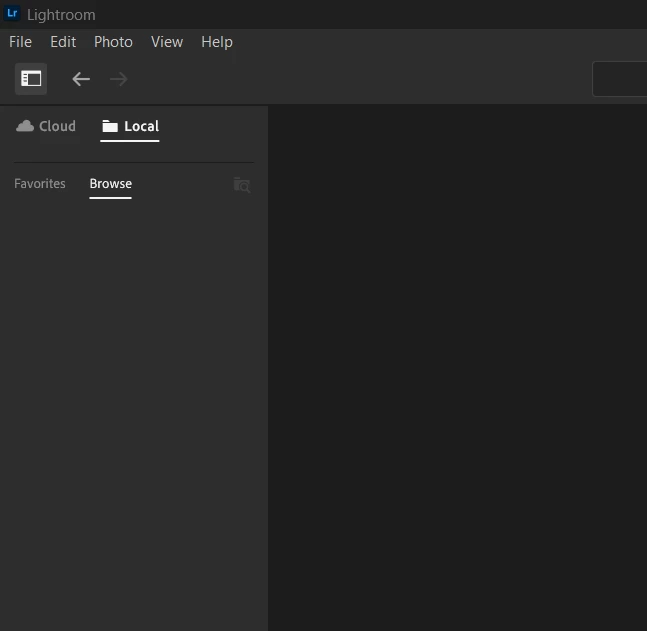
New feature Local Files stopped working!!

  • October 14, 2023
  • 1 reply
  • 190 views

I was using local storage, windows 11 Laptop and was working fine, then today there is nothing showing under Local tab. I have uninstalled and reinstalled and still no good. Any ideas on how I can get this feature working again?


Version 7

Windows 11
 

This topic has been closed for replies.

1 reply

Rikk Flohr_Photography
Community Manager
October 14, 2023

Let's try resetting your preferences first: 

This procedure works for both Lightroom Classic and Lightroom Desktop.

If you are using Lightroom Desktop, it can change your local storage location. Please review this setting after resetting preferences. 


Reset Procedure:

1. Close Lightroom.

2. Hold down [Alt/Opt]+[Shift] while restarting Lightroom.

3. Overwrite the Preferences when prompted by the dialog.

4. Close Lightroom.

5. Restart Lightroom.


Any better?


Rikk Flohr: Adobe Photography Org