Question
New MacBook, duplicate library, can't move files
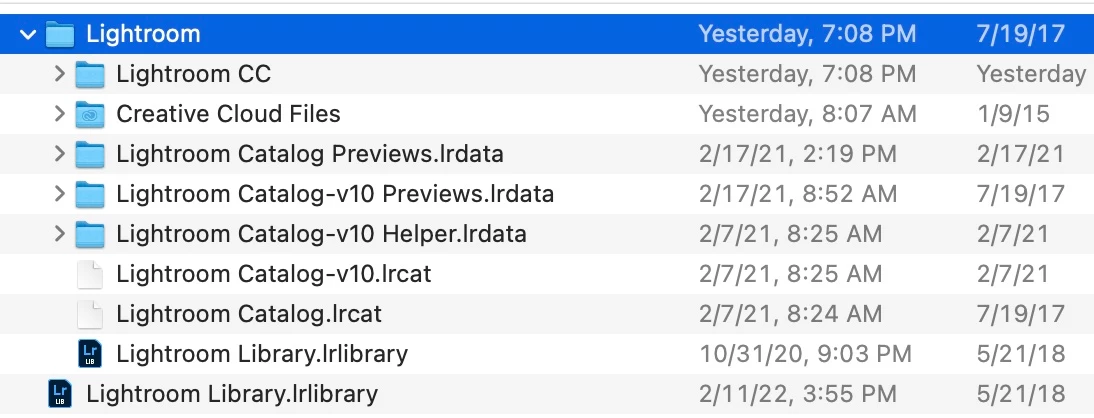
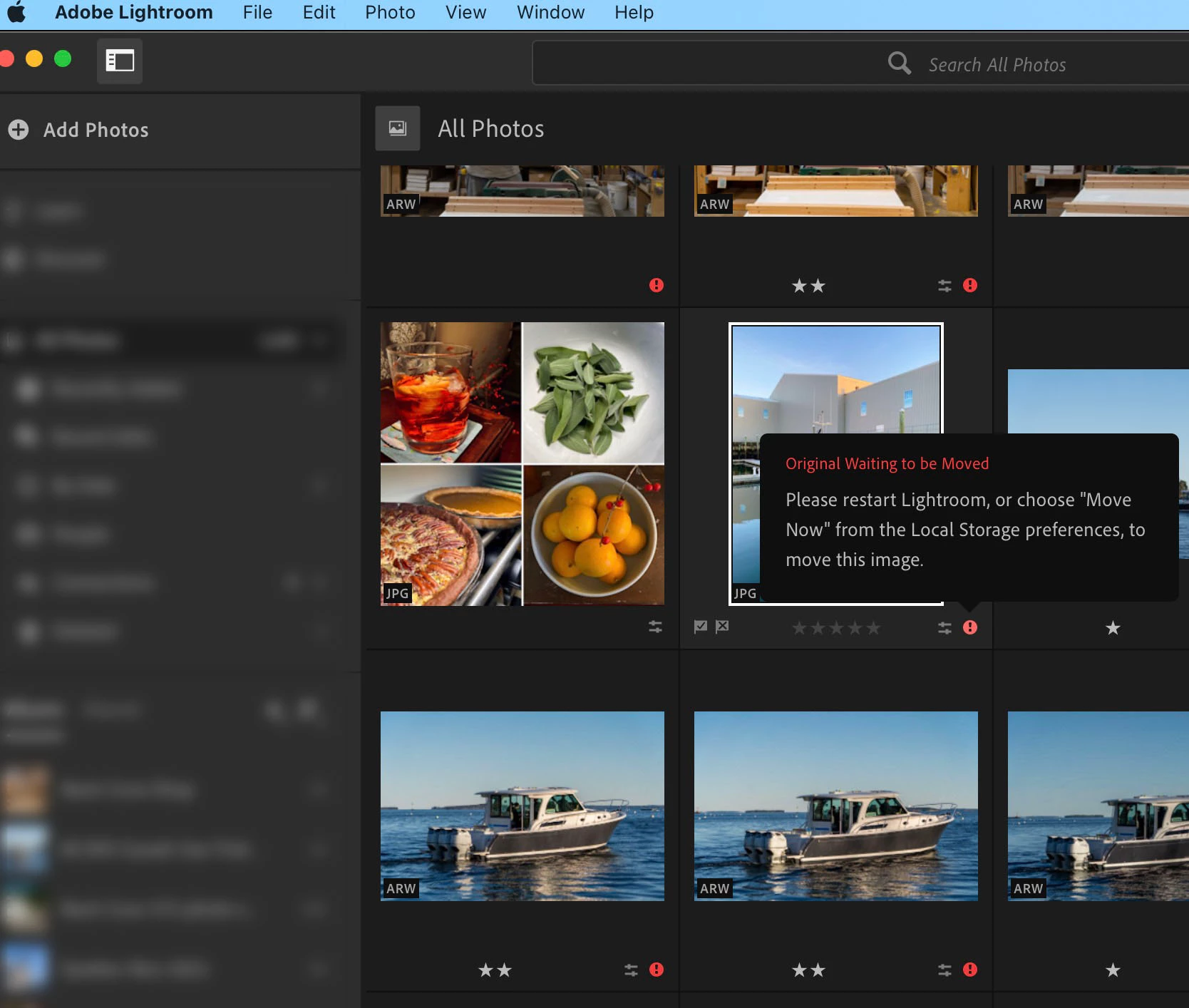
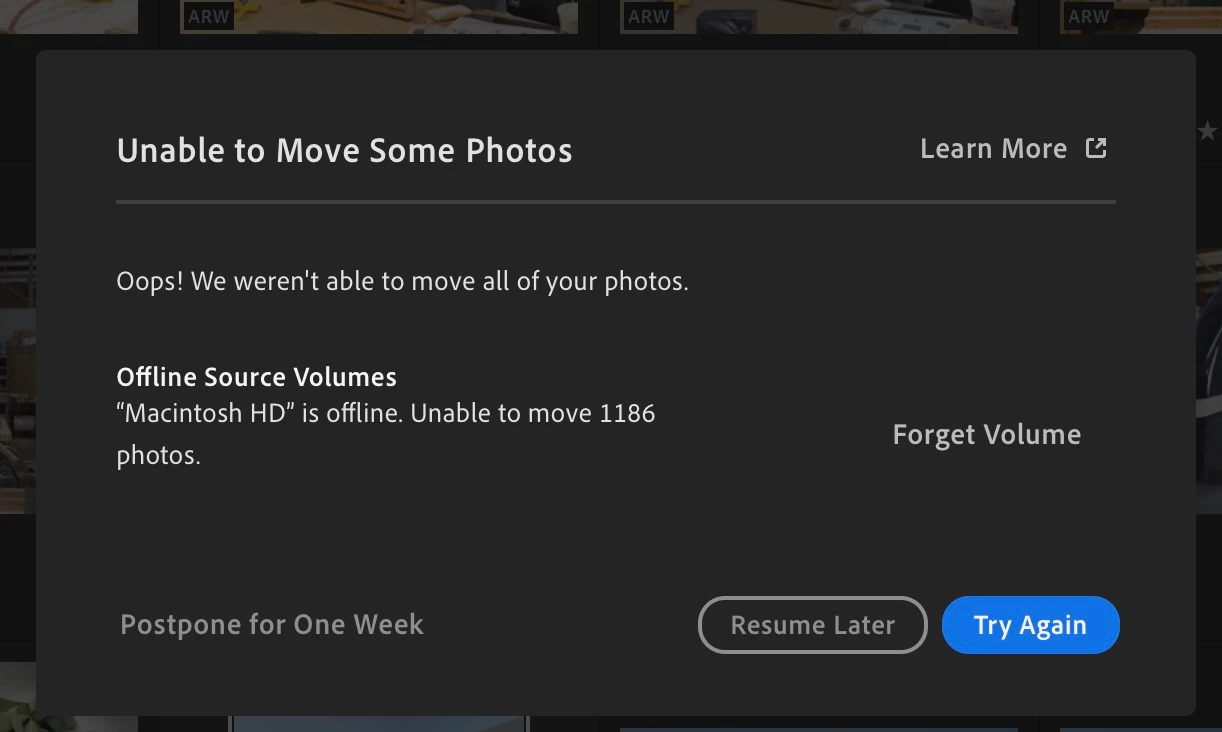
I just restored my Time Machine backup to my new MacBook Air M1. I opened Lightroom and updated to the latest version. Lightroom can't find my images and when I click move now I get an error message that says my HD is "offline" and Lightroom is unable to move my images to the custom library location on the drive. I'm baffled as to what "offline" means and also how to merge the two library files that have been created. Any help from the Adobe Lightroom community would be appreciated. Thank you.
 AdChoices