


Participant
April 29, 2023
Question

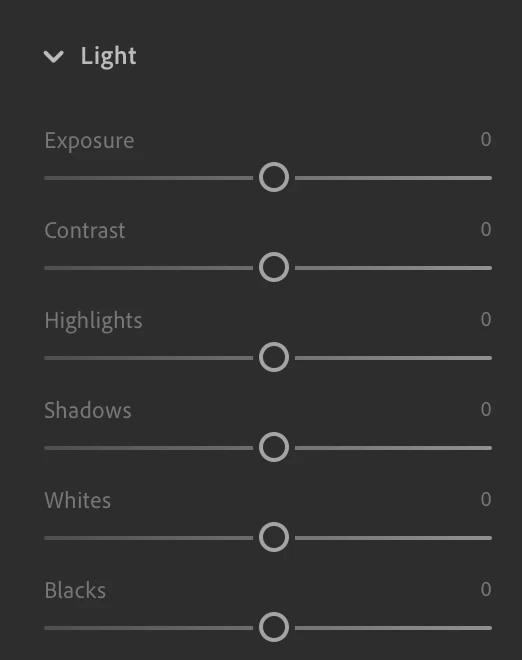
No "Auto" setting in my Lightroom Desktop's Light panel

  • April 29, 2023
  • 1 reply
  • 337 views

Just installed Lightroom CC (v 6.3.1.) on my Macbook Pro. Despite what the Adobe LR CC guidebook and videos say, there is no "Auto" setting button in the Light panel. There is an "Auto" button in the "Edit" panel above it, but that auto sets both Light and Color, among other things perhaps.


Would greatly appreciate advice.
 

This topic has been closed for replies.

1 reply

Rikk Flohr_Photography
Community Manager
April 29, 2023

The materials you are referring to are out of date. The [Auto] button is not in the Light panel but above it. 

Clicking the [Auto] can potentially adjust the following sliders: 


Exposure - Contrast - Highlights - Shadows - Whites - Blacks - Vibrance - Saturation. 


Rikk Flohr: Adobe Photography Org