

Question
No images showing on external drive
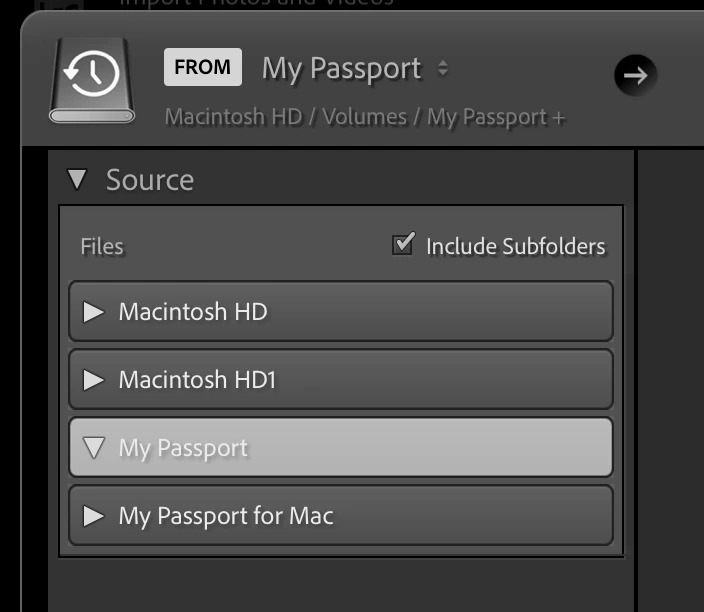
I seem to be having problems with the latest LR Classic version which updated last week plus the latest Apple OS update. Now whenever I save new images to a separate external drive I cannot see it in LR to import it. If I just leave the image folder on my desktop I can then see it but not when I have placed the image folder onto an external drive. This is a procedure I have followed for some time to keep my HD free but now cannot. My external drive is called “My Passport” which you can see no images are showing. I have checked the include subfolders box but still the same. Can anyone assist please? I am running a iMac with Monterey OS and subscribe to the Adobe photography plan. Thank you.


 AdChoices