Wow!!!
Thank you so much!
This looks like some sounds advise and
I will give this a whirl!
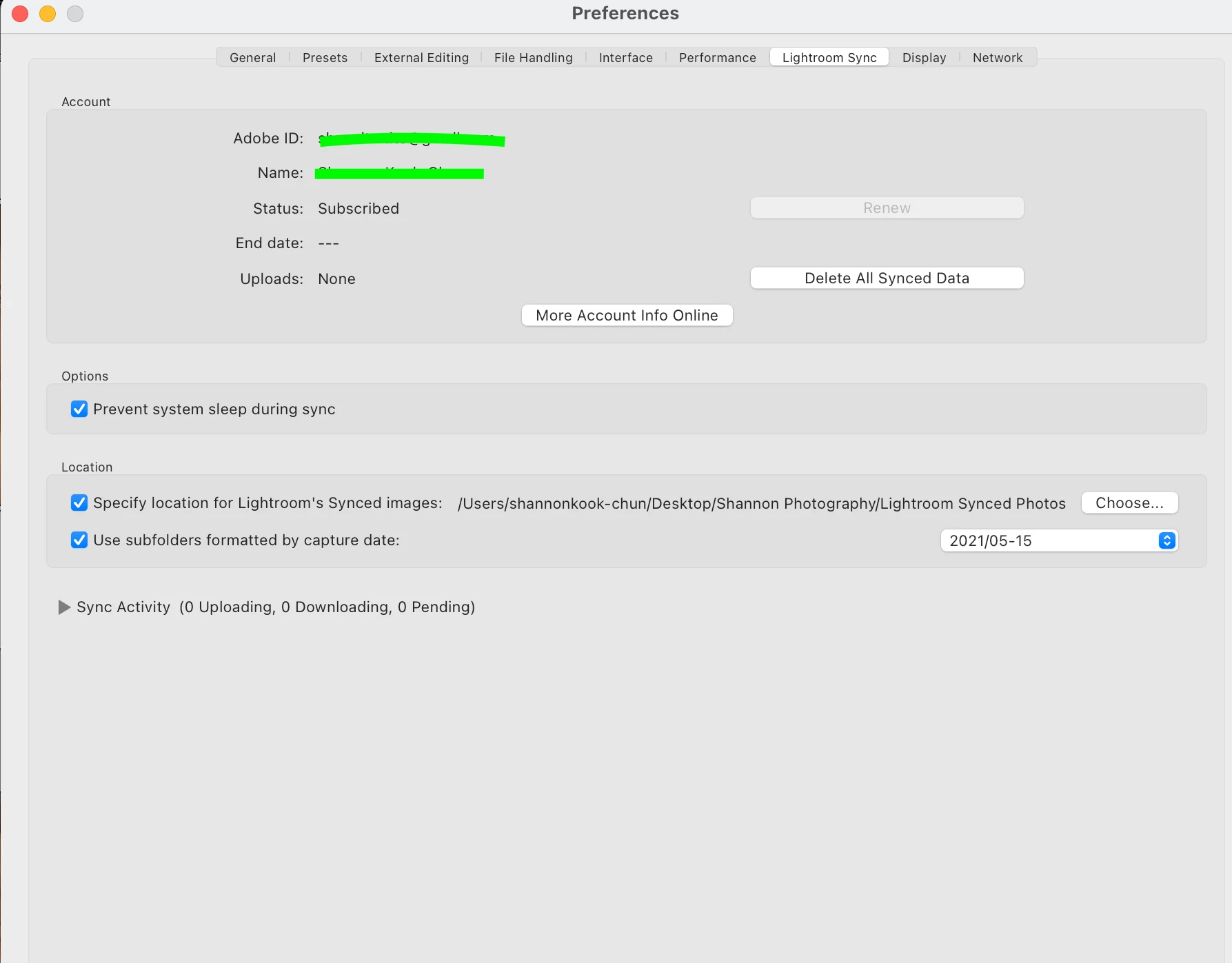
You mentioned that, "the 'Desktop' is not the best folder location to download all your 'Cloud' files, as you have set in Preferences-"
- what are the mechanics of this? As in which files exactly am I downloading into my selected location?
Am I downloading the files that I have selected and synced into a specific location?
And would your recommendation then be to select an external hard drive such as the one I am already editing my photos from in Lightroom?
Thank you so much!
You mentioned that, "the 'Desktop' is not the best folder location to download all your 'Cloud' files,
Yes it is possible, but, where do you store all other photo files in your computer- The {Pictures} folder?, {Documents} sub-folders?, your External hard-drive! (I try not to clutter my desktop with folders and files- a tidy freak!)
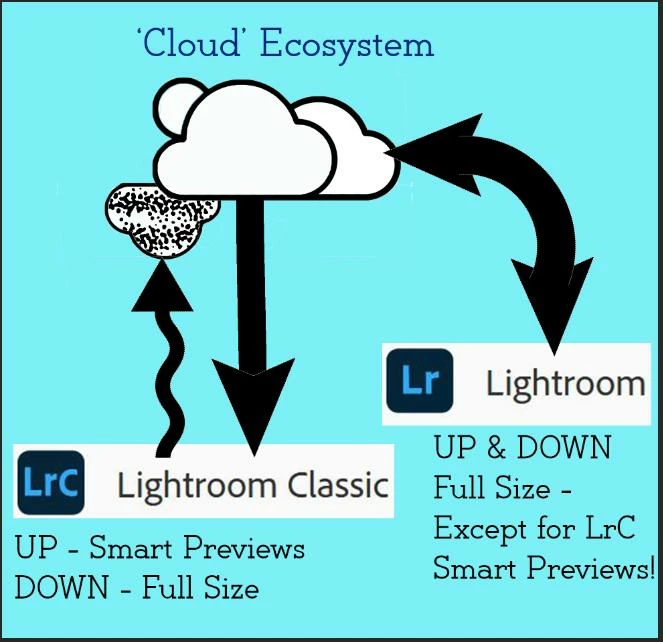
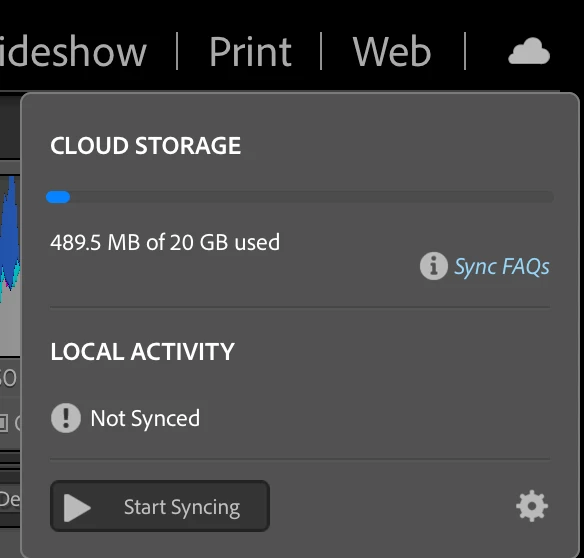
When you 'Sync' Lr-Classic it will download a copy (full-size) of ALL the files you have imported to mobile devices, and the folder for these downloads is best located with your other photo files, be it on your external drive. (I have an internal drive-D: that is only for image files).
Any photos you sync UP from Classic Collections- will always remain exactly where they are located on the (external) Hard-drive. Only Smart Previews are synced UP to the Cloud.


 AdChoices