Participant
July 2, 2020
Answered

Noise reduction doesn’t apply when exporting

  • July 2, 2020
  • 1 reply
  • 1191 views

Hi! 
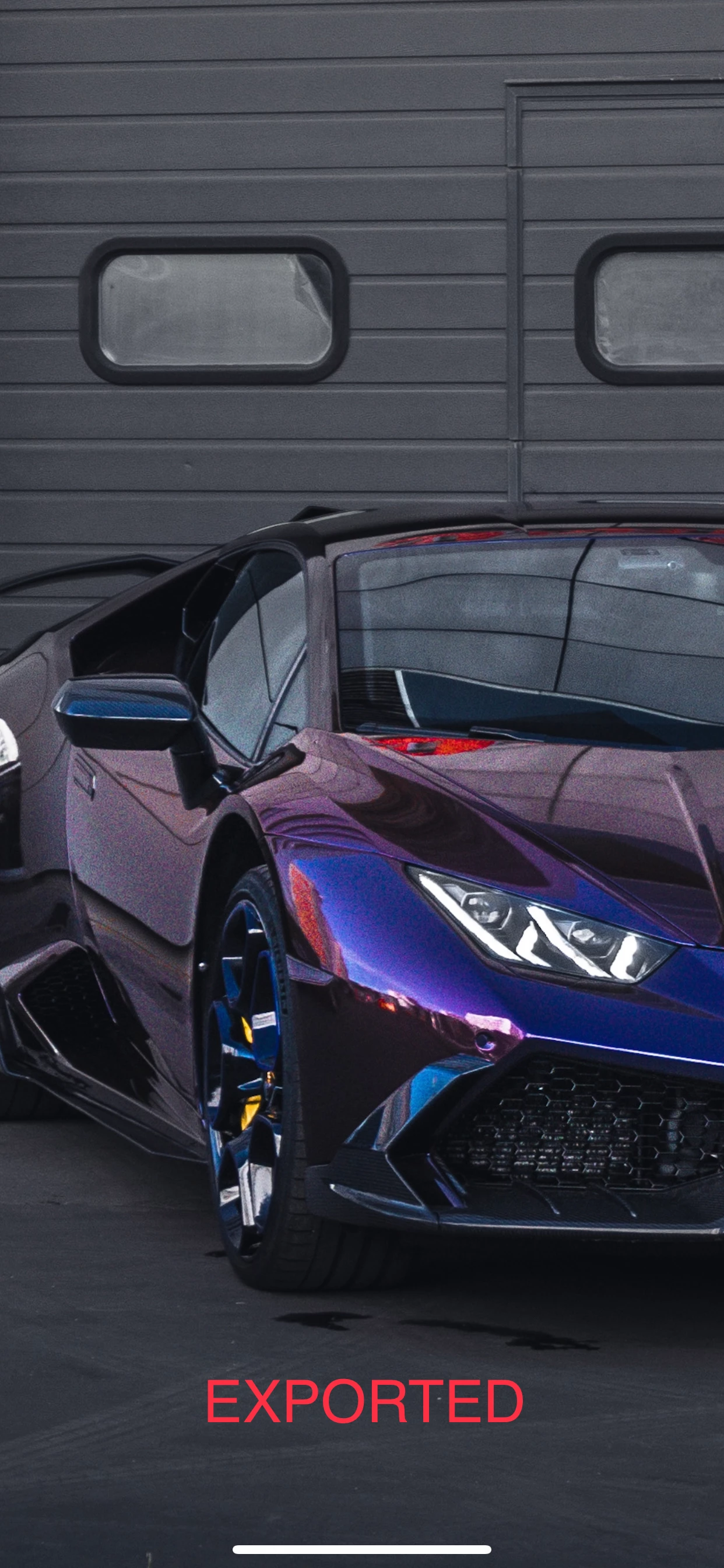
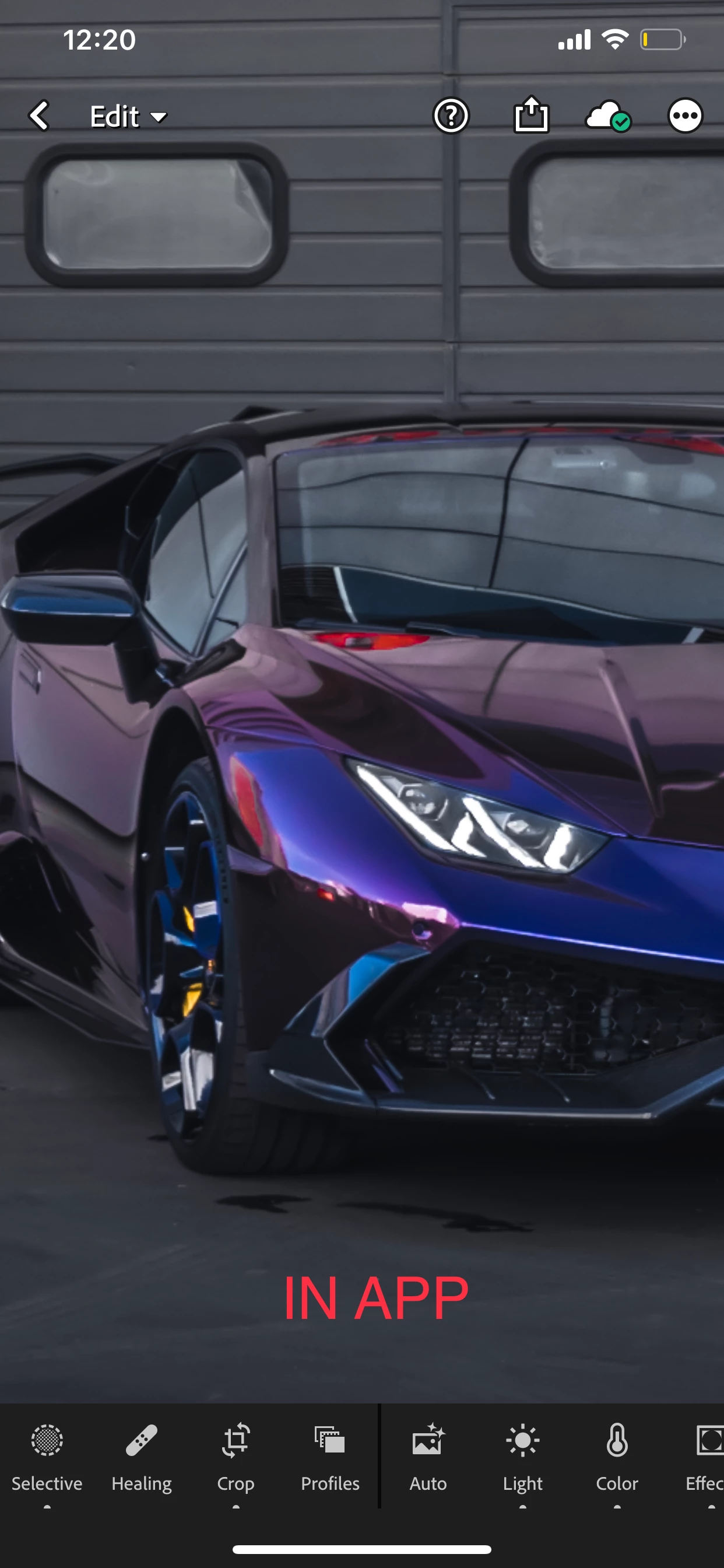
I get a noisy image after export, although every noise reduction slider yet color noise are applied and the image looks crystal clear.  
I've tried out several export settings, color spaces too, but it didn't solve my problem. 
I put a comparison bellow. 

IOS, Lightroom mobile, v. 5.3.1 53B120, Premium. 

p.s.: I put noise reduction sliders all the way up to make this comparison more clear. 


This topic has been closed for replies.
Correct answer Ignacio B.

Hi,

Please try the latest 5.4 release out and let us know if it solves the problem.

Thanks,
Ignacio

1 reply

StevenLennie
Participating Frequently
July 15, 2020

Just raised exactly the same problem. Applied the same edits in the app and on the desktop and see exactly the same results as you above. 

Have you had any response to your post?

Ignacio B.Community ManagerCorrect answer
Community Manager
August 18, 2020

Hi,

Please try the latest 5.4 release out and let us know if it solves the problem.

Thanks,
Ignacio

StevenLennie
Participating Frequently
August 22, 2020

The bug still exists in the latest version. 

this is destroying my workflow and is having a serious impact on the quality I can deliver to clients.