


Question
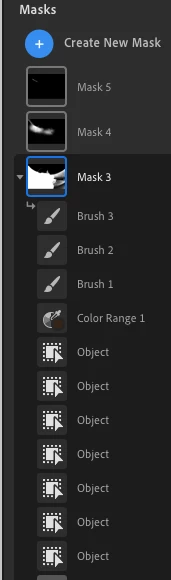
Oops too many masks. Can I combine masks?
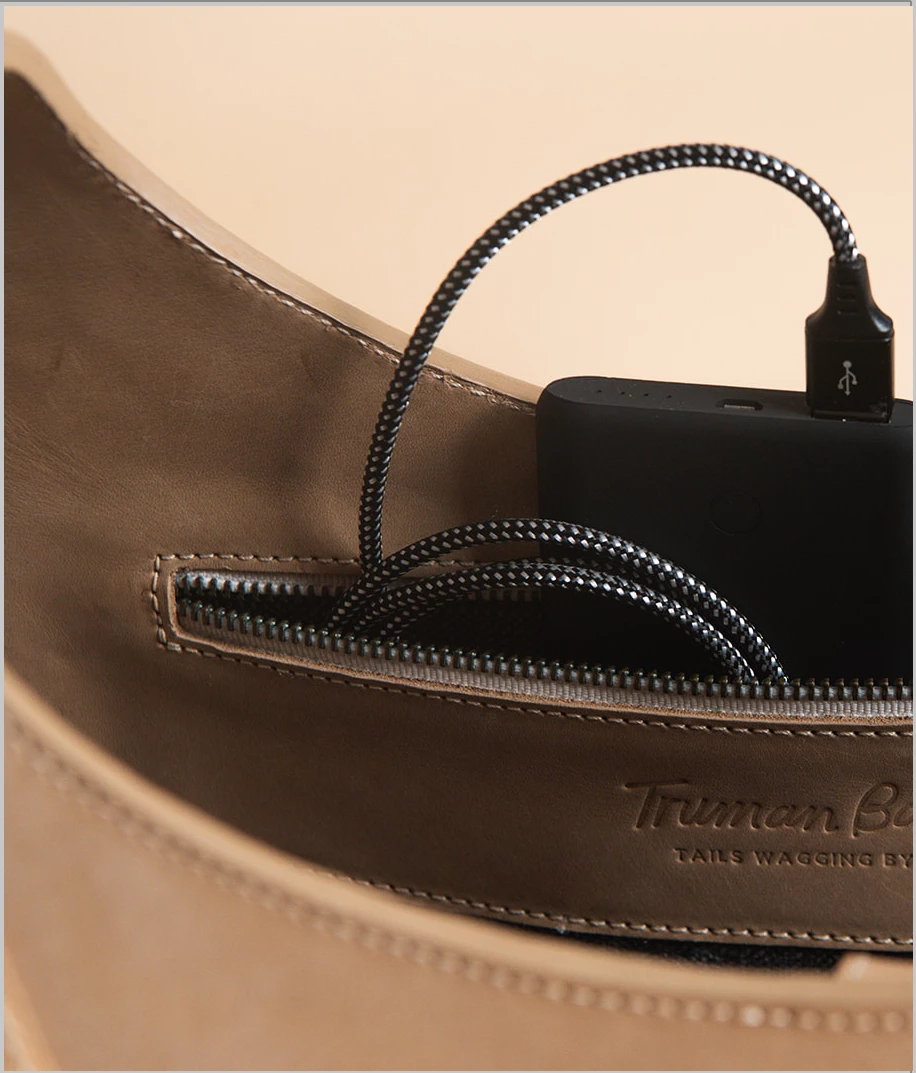
My objective is to change the color of just the background. Separating the product from the background is proving tough (AI didn't help in this case) So I masked it myself resulting in 5 masks and 20+ sub masks. Until (finally) taken as a whole the product is fully covered. Is there a way to "activate" every mask at once so I can work on just the background? - Working in Lightroom CC 6.5 on a mac.


 AdChoices