Inspiring
July 5, 2026
Question

Original photos in Lightroom (do they need to stay on the computer)?
  • July 5, 2026
  • 1 reply
  • 37 views

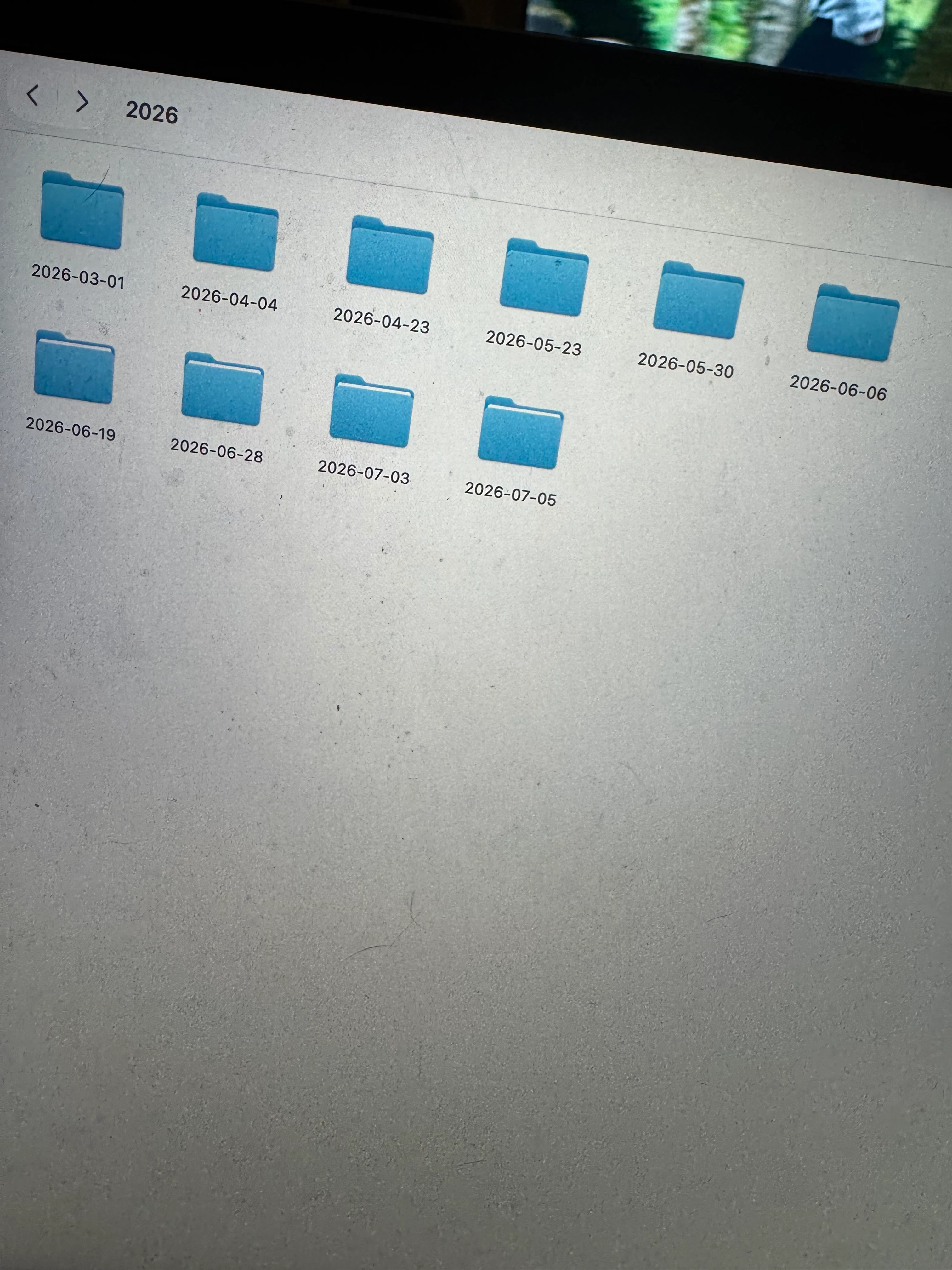
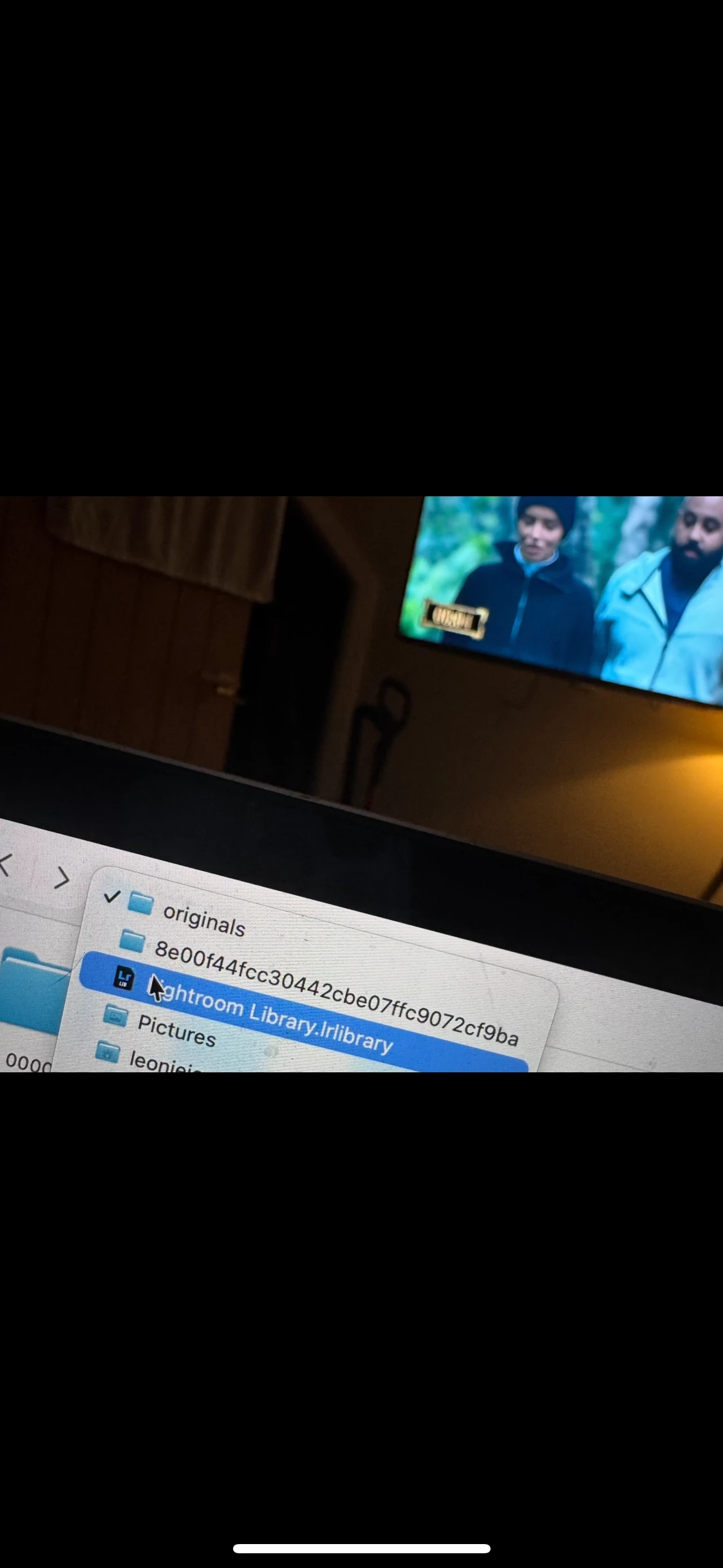
I have found a folder within my Lightroom catalogue called originals taking up a fair bit of room, they are also showing all new uploaded photos in my ‘recents’ on the laptop .. while editing do these NEED to be kept, if they are deleted will the files themselves be deleted, I of course have the raws on a hard drive but wanted to know if deleting these would cause an issue during the editing process? Pic of folder below . When I delete them from that folder, the moment I edit them they pop back into that same original folder again? 

    1 reply

    Sameer K
    Community Manager
    Community Manager
    July 8, 2026

    Hey, @leoniej31752922. Welcome to the Lightroom Community. I'll help you figure this out.

    The Originals folder in the LrLibrary database is temporary. Before you make any changes, log in to Lightroom Web (https://adobe.ly/4ePAla1) and check if all the images and edits are synced to the cloud.


    In Lightroom's Preferences > Caches menu, you'll find the adjustable upper cache limit, which you can change to free up space in your local storage and only download content when you need it.


    Please head here to learn more: https://adobe.ly/44f6guv


    Thanks!
    Sameer K
    (Type '@' and type my name to mention me when you reply)