Participant
December 17, 2020
Question

Original size

  • December 17, 2020
  • 1 reply
  • 287 views

If you use Lightroom, how can you solve a shared folder so that you don't compress the downloaded image?
I have a shared folder and I want to be able to share the image without compression, but I haven't found a setting for that yet.
This topic has been closed for replies.

1 reply

JP Hess
Inspiring
December 17, 2020

Is this a shared folder from the Lightroom Classic?  Or, if you are concerned about the pixels per inch (PPI) then don't worry about it because that setting doesn't mean anything. You have the full dimensions of the image. In other words all the pixels are there. And that is all that matters. Changing the PPI setting has no impact on the quality of the image in any way.

Participant
December 17, 2020

From Lightroom, not Lightroom Classic.

Next Step: Share & Invite

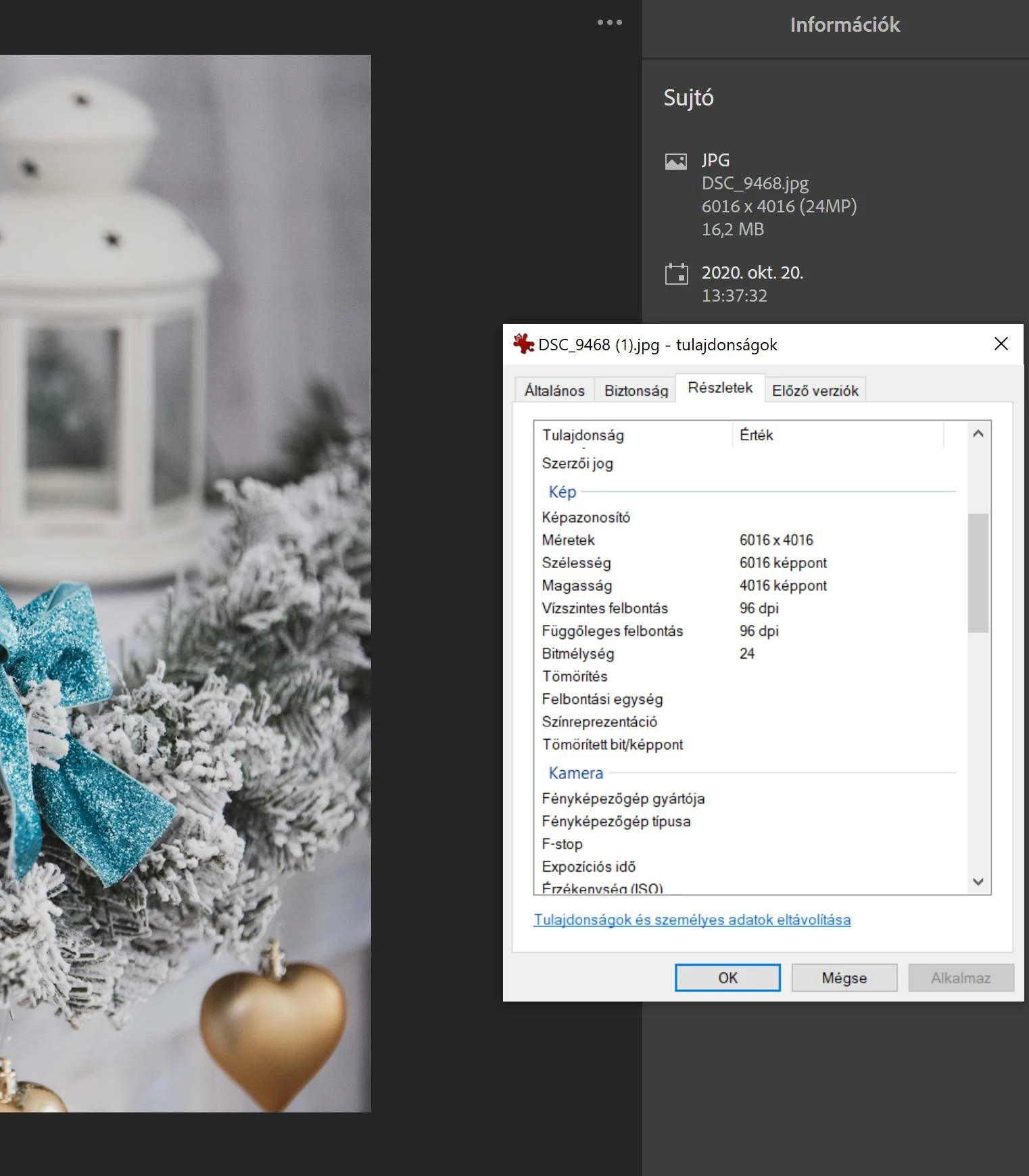
The link there is a file of 16.2 Mb, after download 5mb. Original 240dpi, after download 96 dpi.
I want it to stay the original size.


Jim Wilde
Community Expert
Community Expert
December 17, 2020

That's not possible for the viewer of the shared album, only the owner has the ability to download the original (which would be unedited of course). Everyone else can only download as jpeg, which is a lossy compressed format. If the viewer has an Adobe subscription of their own, they could view your shared album and use the export option to at least use maximum quality...but it would still be a lossy compressed jpeg, thus smaller than the original.