
Participant
July 16, 2024
Question

Overlay dissappears when I switch to editing panel and doesn't show in exported file
  • July 16, 2024
  • 2 replies
  • 181 views

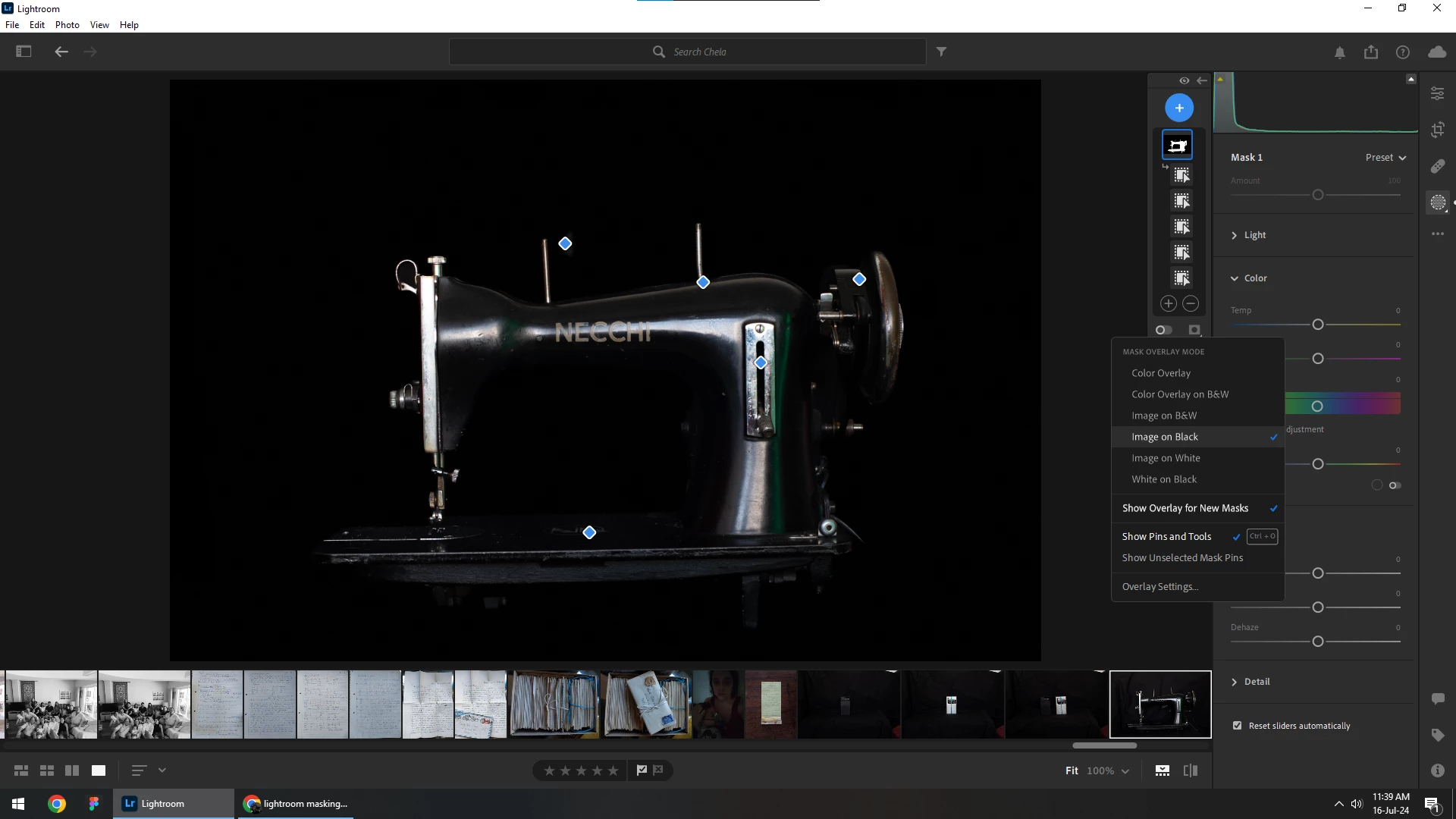
Hi! I need help. I created a mask in the masking panel and in the overlay options I chose "image on black" as shown in the above screenshot. However these adjustments dissappear when I switch to editing panel and doesn't show in exported file.


How do I get the chages I made applied to the final image?
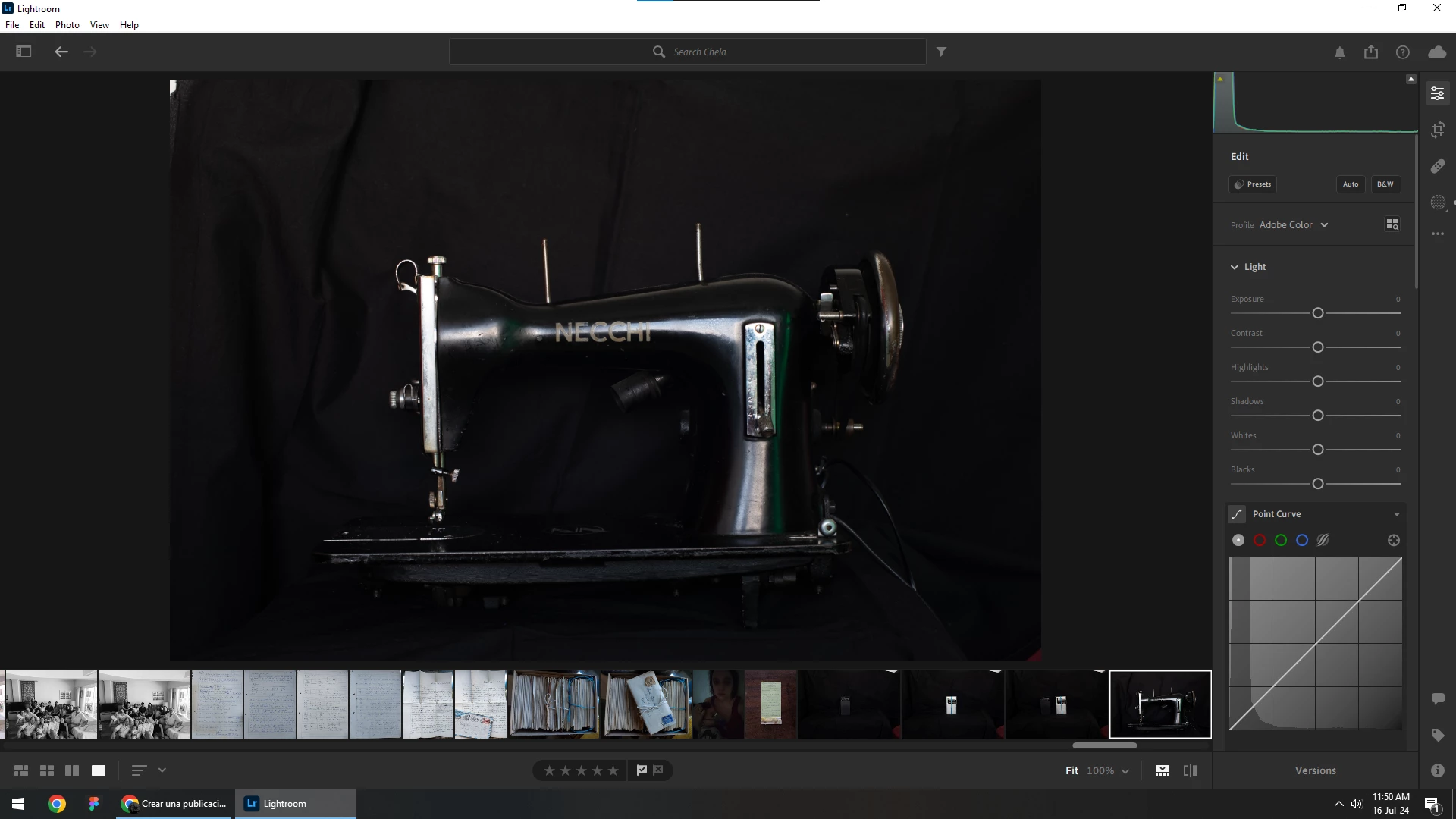
 

(this is what I get when I go back to edit panel)

This topic has been closed for replies.

2 replies

JohanElzenga
Community Expert
Community Expert
July 17, 2024

A mask overlay is not an edit. It is just a way of showing what is masked and what is not masked, so it only does something when you are working with the mask and is not saved to become part of the image.


-- Johan W. Elzenga
selondon
Community Expert
Community Expert
July 16, 2024

I don't do masking in Lightroom but isn't the mask overlay, just an overlay to view what you are masking? And isn't exportable.


I think you'll need to invert the mask and pull the right hand curve point down if what you are trying to achieve is the sewing machine on a black background?