
Participant
Nov 11, 2026 11:50 PM UTC
Question

P: Lightroom 10 Local - Edit panel slow after applying ratings

I just updated from 9.6 to 10.0. Making simple changes often makes the spinner take off:
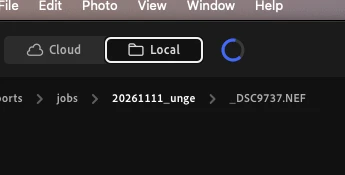


It been running for 5 mins before I decided to make this post and all i did was change the rating of a few photos and set the exposure of another. 

I have a Mac M4, 32 GB RAM and never had issues like this before. Editing time has more than doubled waiting for this spinner (it still running btw). So _another_ restart is coming up due to disabled controls:
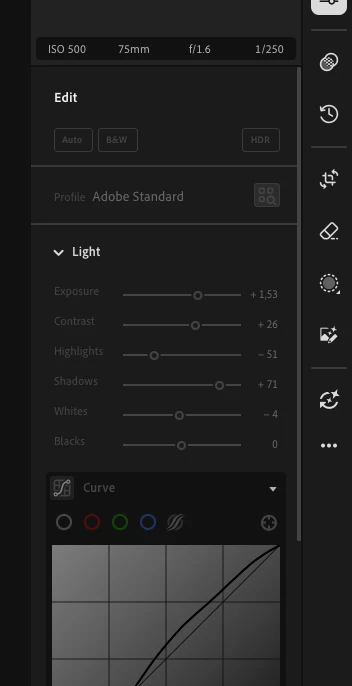


I am reverting to 9 until this is fixed.

    1 reply

    CORCTON34033231
    Community Expert
    Community Expert
    Nov 13, 2026 3:07 AM UTC

    Hi Jimmy, sorry about the slowdown — here are the official steps to try in order, from Adobe’s “Basic troubleshooting steps to fix issues in Lightroom” help page. I checked the Known issues in Lightroom page first, and this slowness isn’t listed there as a known issue.

    Step 1 — Install the latest Lightroom updates.Step 2 — Install your macOS updates (on Mac, the video drivers come with the operating system updates).Step 3 — Restore Lightroom preferences: quit Lightroom, then start it while holding Shift + Option, and click Yes when asked to Reset Preferences.

    Full steps here: https://helpx.adobe.com/lightroom/desktop/kb/basic-troubleshooting.html

    Let us know how it goes after trying them in order.


    Translate