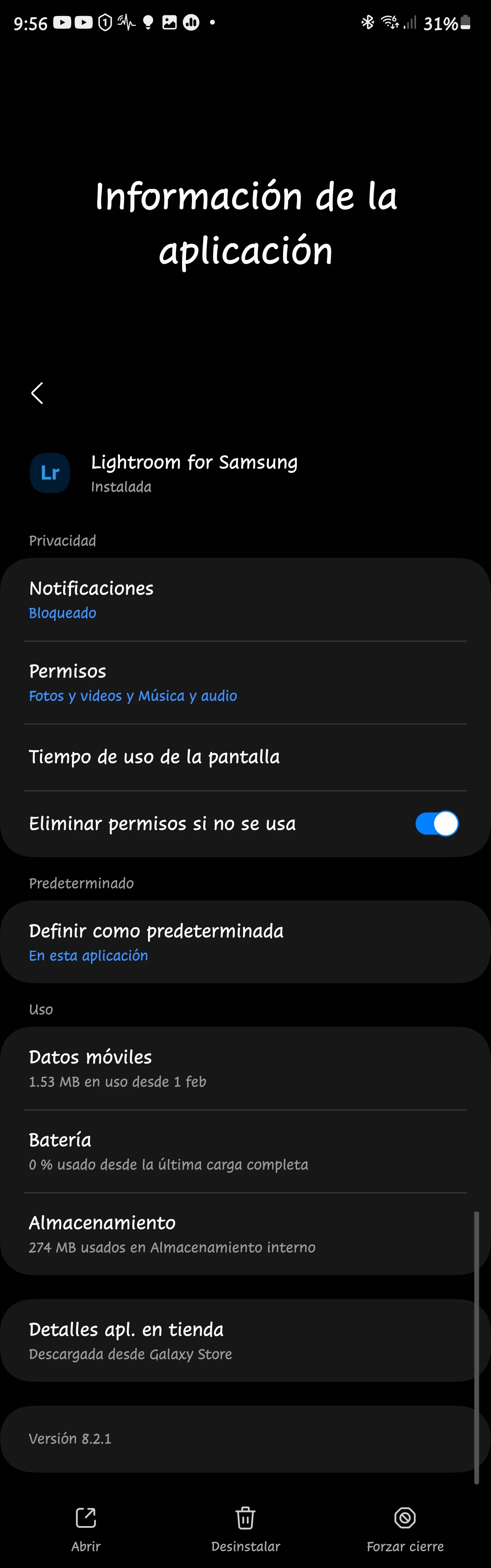
1. **Clear Cache:** Go to your device Samsung S23 Ultra settings, find the Lightroom app, and clear its cache. This might resolve synchronization and black screen issues.
2. **Update the App:** Make sure you have the latest version of Lightroom from either store. Updates often bring fixes for bugs and compatibility issues.
3. **Permissions:** Check if Lightroom has necessary permissions to access your photos and storage. Grant all required permissions in your device settings.
4. **Device Restart:** Restart your S23 Ultra to refresh system resources, which might help with the black screen issue.
5. **Contact Support:** If the problems persist, contact Adobe support for more specific troubleshooting steps or potential solutions for your device model.
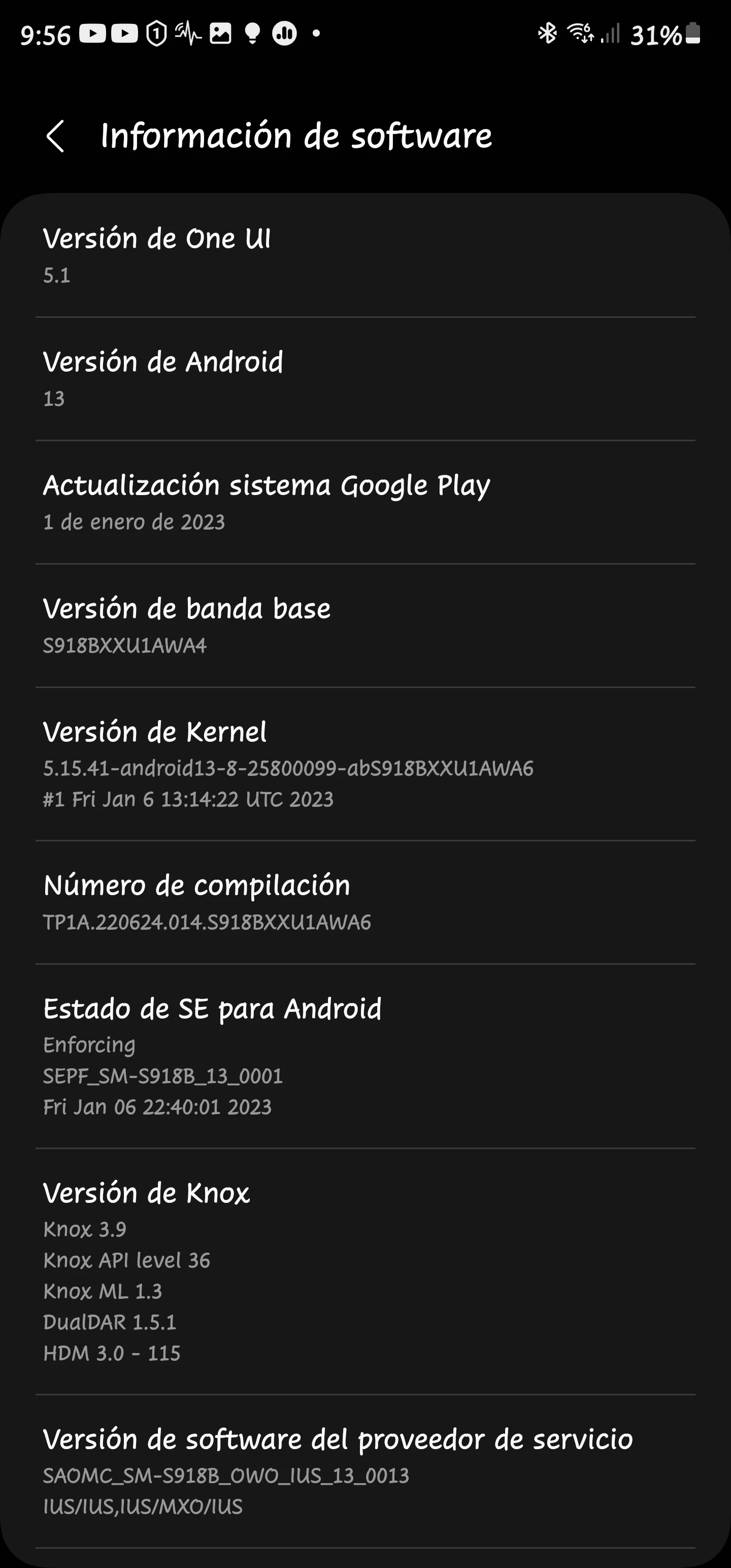
Hi so as the topic says, Lightroom for Samsung suddenly stopped working properly despite working fine just earlier the same day. I have a Samsung Galaxy S 23 Ultra,. Factory unlocked, and right now if I launch Lightroom, it will load my library. I can interact with the sidebar stuff just fine and even use the camera in app. However if I do anything related to a photo or video, even adding one to library, the app will immediately cancel my action and then load infinitely. If I try again, sometimes the app will crash, and a message will pop up, which I've attached to this post. I've cleared the cache and restarted, I've cleared data and restarted and I even uninstalled and reinstalled from both Galaxy Store and Play Store and nothing helps.
I made a bug report and emailed Adobe support but they told me to post here
I've shared your post with the team and they've requested a diagnostic log.
Instructions
Android Log File
Open Settings Panel, long press on the top left “Lr” icon. This will enable a “Send Feedback” button on the settings panel.
b)Now perform the usual tasks in LrA for few minutes and then please reopen the Settings Panel and tap on “Send Feedback” from settings panel. This will open up your email client after few moments and attach the logs.