
Participant
October 6, 2019
Answered

Panel on/off icon

  • October 6, 2019
  • 2 replies
  • 247 views

Hi All,


It's been few years that I haven't touch Lightroom. Last time I was able to turn on/off settings in edit pannel to see the before/after of specific settings and now I don't see how to do it! I am working on a linear gradient and I would like to turn it off to see what effect it makes and I don't see how to do it. 
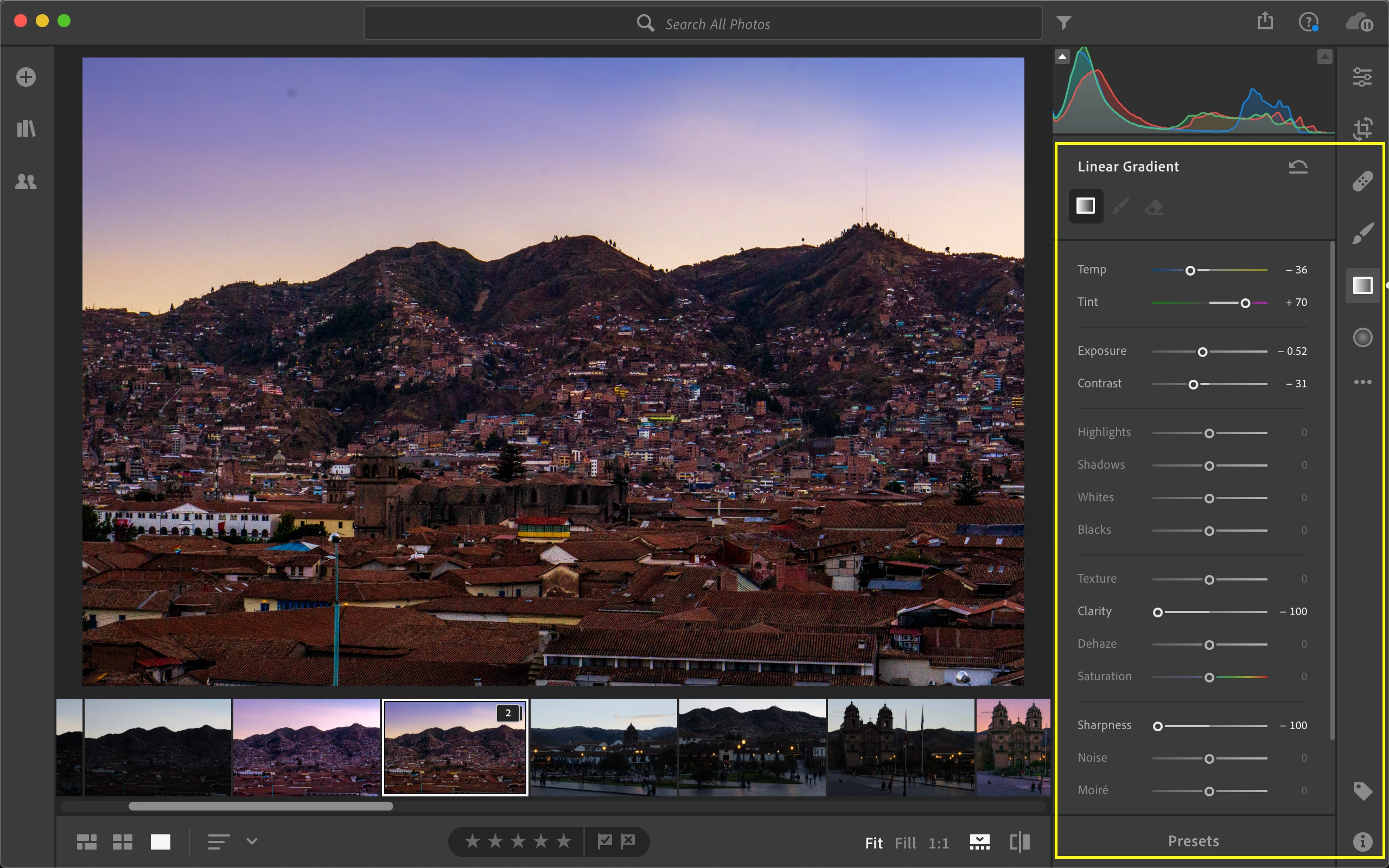
 

Can someone please help me?


Thanks,


Jordan

    This topic has been closed for replies.
    Correct answer JP Hess

    In Lightroom Classic, all panels except the Basic panel have switches for that. However, this feature is not available in Lightroom for the cloud.

    2 replies

    Theresa J
    Community Expert
    Community Expert
    October 6, 2019

    If it's been a few years since you use Lightroom, then you are thinking of the application that is now called Lightroom Classic.

    JP Hess
    JP HessCorrect answer
    Inspiring
    October 6, 2019

    In Lightroom Classic, all panels except the Basic panel have switches for that. However, this feature is not available in Lightroom for the cloud.