
Participant
April 2, 2021
Answered

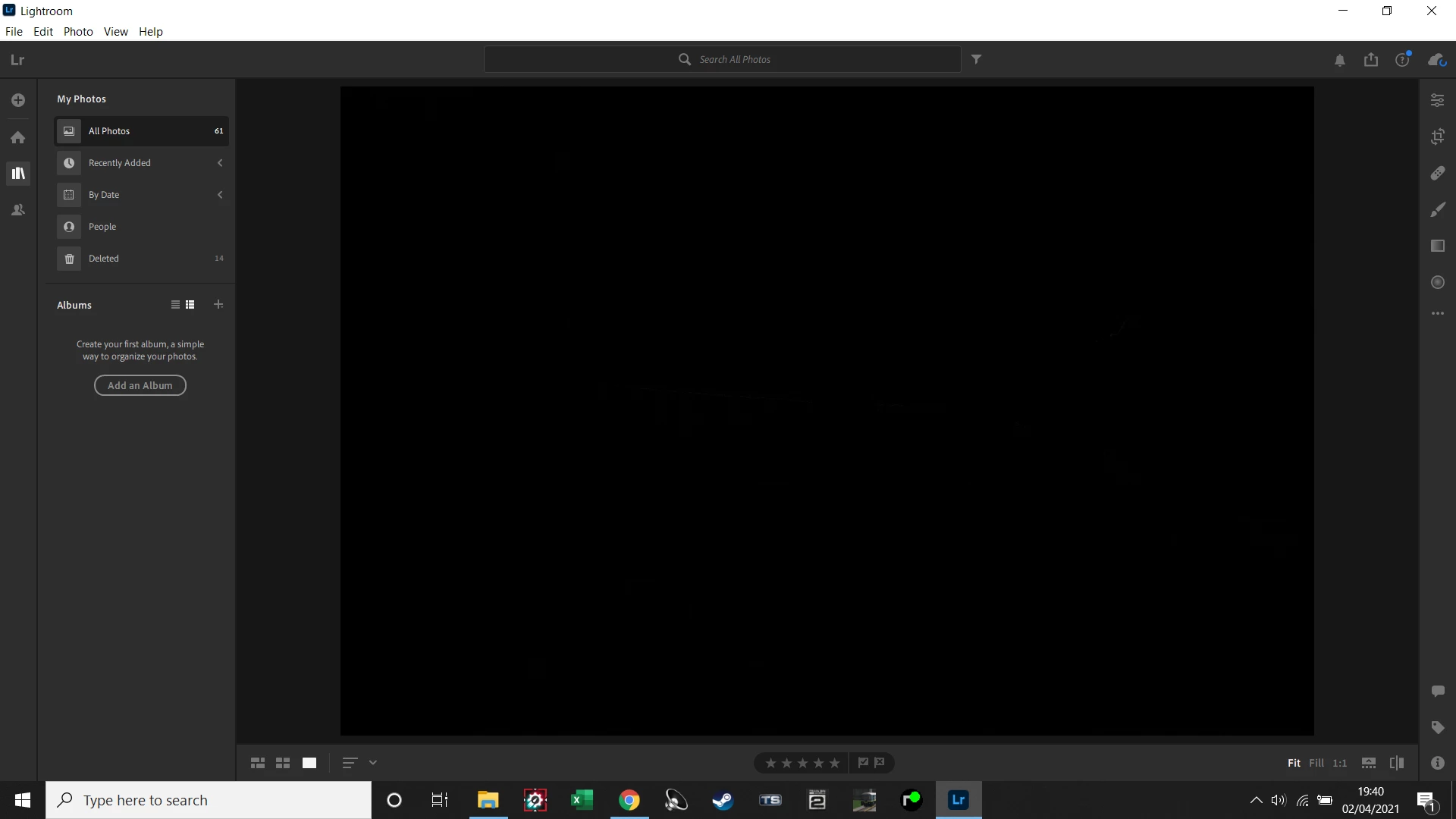
Photos come up as black rectangle when opening select photos in Lightroom

  • April 2, 2021
  • 1 reply
  • 358 views

only recently i have had this issue i can view the photos no problem in the library with many others i have but i cannot view any photos when i click on them and try and edit them all i see is a black rectangle that blends in to the background. any help in solving this will be much appreciated.
 

{Thread title edited by moderator}

This topic has been closed for replies.
Correct answer nikunj.m

Hi,


We're sorry about the trouble with Lightroom. Would you mind going to Lightroom.adobe.com to check if you're able to see the images that are opening up this way?


If they appear fine, please go to the Preferences for Lightroom, then Performance & disable the option to Use Graphics Processor. Once done, quit & relaunch Lightroom to check if that helps.


Regards,

Nikunj

1 reply

nikunj.m
Community Manager
nikunj.mCommunity ManagerCorrect answer
Community Manager
April 2, 2021

Hi,


We're sorry about the trouble with Lightroom. Would you mind going to Lightroom.adobe.com to check if you're able to see the images that are opening up this way?


If they appear fine, please go to the Preferences for Lightroom, then Performance & disable the option to Use Graphics Processor. Once done, quit & relaunch Lightroom to check if that helps.


Regards,

Nikunj

Participant
April 2, 2021

Many thanks


Problem solved