eyezak
Participant
April 2, 2026
Question

Photos disappearing while importing

  • April 2, 2026
  • 1 reply
  • 8 views

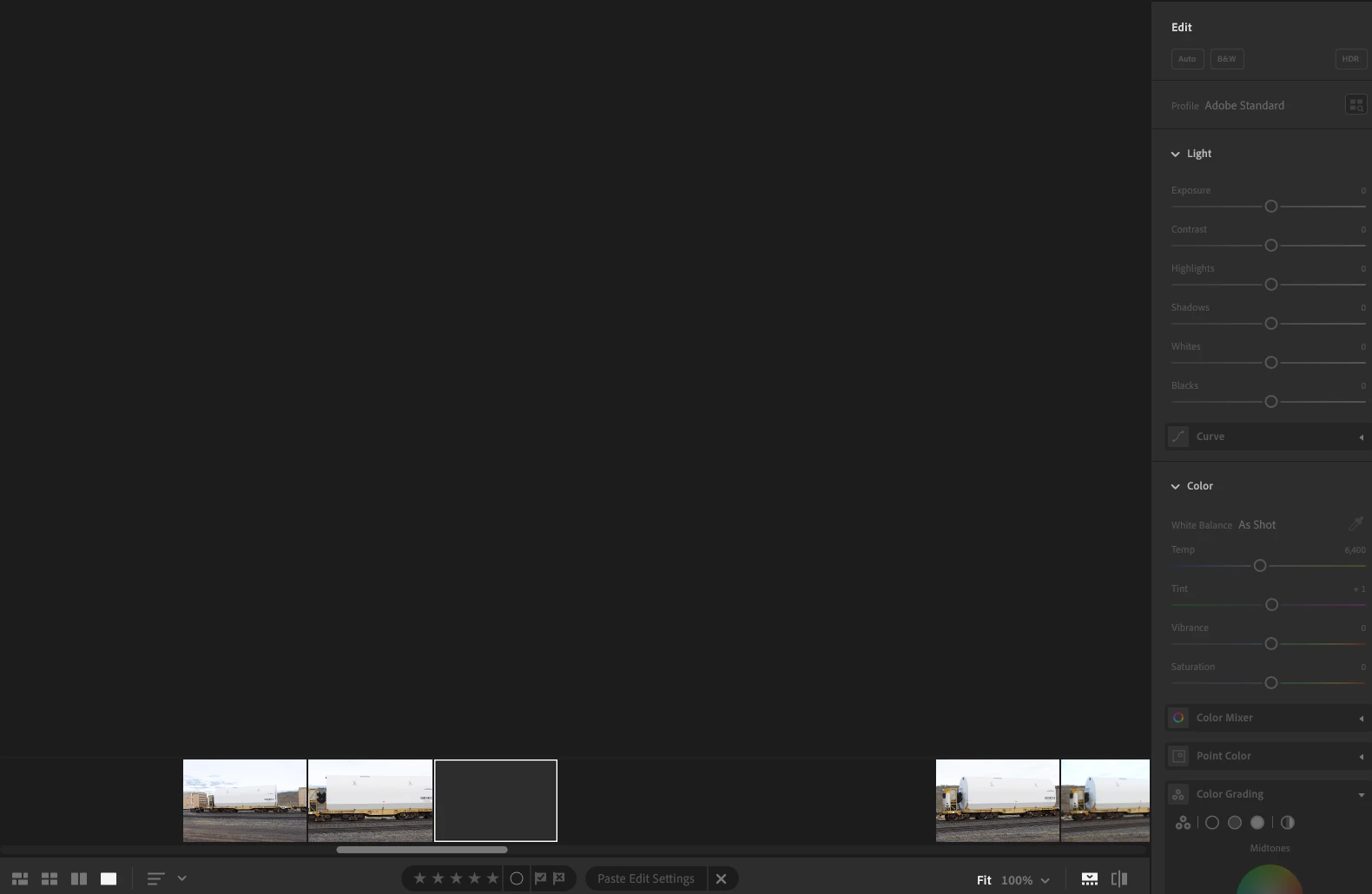
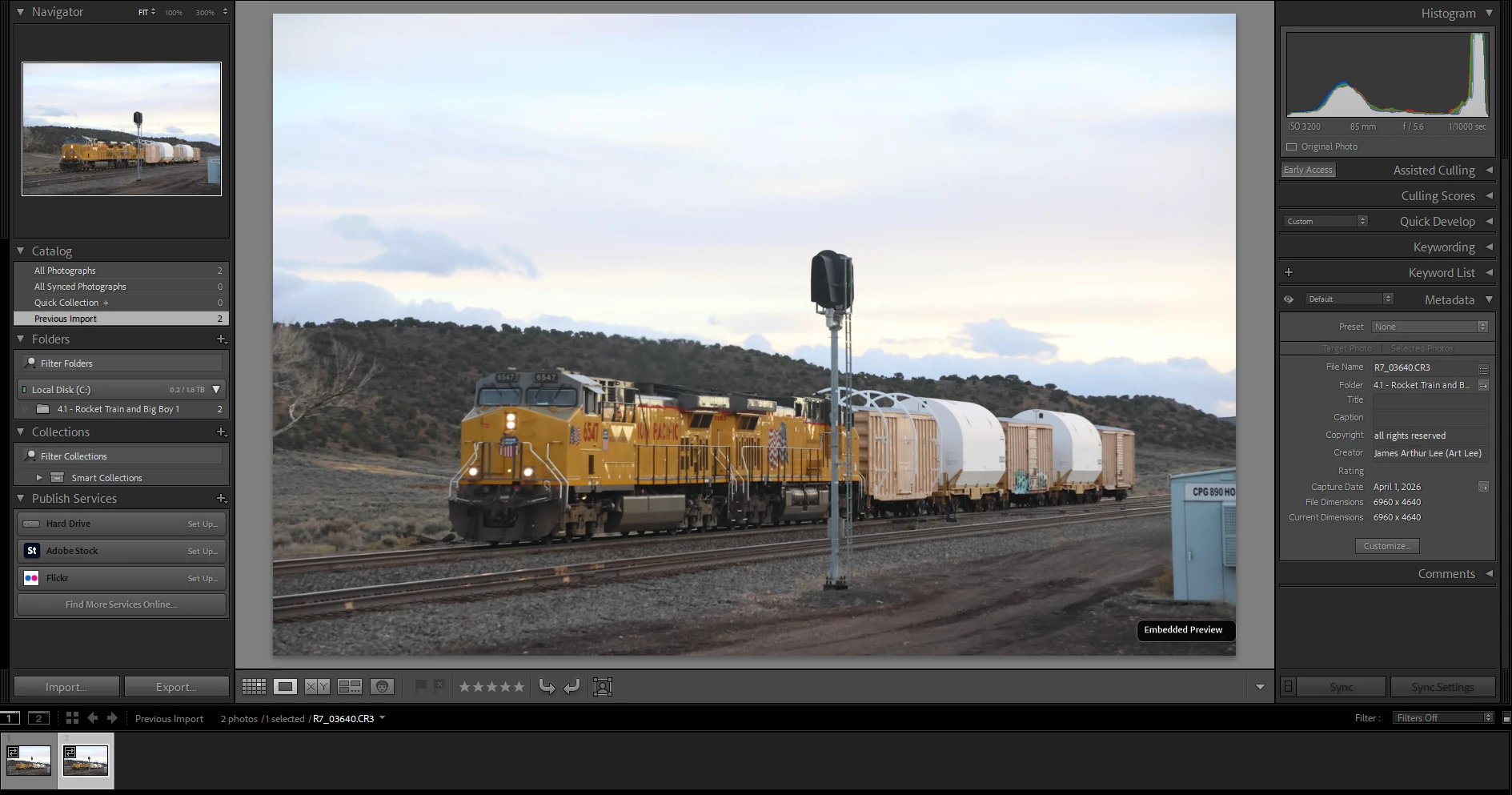
When I import new files from an sd card or on computer, it seems like about 30-50% of the photos just fail to load and disappear on the grid view, I can’t interact with the photos, edit them, or view them. I think this is an Adobe Lightroom issue because Adobe Lightroom Classic loads these photos just fine, there’s nothing wrong in the metadata, and I don’t see any sign of corruption in the files. 
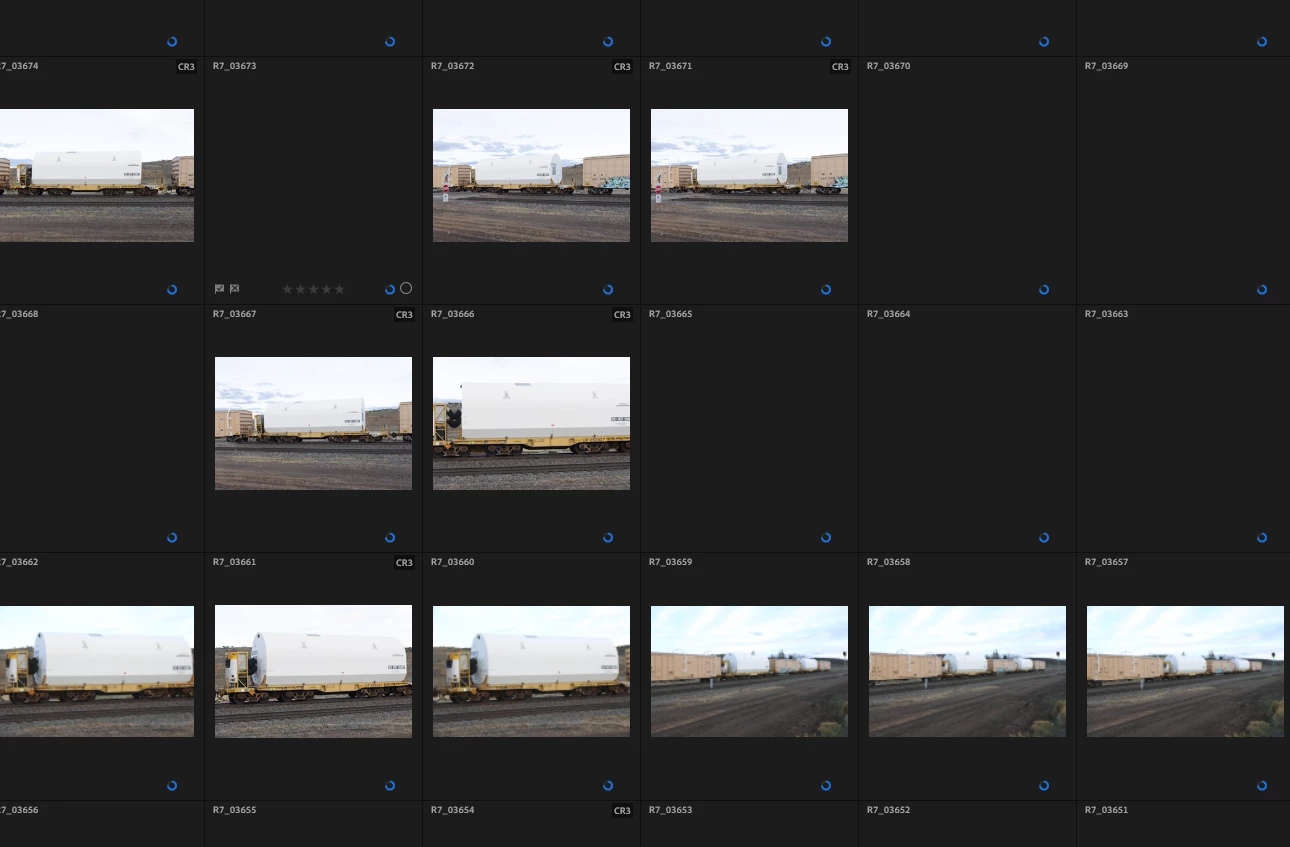
Some of the photos tend to disappear and not show up at all
When I try to click on them they don’t show any properties or anything to edit
On Lightroom Classic, I don’t see this issue at all. I imported one file that worked fine in Lightroom, then one that didn’t work in Lightroom


    1 reply

    Sameer K
    Community Manager
    Community Manager
    April 2, 2026

    Hey, @eyezak. Welcome to the Lightroom Community. I'll need more info to help you figure this out. 

    Please share the system information from Lightroom Help > System info > Copy and paste into a text document > Upload and attach here. 


    Does this happen after a series of steps, or have you installed Lightroom on this machine for the first time? 


    Ensure Lightroom has the required permissions on macOS: https://adobe.ly/466Jir1


    Let us know how it goes. Thanks!
    Sameer K

    (Type '@' and type my name to mention me when you reply)