
Participant
June 8, 2025
Question

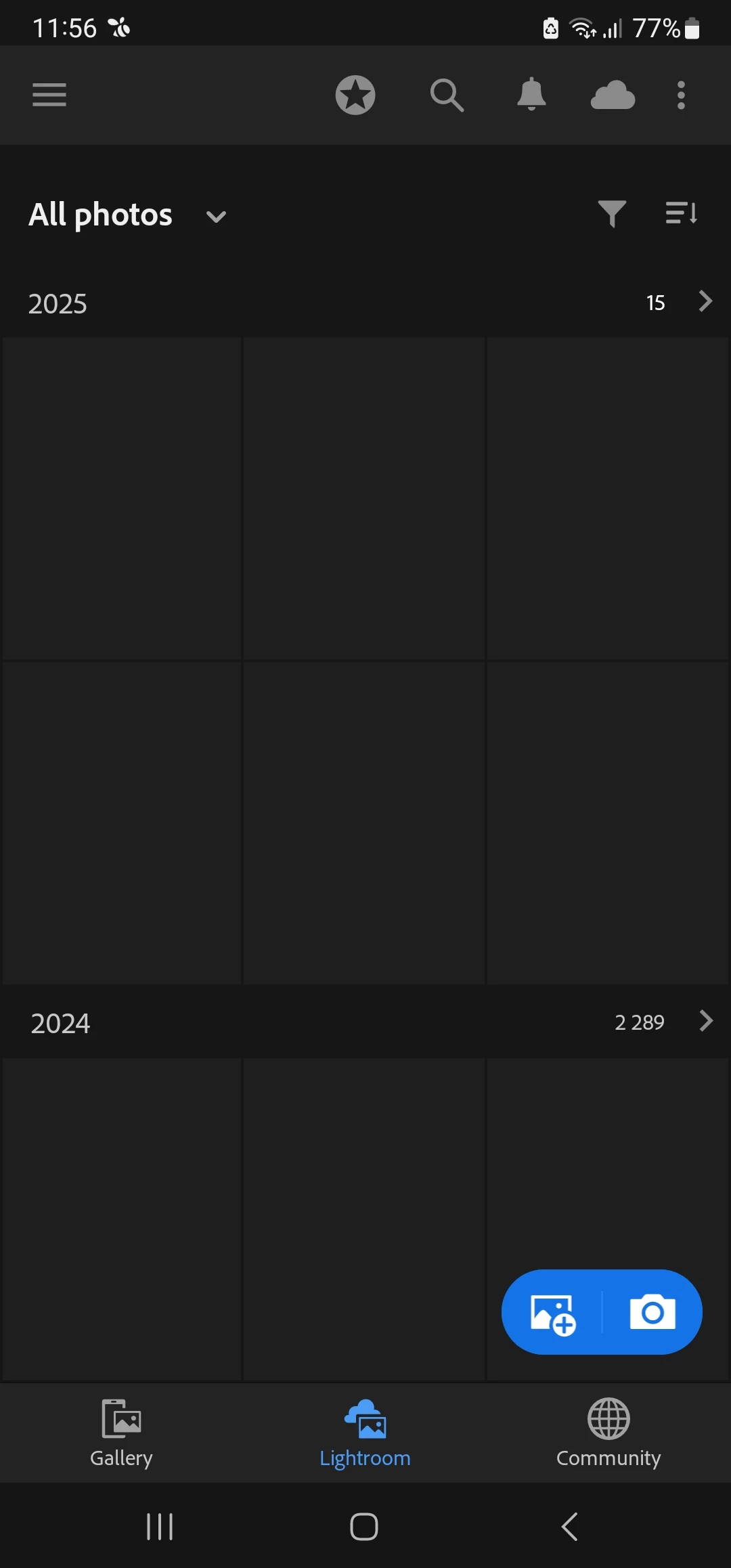
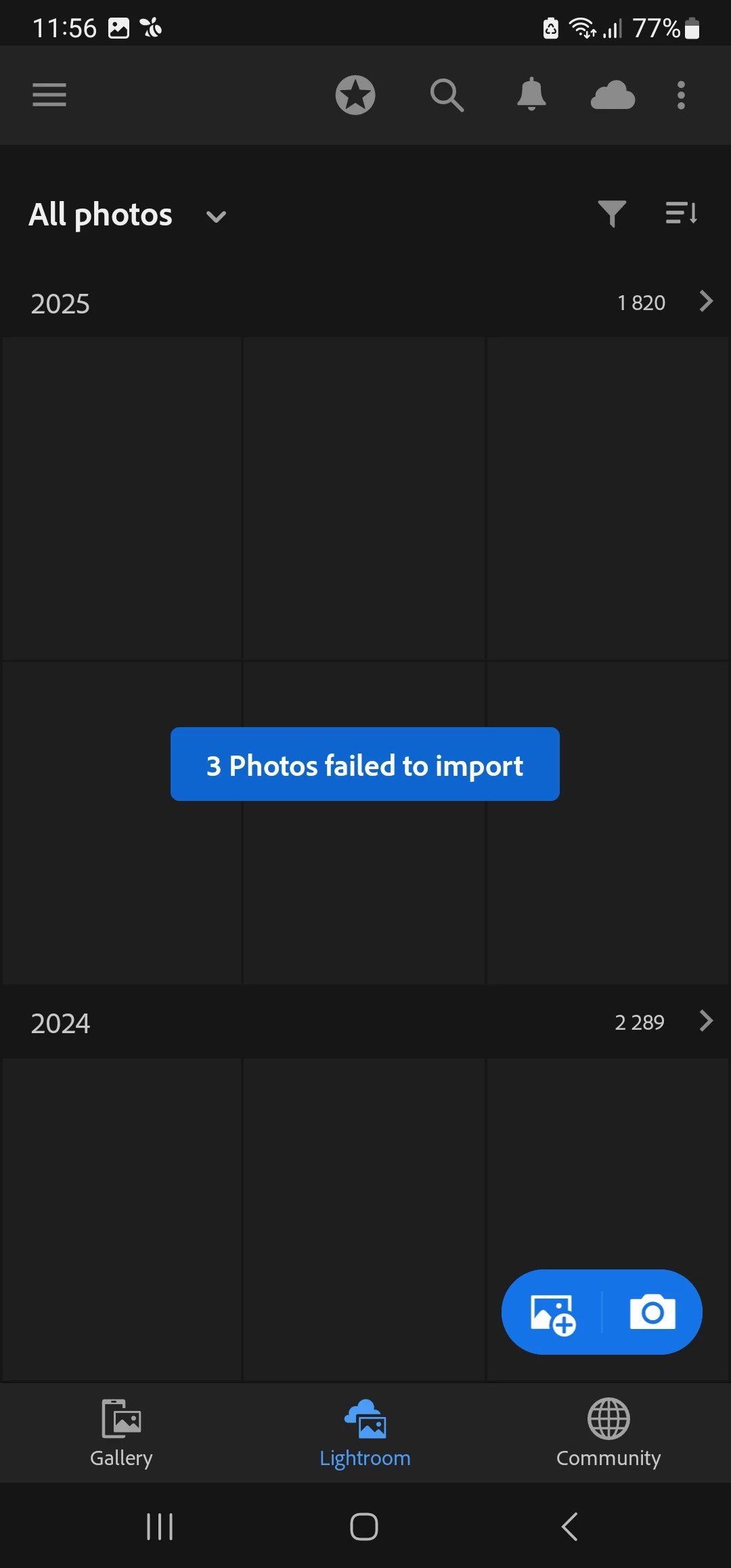
Photos failed to import and thumbnails of images are not showing up

  • June 8, 2025
  • 1 reply
  • 171 views

Hi everyone,


I’ve been having an issue with the Lightroom mobile app for the past week. Photos are not loading into the app, and even the thumbnails of previously imported images are not showing up. I’ve already checked the following:
I’m using the latest version of the app


My internet connection is stable (tried both Wi-Fi and mobile data)

I have enough free storage on my device

I’m logged into the correct Adobe account

Syncing appears to be enabled, but nothing seems to be syncing

I’ve tried restarting the app and my phone, but no change

Has anyone else experienced this recently? Any suggestions would be much appreciated!


Thanks in advance,

Zuzana

1 reply

Noel Orridge
Community Manager
Community Manager
June 20, 2025

Hi @gszuzka, Thank you for reaching out, and welcome to the Lightroom community! I'm sorry to hear about your issue.


Could you please share more information, such as where you are importing the photos from, what version of the application you are using, and the OS you are using? This would help us get a clearer idea of the issue.


You can try out these fixes below and see if they work:


Clear Lightroom Mobile's Cache

  • On your Android phone, go to Settings > Apps > Lightroom.
  • Tap on Storage.
  • You will see two options: Clear data and Clear cache. Start by tapping Clear cache.
  • Restart the Lightroom app and see if the thumbnails begin to appear.


Check Lightroom on the Web

  • On a computer, go to lightroom.adobe.com.
  • Log in with the same Adobe ID. Check if your photos (from 2024 and 2025) are visible with their thumbnails. 
  • Try checking for Sync errors, too. Please refer to this Helpx article for steps and more information: Photos stuck syncing in Lightroom.


Check App Permissions

  • Go to Settings > Apps > Lightroom.
  • Tap on Permissions.
  • Ensure that Files and media (or Storage) is set to Allow.


Let us know how it goes! 

Cheers!

Noel