
Xaositectu
Participant
February 9, 2019
Question

Photos / RAW fail to load not dowloading

  • February 9, 2019
  • 1 reply
  • 371 views

Hi guys,

i have some issues with LR not downloading some original raws.

I am trying to re-edit an old picture set (15 April 2018) and some of the originals are not loading at all.

- I have cleared the cache

- I have deleted and reinstalled the app

- I went to the lightroom.adobe website, looked for the photo there and tried to download the original, all I get is a blank copy when downloading.
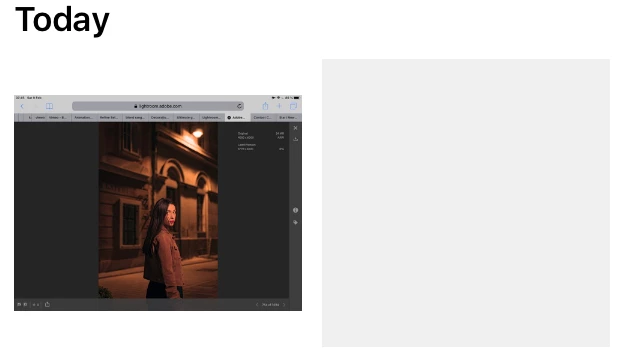
I shot and edited these pics on my iPad as they were a paid series of pictures for a client who wanted them delivered fast, I can‘t believe Adobe “lost” them!

Any help or advice is greatly appreciated!

This topic has been closed for replies.

1 reply

99jon
Legend
February 9, 2019

After you finished the shoot and added the files to LRCC did you keep the app connected so that originals could upload to the cloud?

Do you still have  copies in camera roll/Apple Photos?

Xaositectu
Participant
February 9, 2019

Thanks for the reply,

Yes the app was connected.

Yes the originals were uploaded to the cloud.

(I went back to them in the past to make slight adjustments and tweaks)

No I do not have the copies in the camera roll/Apple photos.

100% sure this is an app related (although I did a clean reinstall) or LR cloud issue!

Xaositectu
Participant
February 9, 2019

Extra info: I click get this photo, it switches to “downloading Smart Preview” and then reverts back to “get this photo”