


Photos show up, but I am unable to edit them on the desktop version.
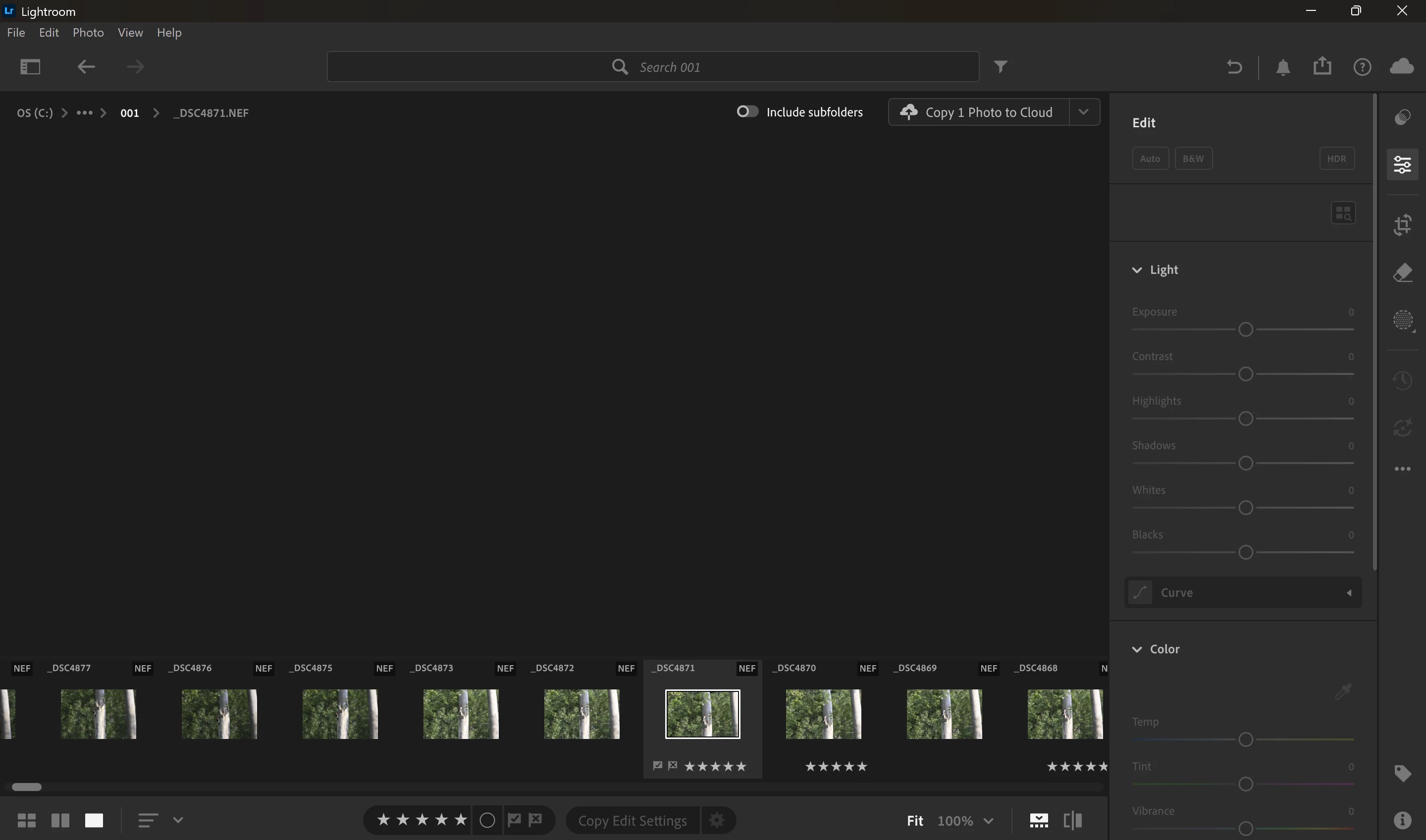
I recently got a new laptop in order to be able to have a device more dedicated to photo editing, however, I am encountering issues in doing so. When I access the “local” area of the desktop version, I can see all the photos in folder as thumbnails, but when I select a particular photo, I only briefly get a “loading edit settings” message before a grey screen, with all edit options greyed out. I encounter a similar issue when uploading the photos to the cloud and accessing them that way. However, I am able to edit the same uploaded photos in the browser version- but I would prefer to be able to use the desktop version to avoid the hassle of uploads. If it’s any help, I am running on a Snapdragon X2 Elite Extreme with 48Gb of ram, integrated graphics.
 AdChoices