Participant
February 12, 2022
Answered

Помогите [Where to locate purchased styles in Lightroom?]

  • February 12, 2022
  • 2 replies
  • 267 views

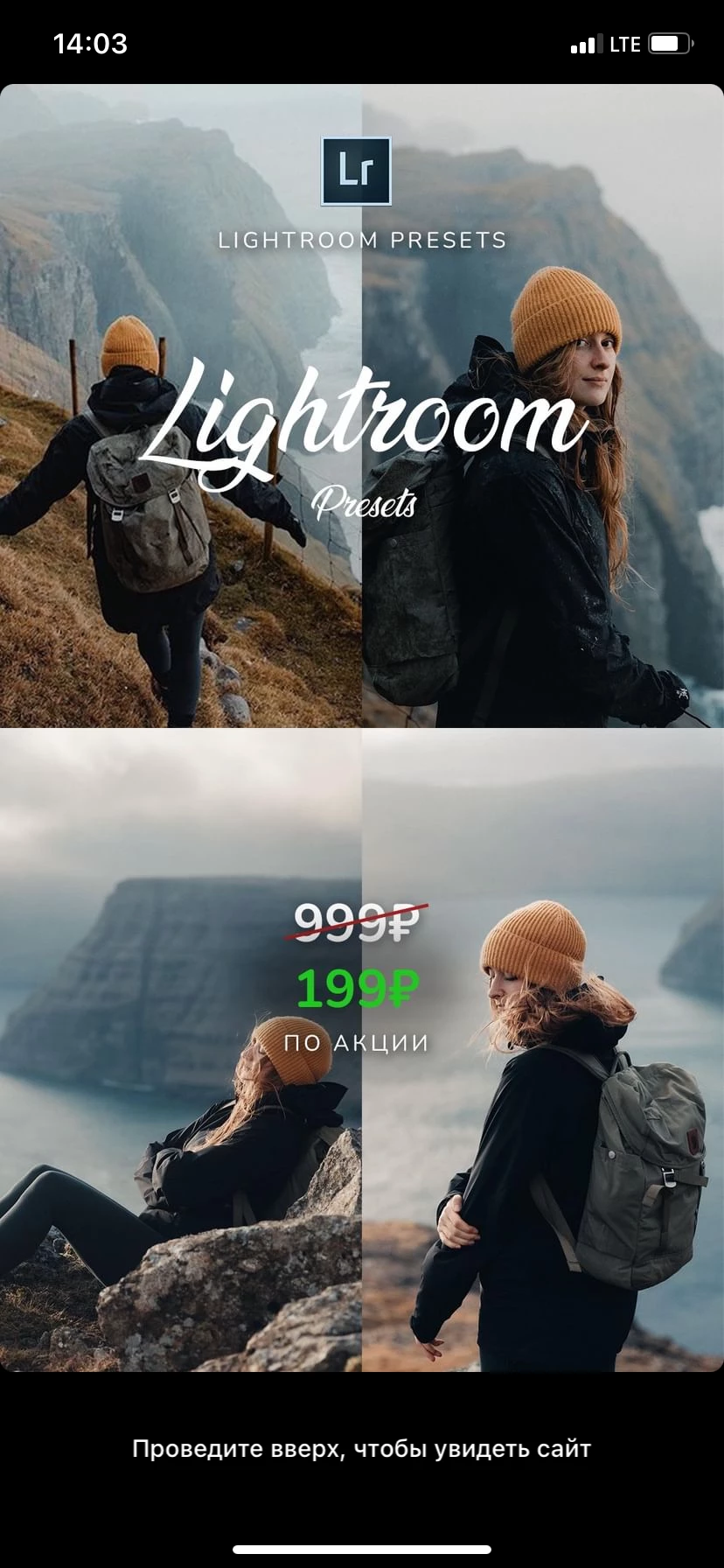
Здравствуйте, я купила данные стили, но к сожалению не могу ими пользоваться, потому что они просто нигде не высвечиваются, где в приложении их можно найти. 
This topic has been closed for replies.
Correct answer Rob_Cullen

Are the Presets in DNG format files?

https://community.adobe.com/t5/lightroom-ecosystem-cloud-based-discussions/learn-how-to-import-and-use-dng-presets-in-lightroom-mobile/td-p/11048854

Does the supplier provide instructions to install?


2 replies

Adobe Employee
February 14, 2022

Hello @Анастасия23126168lgj1 

Please see the helpful post Rob shared.  Also, you should know the app UI changed since that post was created.


You will now see presets you have made or imported here:
1. tap Presets

2. tap Yours > User Presets

--did you find your presets there?


If you need additional help, please also see: 

Using presets: https://helpx.adobe.com/lightroom-cc/using/edit-photos-mobile-ios.html#create-presets 

 and 

Troubleshooting lost presets: https://helpx.adobe.com/lightroom-cc/using/lost-photos-presets-lightroom-mobile.html

Rob_Cullen
Community Expert
Rob_CullenCommunity ExpertCorrect answer
Community Expert
February 13, 2022
Regards. My System: Windows-11, Lightroom-Classic 15.4.1, Photoshop 27.8, ACR 18.4, Lightroom 9.4, Lr-iOS 10.4.0, Bridge 16.0.3 .
