


jamiec79332918
Participant
April 2, 2019
Answered

Preset button missing!?!

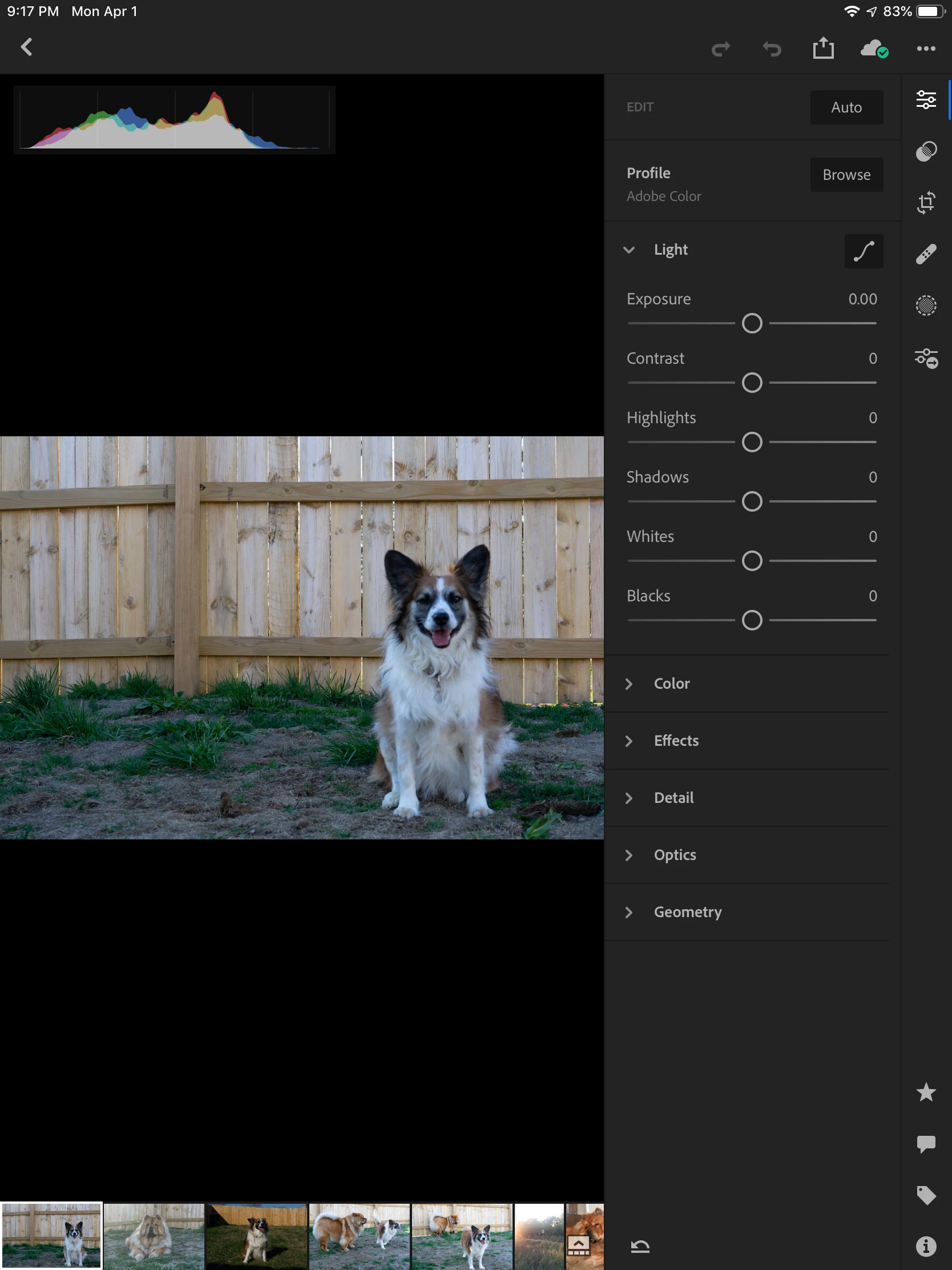
I just downloaded the iPad app after not realizing it was part of the photography package for far too long. I’m trying to find my presets but I can’t even find the preset button. Isn’t it supposed to be at the bottom next to the info icon? Any thoughts?

    This topic is closed to new replies. Start a new post to keep the conversation going.
    99jon
    99jonCorrect answer
    Legend
    April 2, 2019

    It’s the icon below the one you have selected e.g. the inter-connecting circles.

    1 reply

    99jon
    99jonCorrect answer
    Legend
    April 2, 2019

    It’s the icon below the one you have selected e.g. the inter-connecting circles.

    Translate