Participant
October 5, 2021
Question

Preset import Lightroom CC Problems

  • October 5, 2021
  • 6 replies
  • 178 views

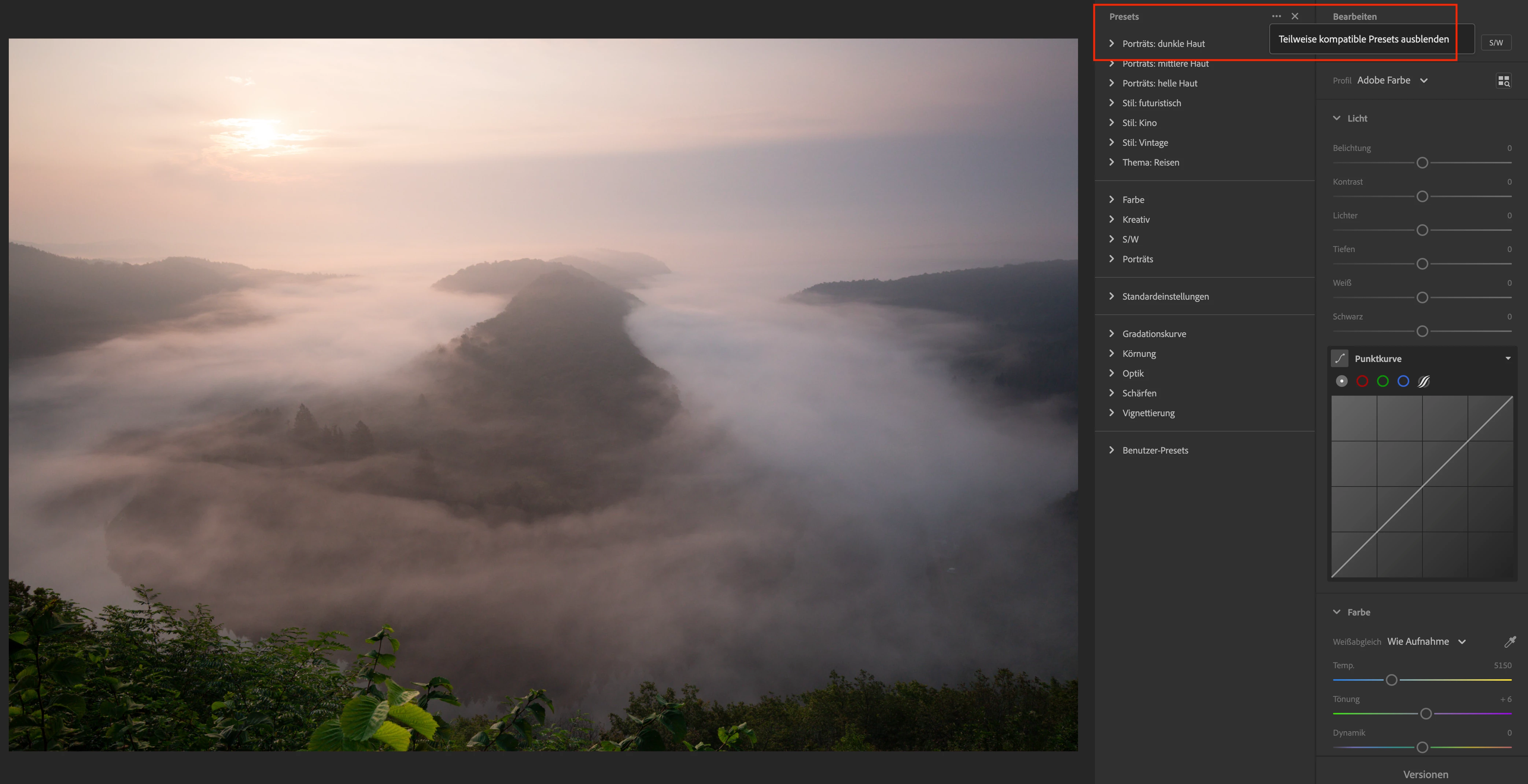
I can't import presets in Lightroom CC (XMP-Files), which I have developed in Lightoom Classic. I miss Option the Menue. 
 

This topic has been closed for replies.

6 replies

JohanElzenga
Community Expert
Community Expert
October 8, 2021

Right! The web version of Lightroom does not support importing presets.


-- Johan W. Elzenga
Participant
October 8, 2021

The Problem is solved 

Participant
October 7, 2021

I use the Web-Version of Lightroom. Where could I find the Version number?

JohanElzenga
Community Expert
Community Expert
October 7, 2021

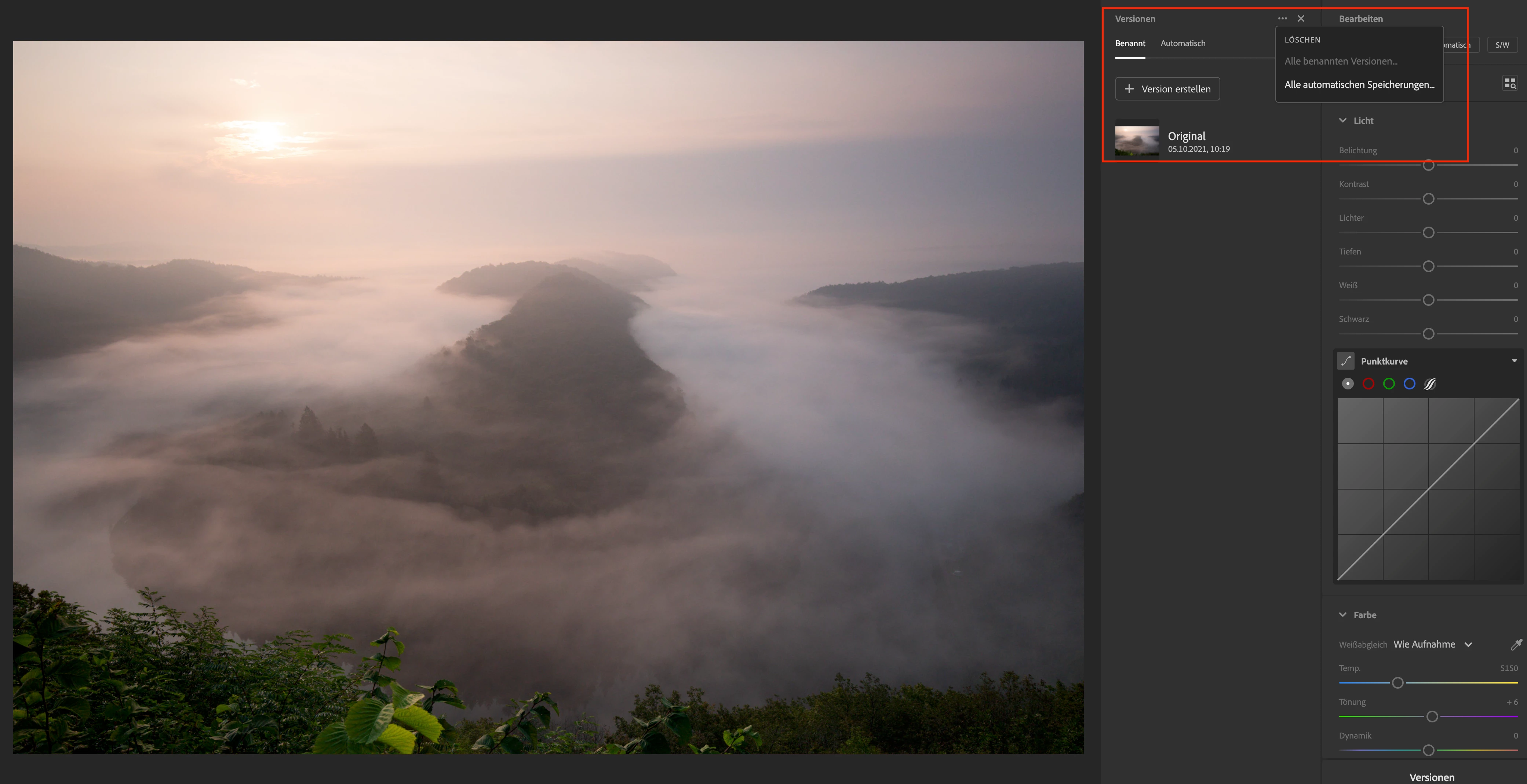
That is odd. As you can see from my screenshot, the three dots light up when you click on them. And the box that appears has a small triangle part pointing at the dots, so you can see that's where the dialog originates. I miss both in your screenshot.


What I do see however is a plus icon on the left of the three dots, which is probably the button for creating a new preset. That is a menu item in my version. This makes me believe that you are using an older version of Lightroom that perhaps did not support importing presets yet. Go to Help - System Info and check the version number. What does it say?


-- Johan W. Elzenga
Participant
October 7, 2021

yes...of course 


When I click on the dots in saw this option


JohanElzenga
Community Expert
Community Expert
October 6, 2021

Have you clicked on the three dots?


-- Johan W. Elzenga