
Participant
April 3, 2020
Question

Preset issue cannot copy settings in Lightroom for Mobile

  • April 3, 2020
  • 2 replies
  • 397 views

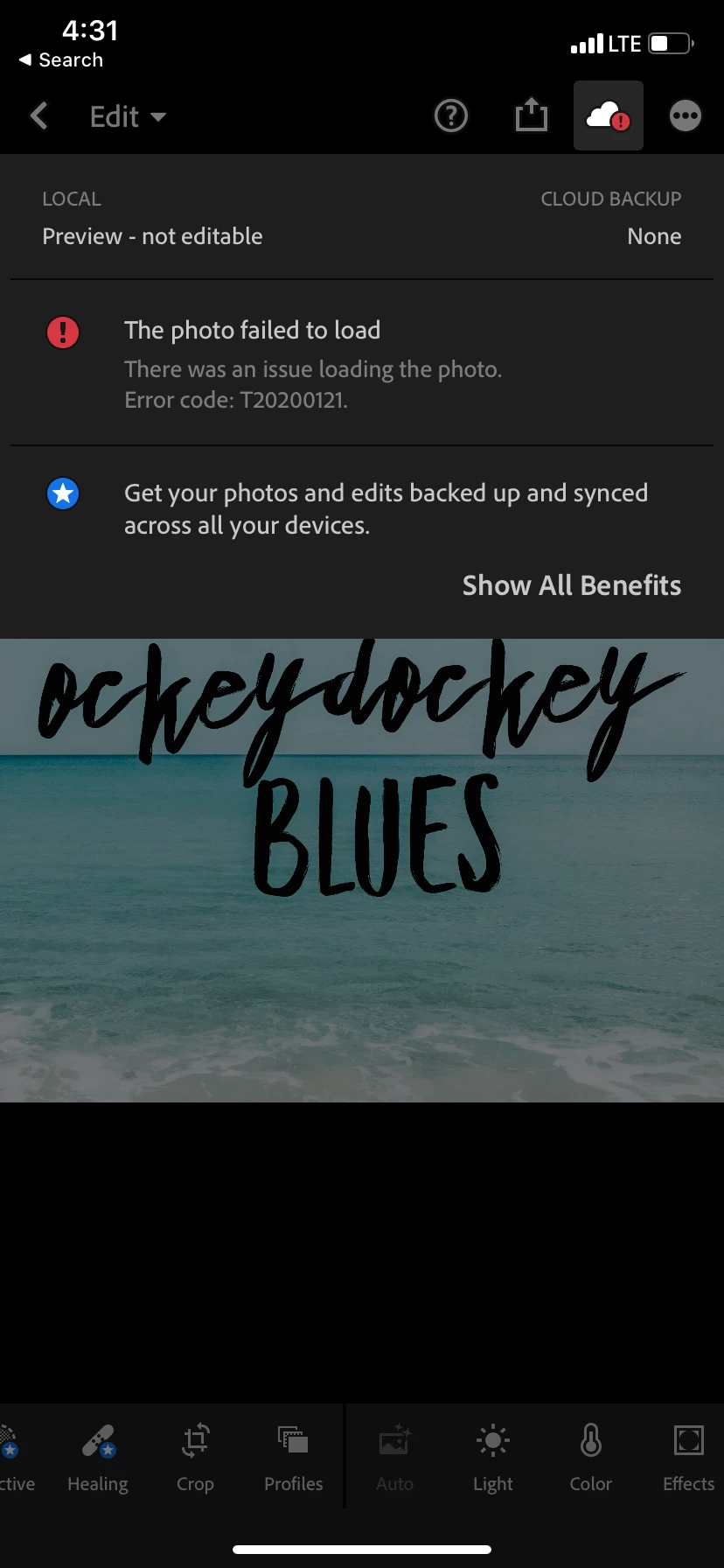
When I go to my saved preset and click the copy button, there is no option for me to copy settings. I am confused!! 
 

{Moved from Lightroom Cloud to Lightroom Mobile & Apple TV Forum by Moderator}


{Thread renamed by moderator}


This topic is closed to new replies. Start a new post to keep the conversation going.

2 replies

Participating Frequently
April 9, 2020

Hi Laura,
you are having this problem since the image and edits does not exist on your device.
Hence the error message that it has a problem loading your photo.
Is this the only image that you have a problem with?

Thanks,
Ignacio

Sahil.Chawla
Adobe Employee
Adobe Employee
April 8, 2020

Hi Laura,


To copy the settings from an image you have to click on the three dots just beside the Cloud icon, could you click on it and let us know what you're seeing?

Also, please let us know the version of Lightroom and the device you're using.

Regards,
Sahil