


Known Participant
October 30, 2021
Question

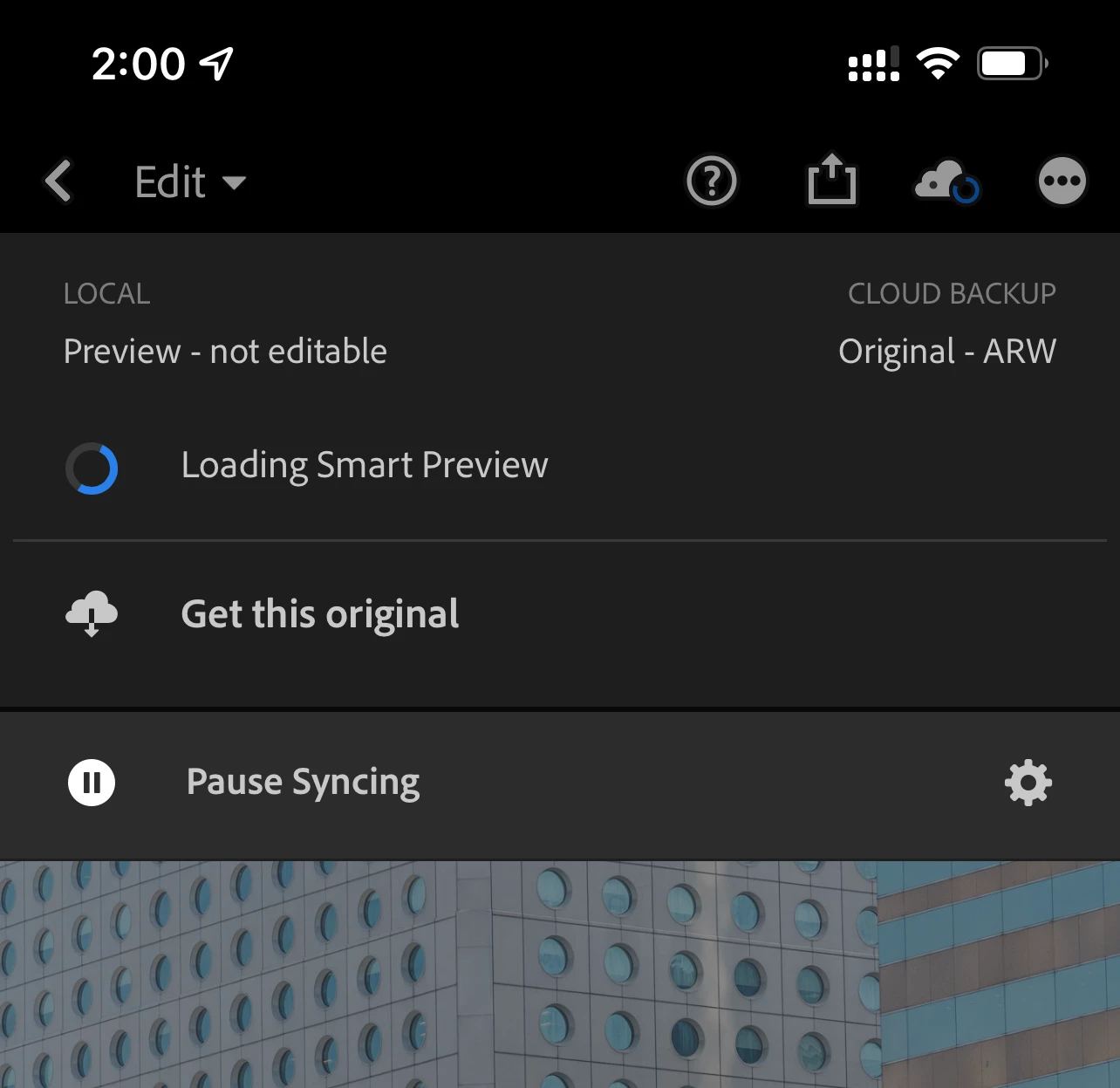
“Preview not editable” a lot in 7.01 iOS Lightroom

  • October 30, 2021
  • 2 replies
  • 2423 views

I am getting the "preview not editable" message on a lot of my photos in the iOS app these days. I try to download the original and it doesn't change. Is this a bug introduced with latest version? 
This topic has been closed for replies.

2 replies

Adobe Employee
November 1, 2021

@Stephenjc 

If you are using Lightroom on multiple devices, are you sure the images have finished importing from another device such that the photos and their smart preview copies are actually ready for editing on peer devices?


You may have issues that are stuck during sync.  If you sign into your same account at lightroom.adobe.com, do you see an album called Sync Issues with photos inside?  If so, 1) be sure have you backups of the originals stored safely outside of Lightroom, and then 2) delete the affected images.  Finally, 3) re-import the images. 


If incomplete uploads/sync issues aren't the reason why your Lightroom Mobil app can't edit the image, does it help if you make simply add a caption in Info view?  I wonder if metadata isn't flowing well, and pushing other kinds of metadata might unblock the image.


Please let me know if anything above, or if any other steps you've tried on your own help.


Kind regards,

Charlie

Participant
January 7, 2022

I have the same problem ... iPad OS and Lightroom are up to date and when I tap de cloud symbol it shows - Local: Preview - not editable ... what is the solution ???? 

Rick Spaulding -
Legend
October 30, 2021

Hi, it looks like it hasn't finished syncing the Smart Preview or it's stuck. Try force quitting the app and restarting the phone to see if it works. 

Participant
November 1, 2021

Same thing for me nothing works and I am ready to dirch this app now.  Worst update EVER!

StephenjcAuthor
Known Participant
November 1, 2021

I uninstalled and reinstalled the apps and seems to have fixed it for now.