
Participant
May 10, 2020
Answered

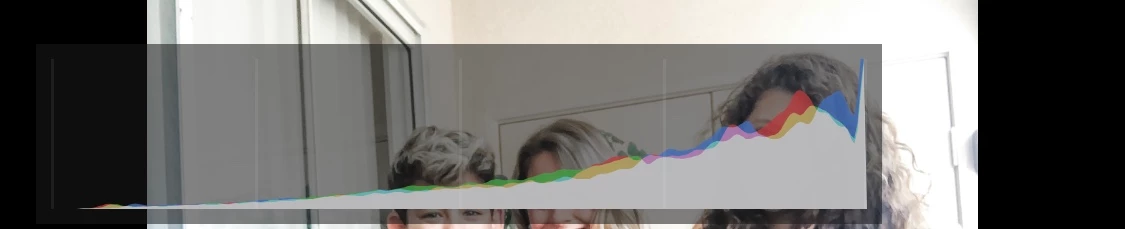
Problem editing photo (histogram showing)

  • May 10, 2020
  • 1 reply
  • 601 views

When I edit a photo and try to select a preset or just edit it, a long rectangular box appears with colors in it and it covers the photo while I'm trying to edit it . I don't know what it is and I'm trying to remove it so I can edit my photo properly. Can someone tell me how to remove this box? 
(Title edited by Moderator)

This topic is closed to new replies. Start a new post to keep the conversation going.
Correct answer selondon

That's the histogram. Double tap with two fingers on the screen to cycle through the overlay options.


1 reply

selondon
Community Expert
selondonCommunity ExpertCorrect answer
Community Expert
May 11, 2020

That's the histogram. Double tap with two fingers on the screen to cycle through the overlay options.