


Problem: Lightroom Classic to Cloud migration won't even select my catalog (no errors visible)
Hi,
Context: After years of using Lightroom Cloud and neglecting my old Lightroom Classic catalog (both on Windows), I just used Dropbox to sync the catalog and all photos to an Apple Macbook M1. Then I started a 'trial' of the Photography plan with 1TB (from just Lightroom with 1TB) to have access to Lightroom Classic again (on my old computer it was expired but could still be used to open old catalogs and export them).
The old catalog just opens fine with Lightroom Classic (it's already in v12 format), and it can access the folders and find the images.
When I do this (all on Mac OS Ventura 13.2, Macbook Air M1 2020):
- In Lightroom Classic (12.1):
-- Create collection set for a folder hierarchy (I organized by year and event date)
-- Export this collection set as a catalog
(There are only some errors/warnings about missing previews)
- In Lightroom (Cloud, 6.1 MAS arm64):
-- File - Migrate From... - Lightroom Classic Catalog... - Continue - Continue
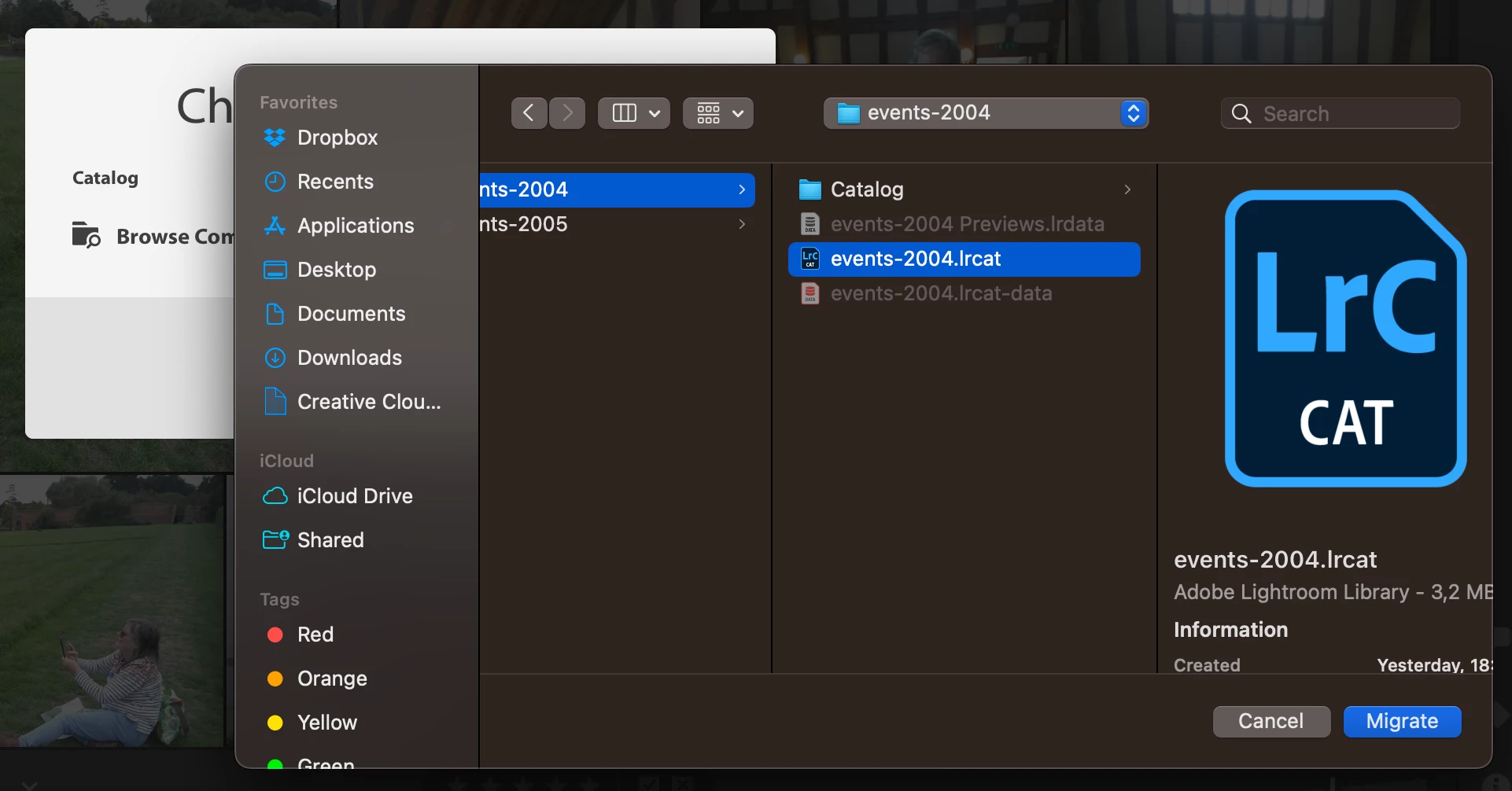
-- Browse Computer
-- Select file /Users/eveltman/Pictures/ClassicToLightroomCCMigration/events-2004/events-2004.lrcat
-- Click Migrate
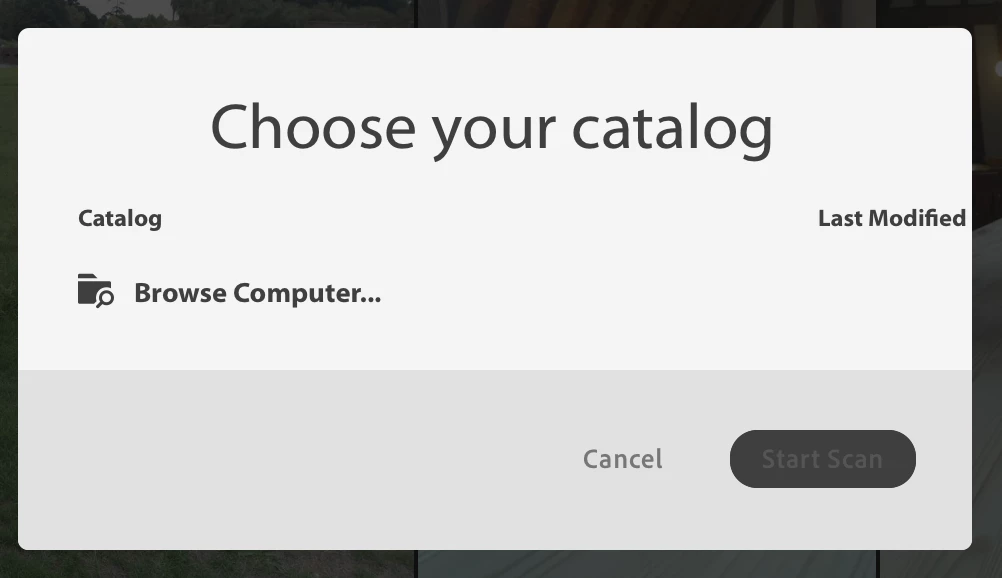
This brings me back to the 'Choose your catalog' screen, but the file isn't listed as the catalog to migrate, so the 'Start Scan' button remains greyed out.
What could I be doing wrong/what should I do different to be able to proceed?
 AdChoices