


Problem with lightroom
Lightroom noise reduction producing weird artefacts.
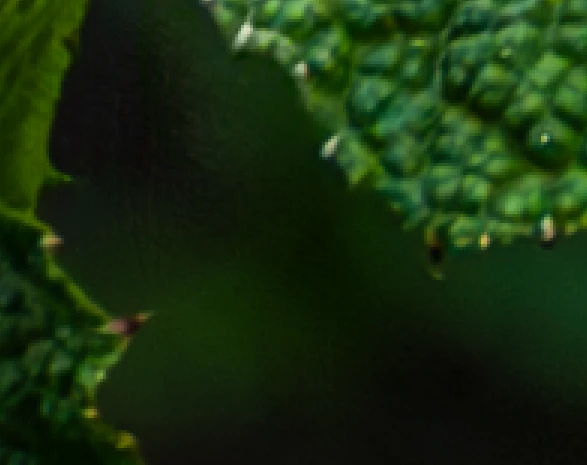 300% 2 Masked object adjustment is also affecting unmasked object, especially with highlights. 3, Nef. file in Lightroom when you transport them to photoshop for further editing are loosing considerably on their quality. I can see that when I am trying to export the same file from Lightroom Jpg. And from Photoshop. 4.Camera raw Lens correction and chromatic aberration are living greyish fields, that impacting other objects not very green at all. But not removing them afterwards when I am using slides grey fields are coming up, but they are not becoming green again, it removes CA but impacts very often other areas instead of CA. the final result is grey affected areas plus CA at the top I have to remove them manually in Photoshop. Is it anyway that my GPU is failing I am following all videos and guidance from Adobe, I checked boxes remove chromatic aberration and lens correction tried to remove manually by sliding, but the result is even worse. When I am using slides, they are influencing areas that have similar colour and don't have chromatic aberration, but not removing chromatic aberrations, for example yellow fringe is still yellow but any other yellowish part become grey, is not removing CA from all pictures with colour picker, when you pick second colour the first one coming back, it can remove from small area, only from area with the approximate distance from the picker and they are staying this way. They are removing CA only partially and only with picker, checking box doing absolutely nothing. Lens correction in Photoshop is actually adding CA. Maybe someone has an idea how to solve this issue?
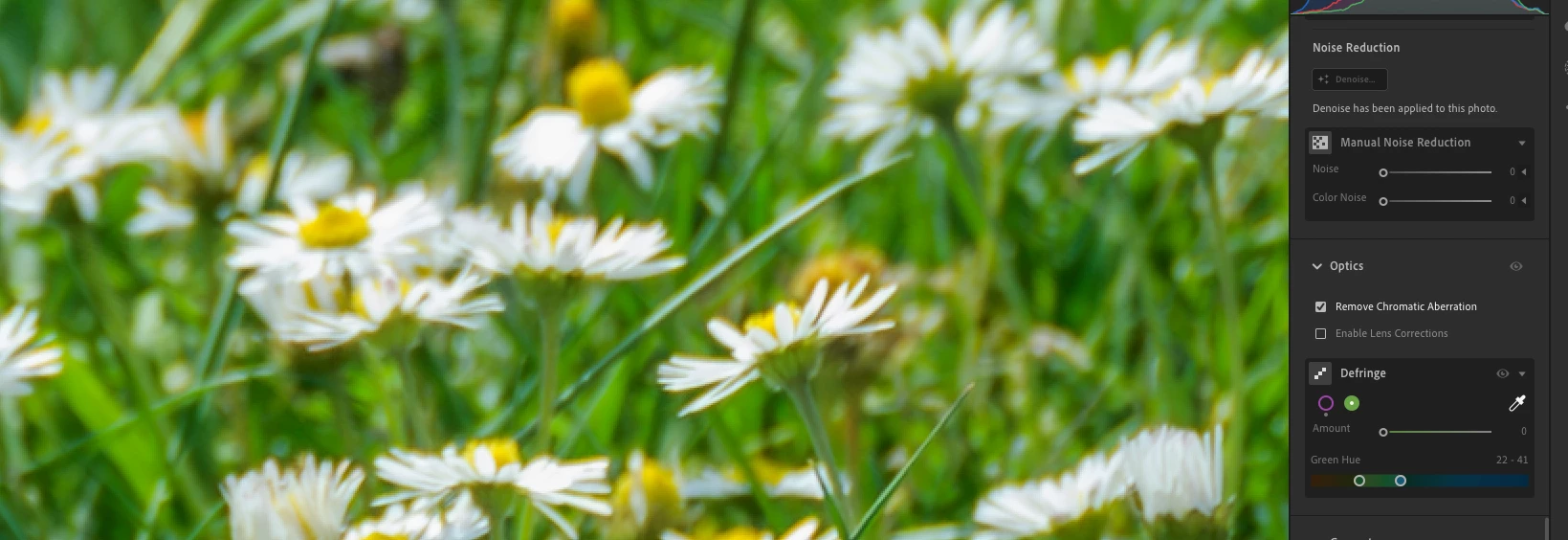
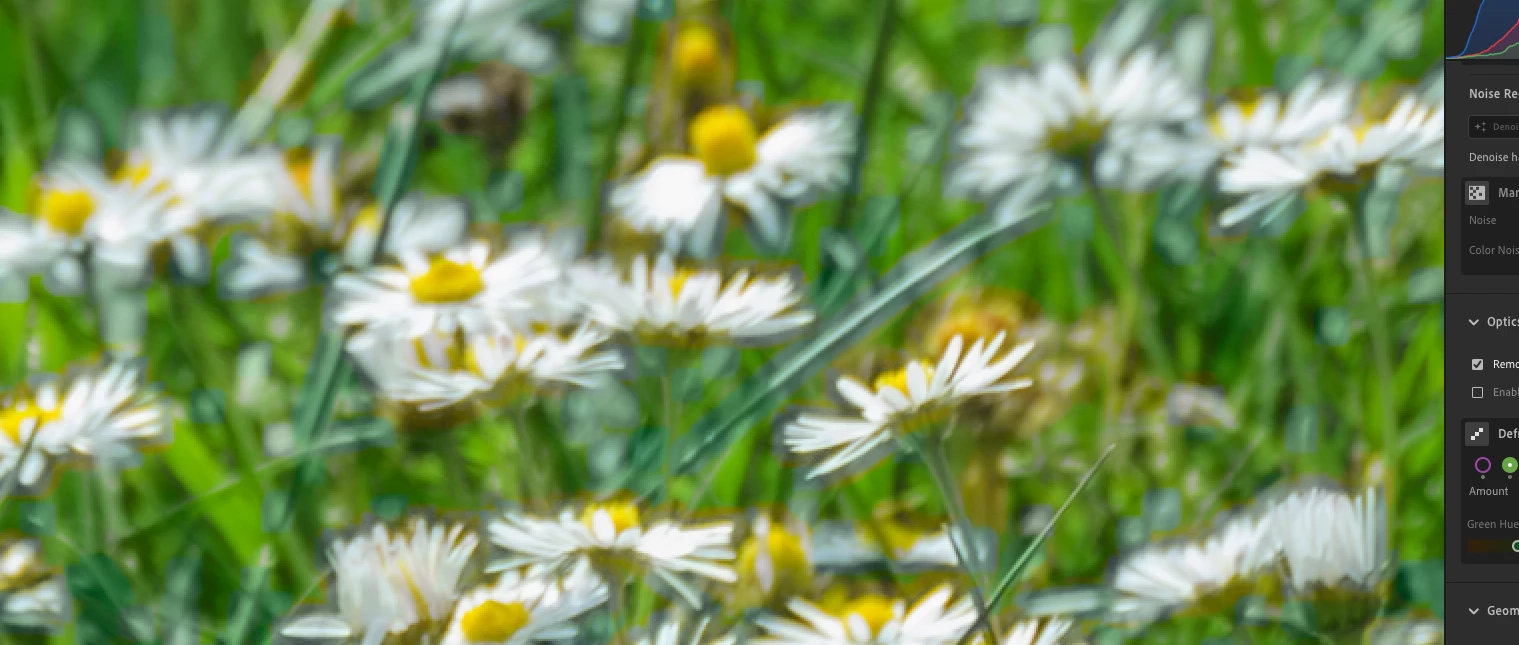
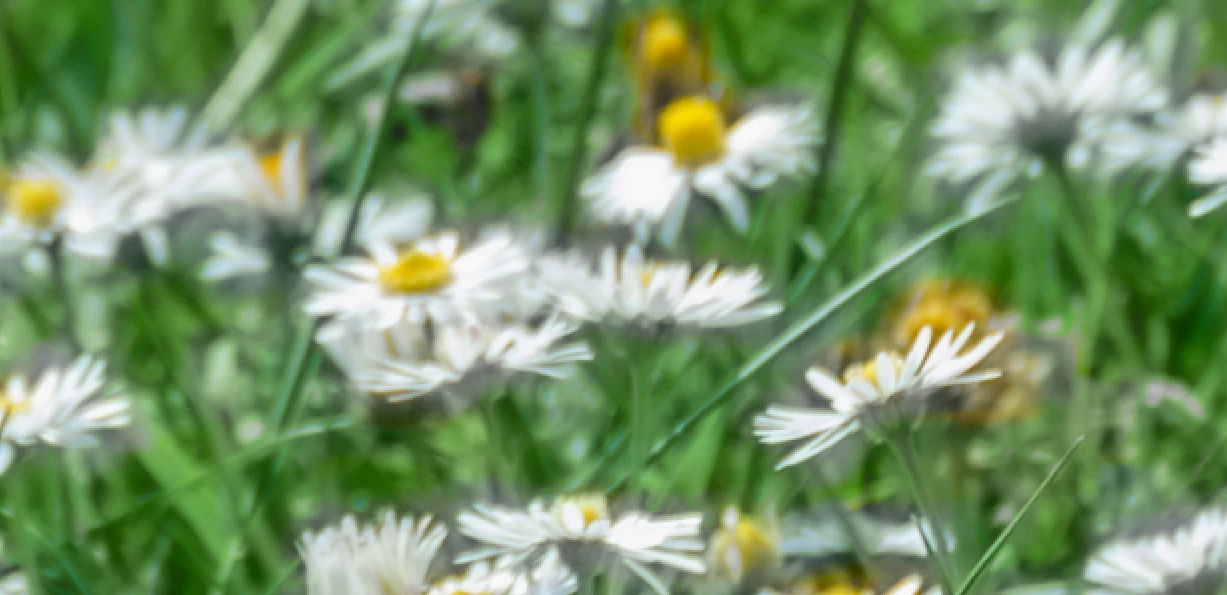
 300 % magnification.
Slider is removing grey now, thank you.
 AdChoices