

Problem with Lightroom Syncing
Hello, I am trying to get all of my photos from lightroom CC back to classic CC (without losig my edits). The only way I have found to do this is to sync everything to the cloud, and then boom, it will be in Lightroom Classic.
this has been mostly working, but here's my issue.
I only have 100GB of cloud storage, and roughly 800GB of photos in LR.
So I thought I would sync 100GB at a time, delete the phottos in the cloud, and it would upload a new round of photos, sync those with classic, rinse and repeat until I was done. All of this because I don't want to/cant afford to pay for more storage.
All was going fine until I started deleting things from the cloud/web app. Now all of my albums in the cloud and web app are cleared out. My photos still exist in the desktop app (LR, not classic) but in "all photos, not sorted into albums anymore. (pictured below)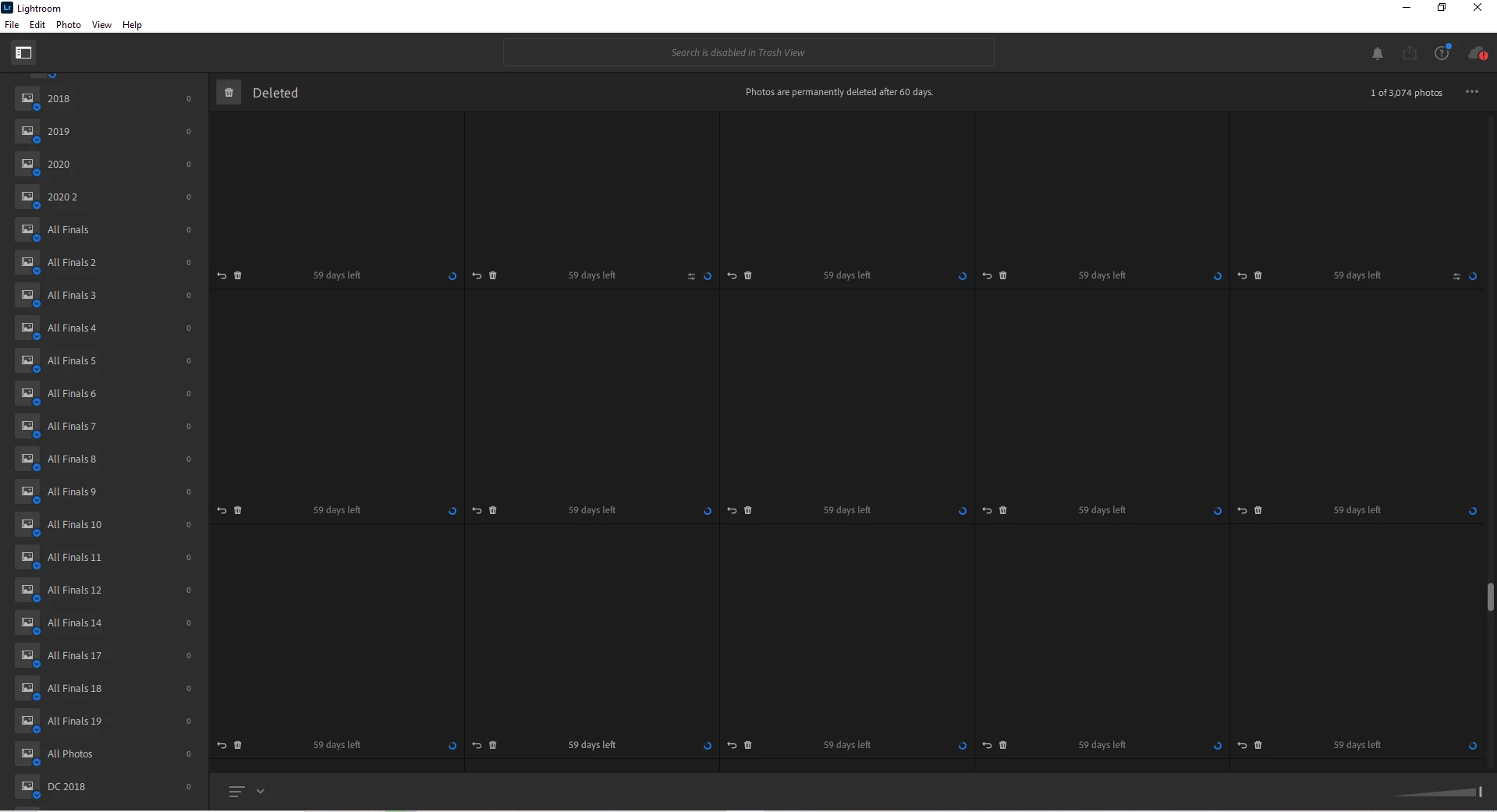
The kicker, nothing will upload to the cloud, I get this error, and everything goes straight to sync issues... If lightroom is opened, nothing happens.
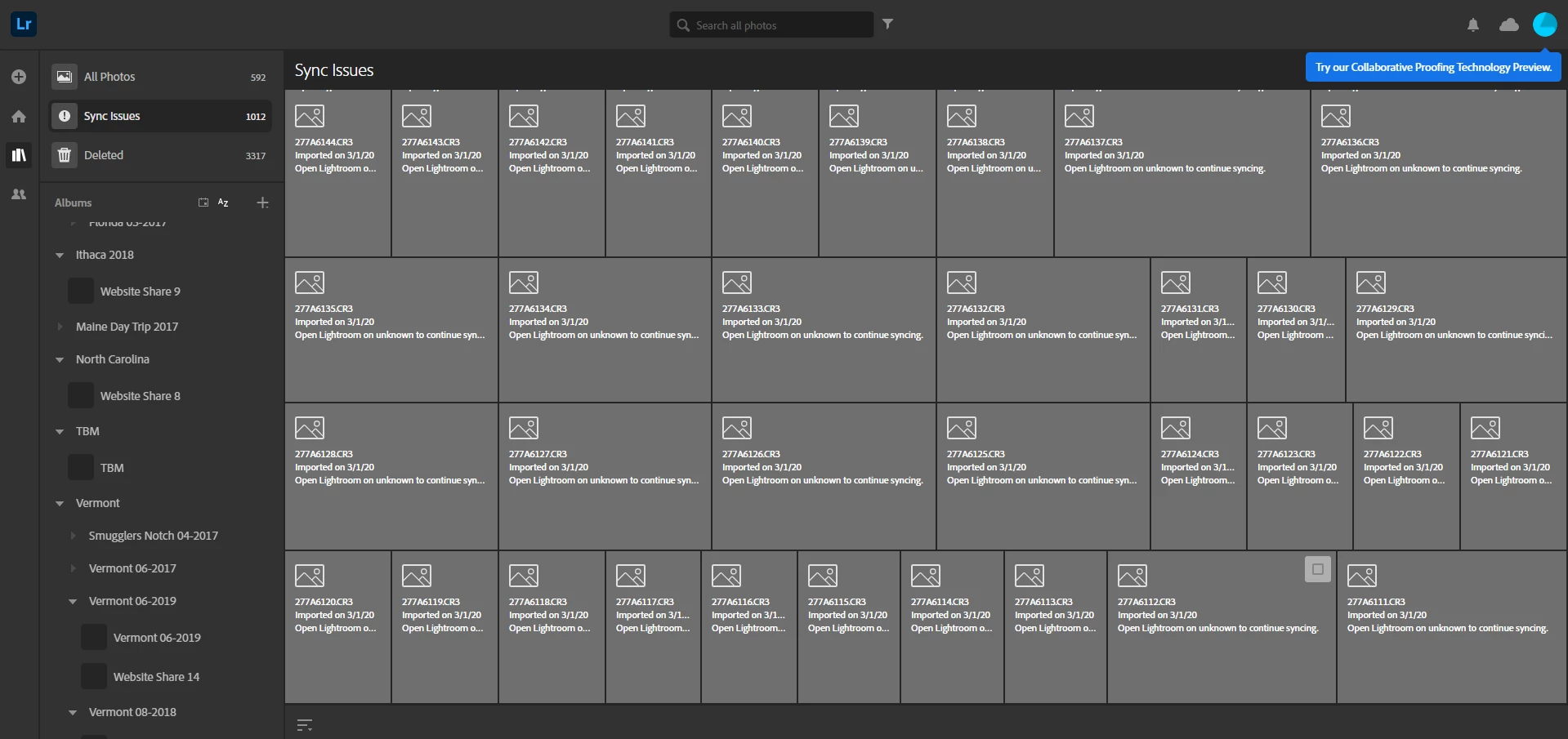
So what can I do from here?
 AdChoices