Profile ingnored on Lightroom WEB, but applied after rotation of the image
Hello,
I use my Miror Less to scan my old negatives and I use the plugin Negative Lab Pro to have a positive.
Negative Lab Pro use a Lightroom Profile.
I have synchronized this profile on Lightroom (CC).
I have synchronized the collection on my Lightroom WEB
Bhen I go on Lightroom WEB my images are really dark (Thumbmails).
The profile seems not apply.
Now on Lightroom WEB, if I edit my image, just a roration, the image is udaped and the Profile is taken in account. So my image is lighter like on my Lightroom Desktop.
Now, if I do a modification on Lightroom Desktop, when the image is synchronized again, it become again dark lightroom WEB, (so the profile is again ingnored on synchronization)
On Lightroom Desktop, we can see that the profile is applied to the image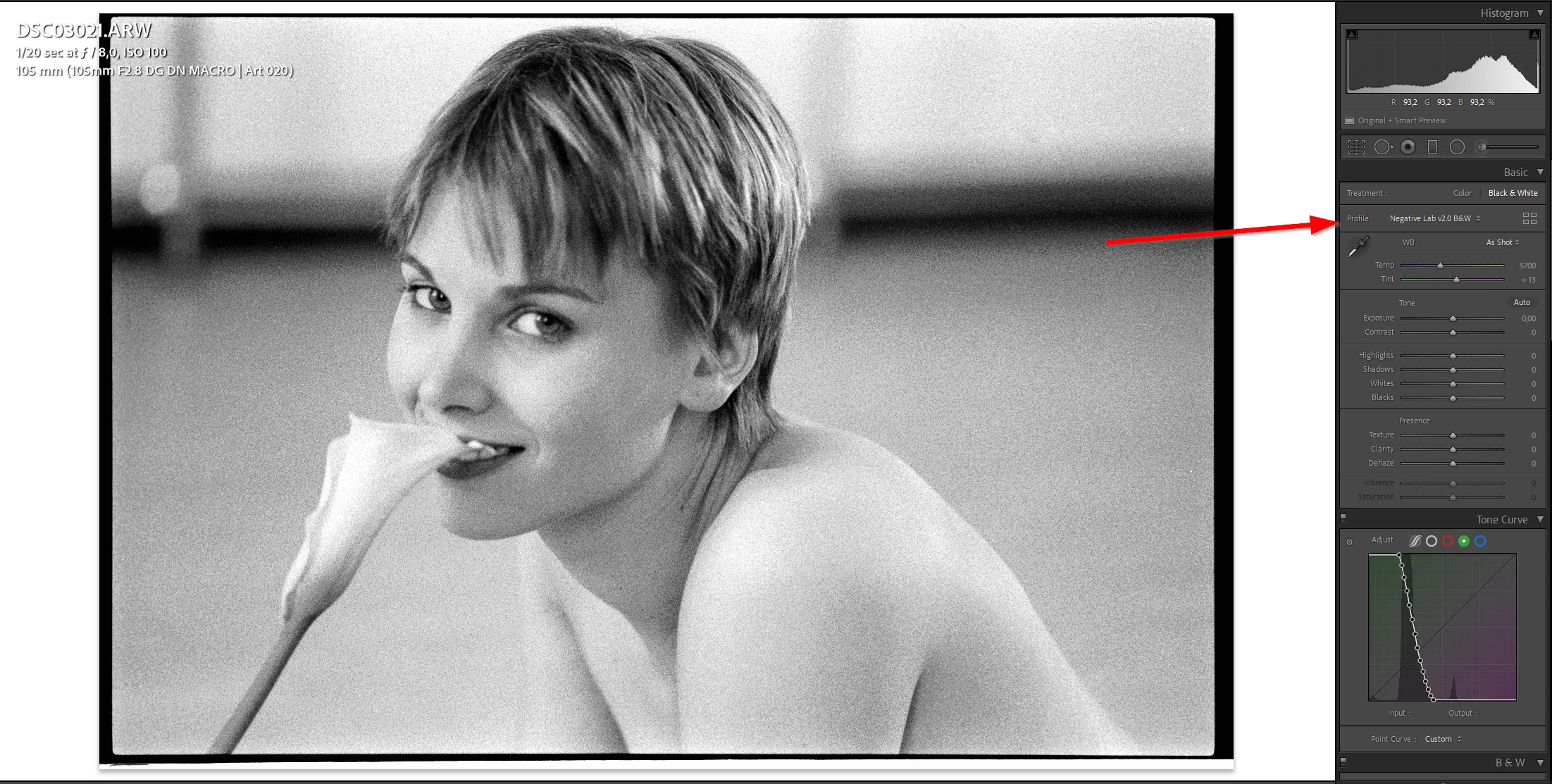
On Lightroom WEB, the image is really darker
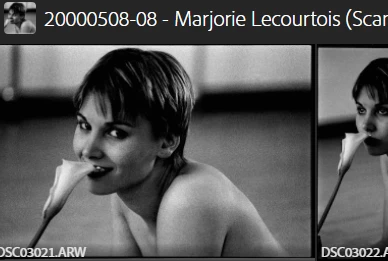
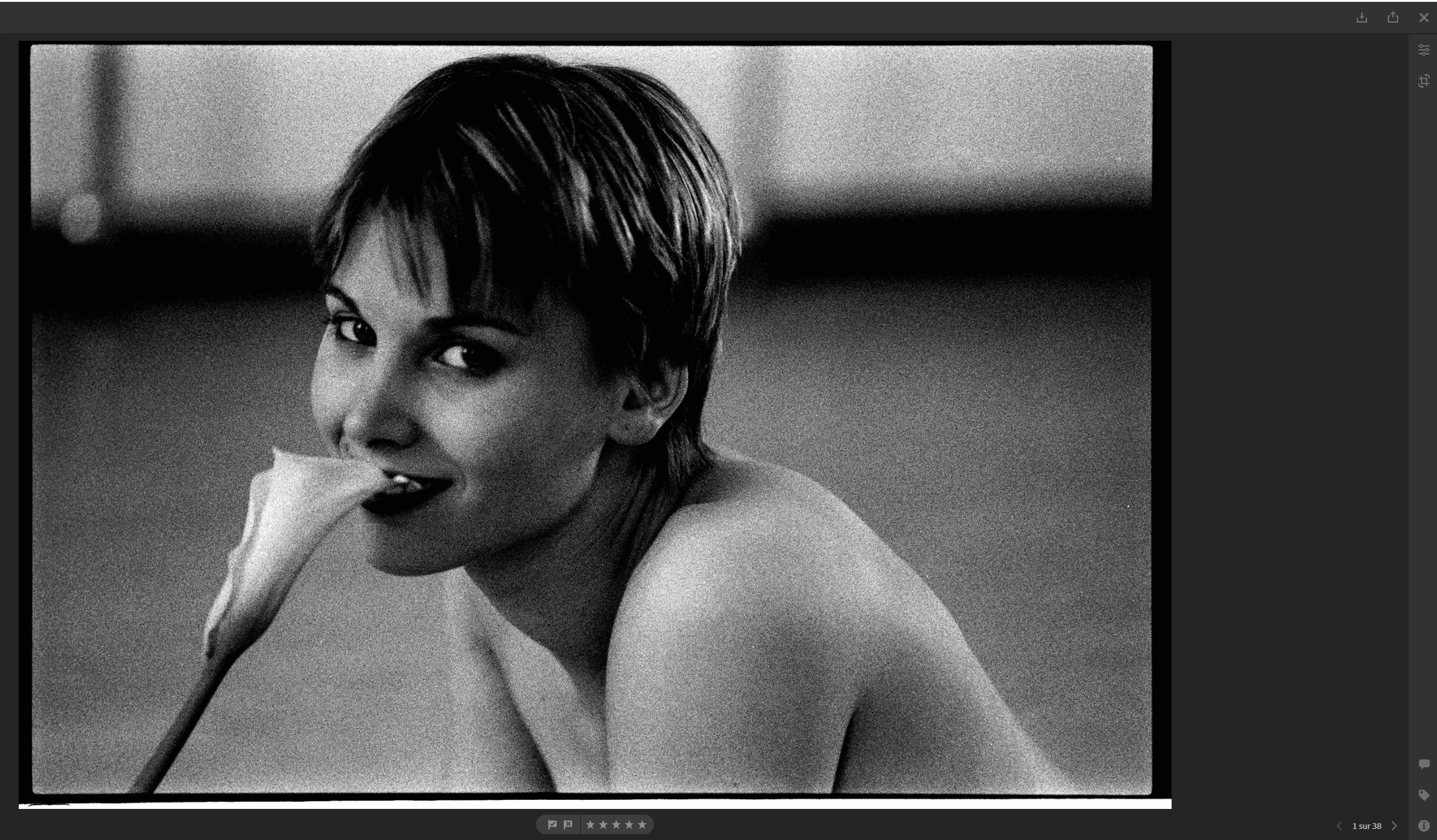
As soon as I click on the button to crop or rotate, the image is displayed correctly.
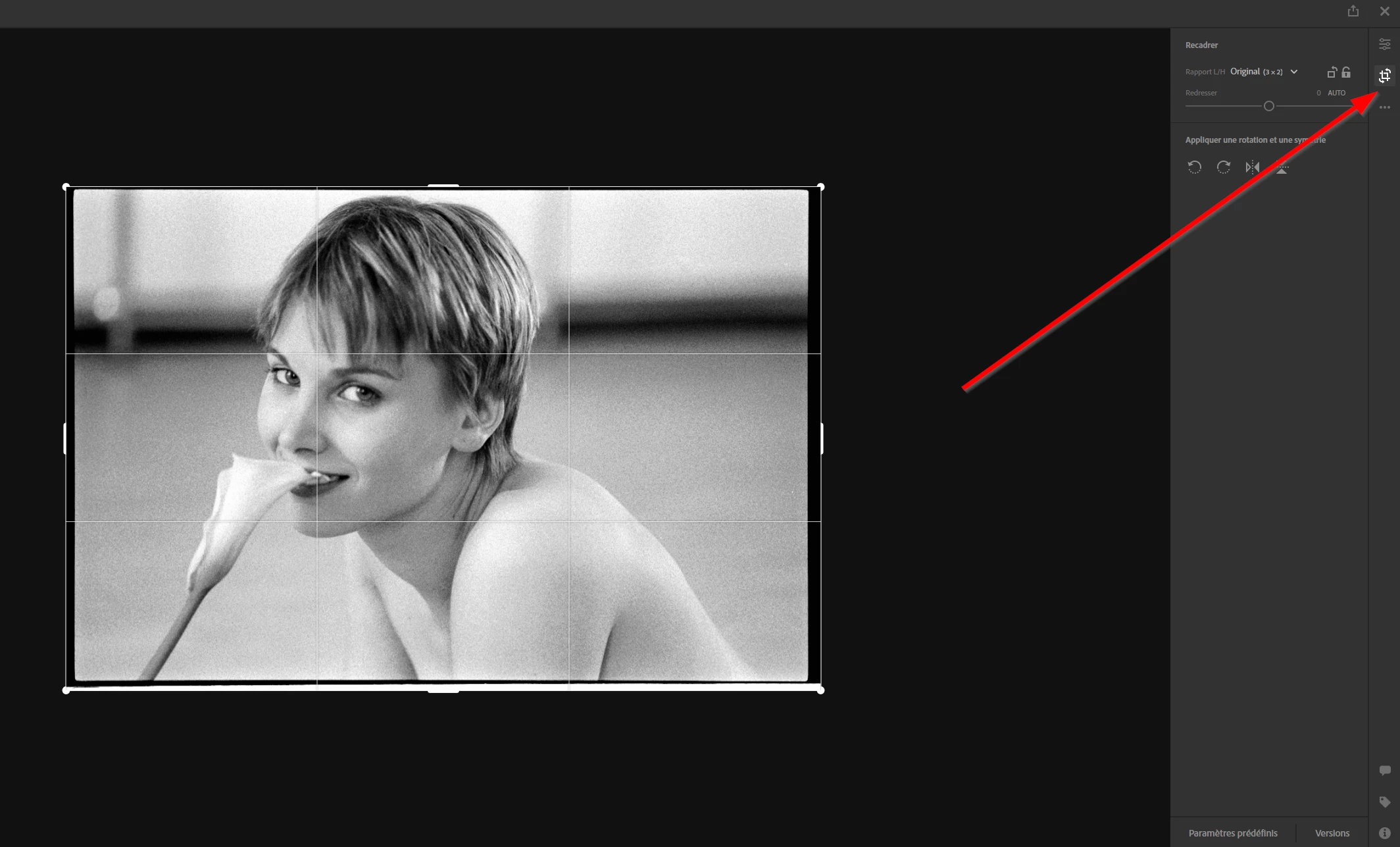
I do 4 rotations (to keep the same orientation) and then close the modification. The Thumbmail is recalculated.
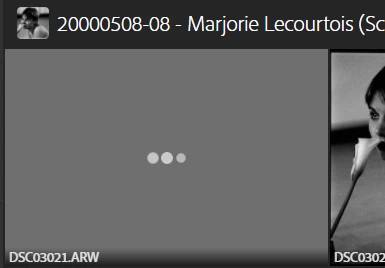
Now the image is not dark anymore and correctly displayed
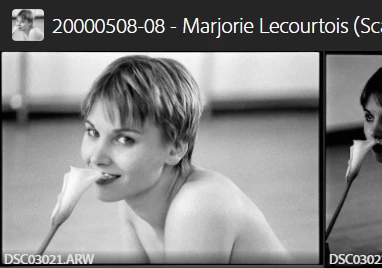
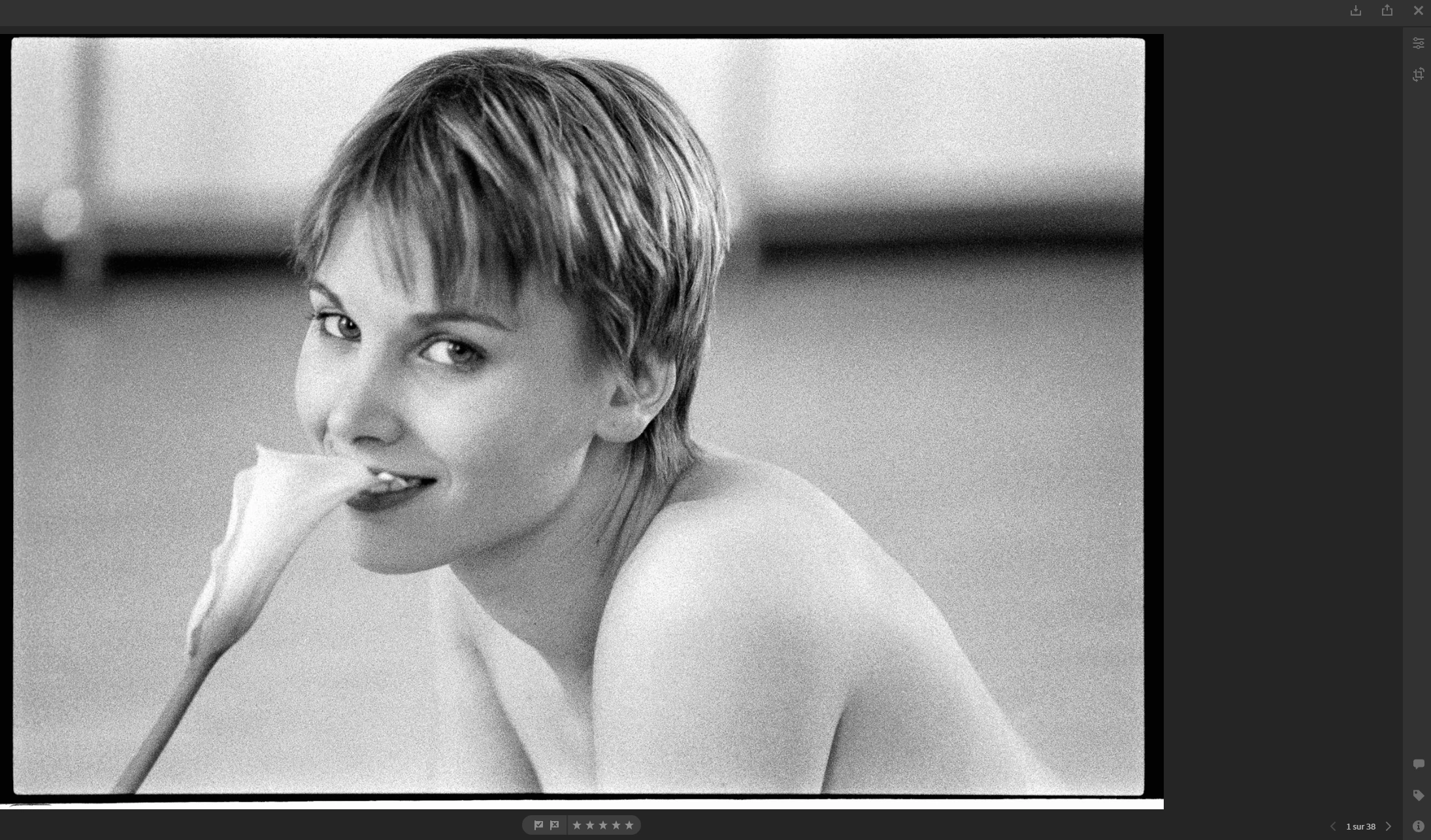
But if I do a modification on Lightroom Desktop when the image is synchronized, it become again Dark.
 AdChoices