


Participant
February 16, 2025
Answered

Raw files Canon R5 mark II fail to open

  • February 16, 2025
  • 4 replies
  • 238 views

Hi!


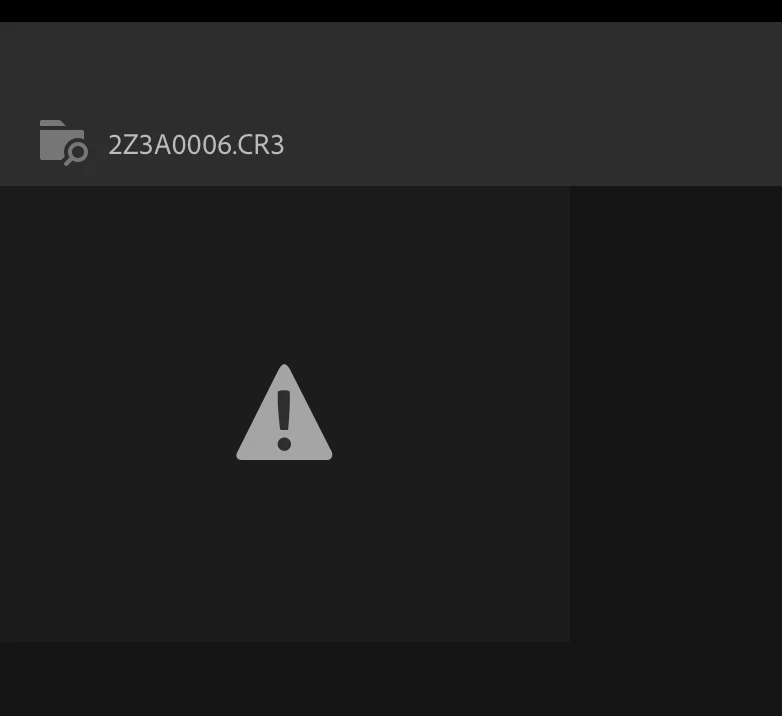
The RAW files I've shot with my new Canon R5 Mark II don't open on the cloud-based Lightroom (my favorite lightroom app). I've already installed the newest MacOS Sequoia (15.3.1) and restarted my macbook and lightroom app. When I try to open a file I see the image attached under this message. I really hope somebody can help me. Thanks in advance!
 

Correct answer stylish_daybf37

Thank you very much Anshul.  With the help of an Adobe rep, I was able to download the latest version of lightroom that does accept my RAW files.  It was indeed the “Lightroom desktop app” installed via Ceative Cloud, so I will probably need to do manual updates in the future, but I think I know how to do that now.  Anyway, seems to be working so all good so far.  Many thanks for help.

4 replies

stylish_daybf37Correct answer
Participant
August 7, 2026

Thank you very much Anshul.  With the help of an Adobe rep, I was able to download the latest version of lightroom that does accept my RAW files.  It was indeed the “Lightroom desktop app” installed via Ceative Cloud, so I will probably need to do manual updates in the future, but I think I know how to do that now.  Anyway, seems to be working so all good so far.  Many thanks for help.

Participant
August 7, 2026

I am having the exact same issue.  I know I need the latest version of lightroom on the web, but somehow I think that lightroom web is not updating automatically on my macbook pro (updated with latest software.  Adobe support seems confusing to me and I can’t figure out how to get the latest lightroom web version on my laptop.  Any ideas

Anshul_Saini
Community Manager
Community Manager
August 7, 2026

Hi ​@stylish_daybf37,

Welcome to the community! The Canon EOS R5 Mark II is supported in Lightroom, so we should be able to get this working for you. But first, I need to clarify something. When you say "Lightroom web," could you confirm which version you're using?

Lightroom on the web, accessed through your browser at https://lightroom.adobe.com/? If so, updates happen automatically on our side; there's nothing to update on your end. You just need a supported, up-to-date browser (Chrome, Edge, Firefox, Safari). If your R5 Mark II CR3 files aren't opening here, the issue is something else entirely.


Lightroom desktop app (the cloud-based app installed via Creative Cloud on your Mac)? This one does require updates through the Creative Cloud app, and auto-update can sometimes stall.


Could you clarify which one you're using? And a couple more questions:

Once I know which app you're working in, I can point you in the right direction!


Best,

Anshul Saini

Sameer K
Community Manager
Community Manager
February 17, 2025

Hey, @Ivar30564997fdhl. Welcome to the Lightroom Community. I'll help you figure this out. 

Does this happen with all images, or has it started to happen recently? 


Are these images shot in Dual Pixel mode? If yes, you'll need to pre-process them in Canon Digital Photo Professional. Please head here to learn more: https://adobe.ly/3X4mJhG;


Let me know how it goes. Thanks! 

Sameer K

(Type '@' and type my name to mention me when you reply)