
Recently Imported Photos in LR Mobile Stuck on "Loading Smart Preview", Never Loads, Can't Edit
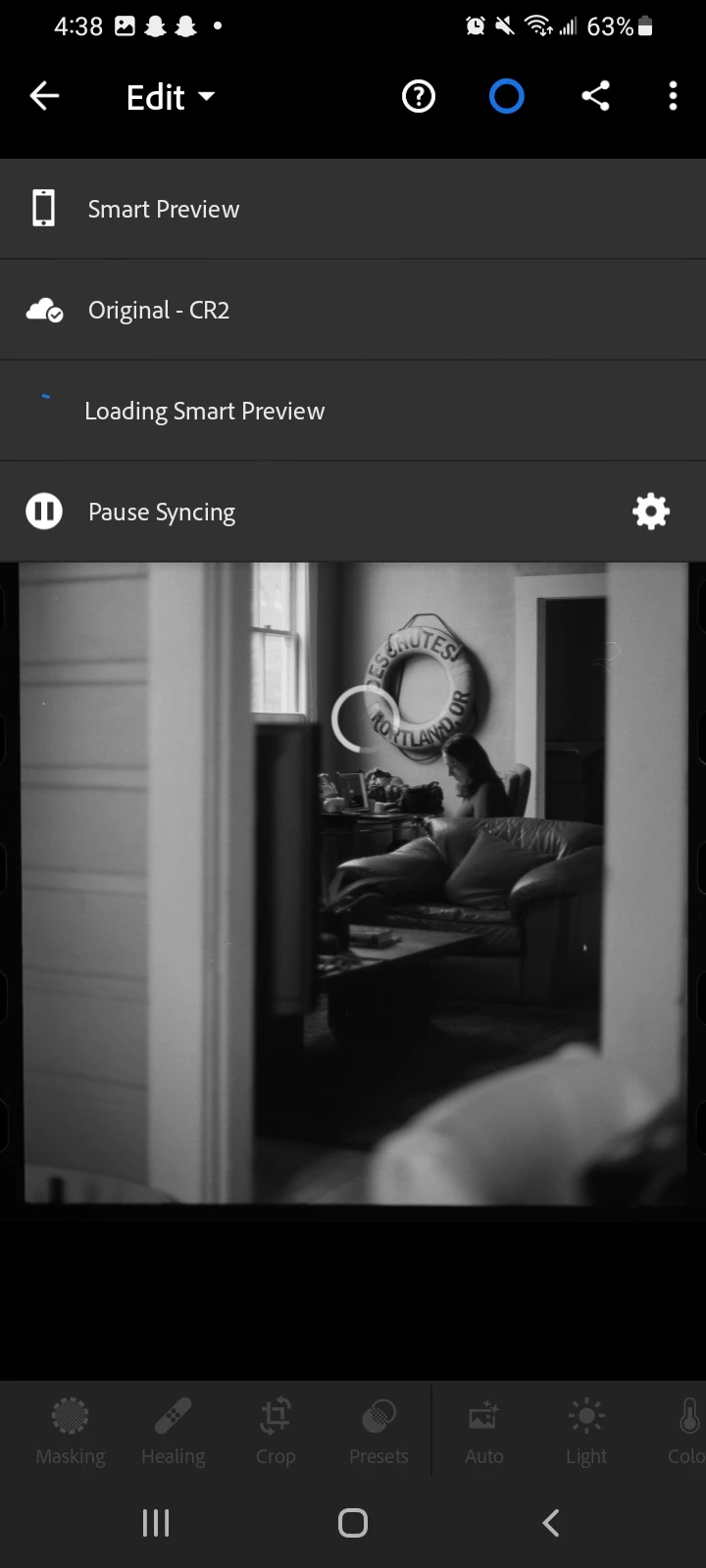
I'm running Lightroom Android 8.2.3 on my phone, which is running on One UI 5.1. Photos from my last two imports are getting stuck on "Loading Smart Preview" when I try to edit them, with the loading wheel determined to spin itself around for all eternity. Photos from my previous imports are loading just fine.
I have tried quiting and relaunching the app, turning my phone on and off, unistalling and reinstalling the app, updating the software on my phone, and using both internet and mobile data seperately to load the photos. So far, the only thing that has worked has been deleting a photo with this issue from my Lightroom library and reimporting it, and even this appears to be a temporary fix because two hours later, the photo that was loading fine after being reimported is now having the same issue again.
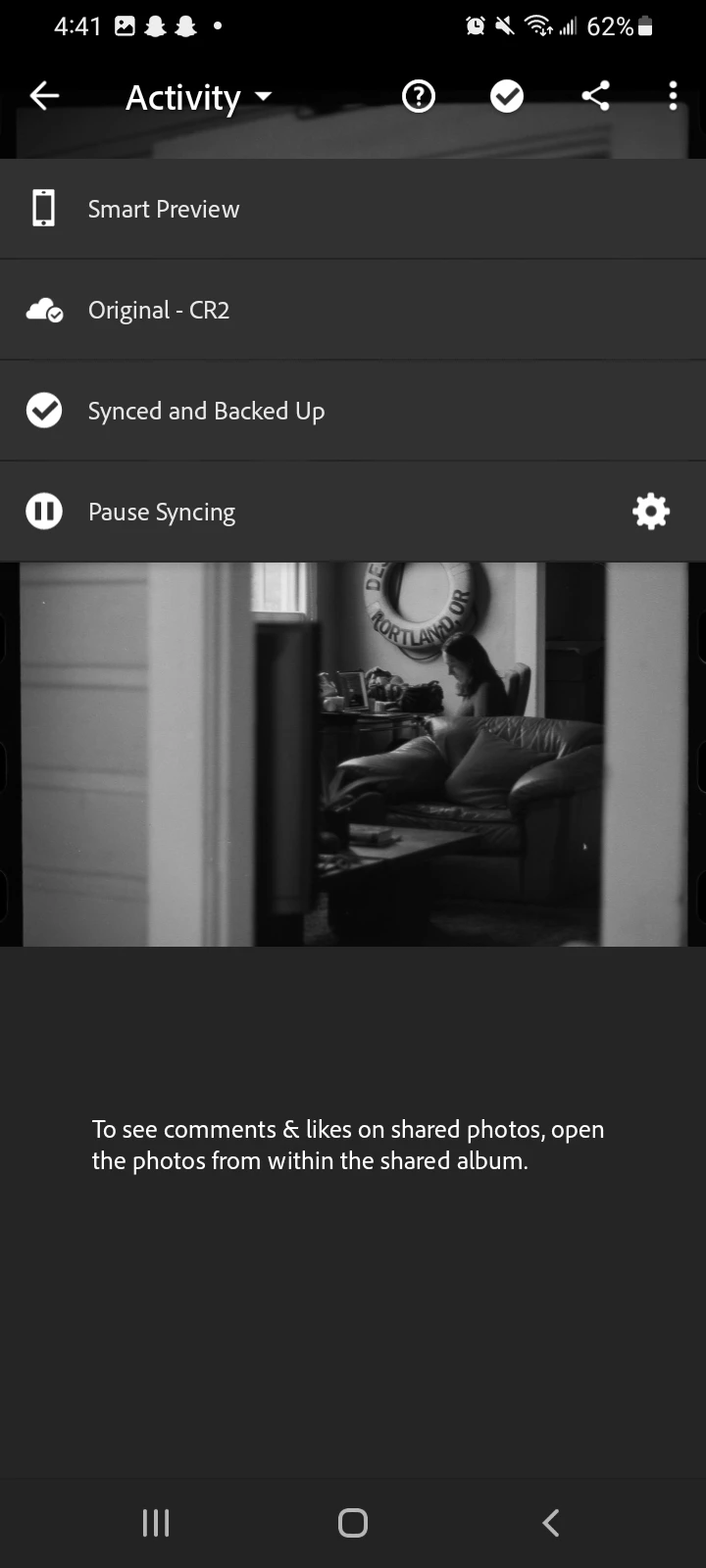
If I switch from the "Edit" module to any of the other three (info, rate + review, and activity) and then quit the app and reopen it (so it opens in the new module), the images load fine, but this is only if I quit and reopen: switching to a different module without doing so does not stop the infinite loading wheel. If I do all this and then switch back to "Edit", the wheel reapears.
The photos have not been moved from the folder where I imported to my phone (using internal storage, no external card or anything), so the app shouldn't be having any difficulty finding them. No error pops up, just the infinite loading wheel.
Any help would be greatly appreciated, thanks!




 AdChoices