
Participant
October 15, 2025
Question

Remove and Mask issue

  • October 15, 2025
  • 1 reply
  • 154 views

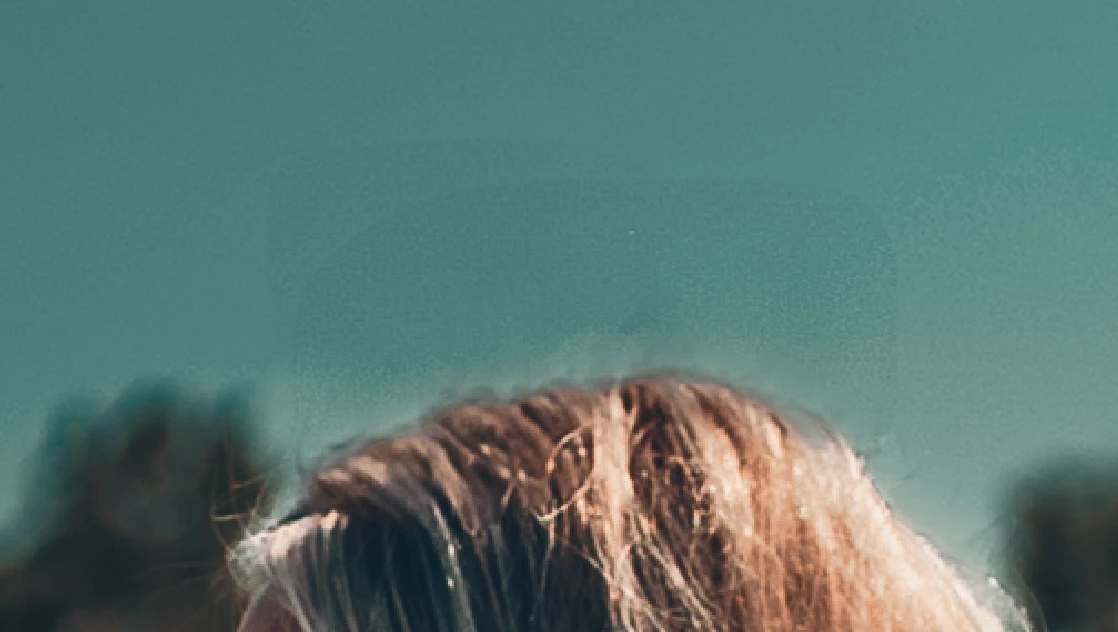
Once I remove something (remove panel with AI generate), such as some fly-away hairs, the coloring isn't the same over the sky.  This happens mainly when I have a mask.  Even after AI updates are done (I go through each option/icon....edit, crop, remove, mask) with the hope it will show I need to update.  Sometimes it will update but still doesn't fix the problem..  It doesn't matter if its feathered or not.    


I have tried removing the areas then applying a mask....still does it.  I will apply a mask and then remove...still does it.  


I'm using Lightroom - cloud based.


Please see attachment as an example.  
1 reply

Sameer K
Community Manager
Community Manager
October 17, 2025

Hey, @Ashley-81. Welcome to the Lightroom Community. I'll help you figure this out.  

It could be the order of operations you've followed that creates these results. Please follow the recommended order of edits shared here and check if that helps: https://adobe.ly/3KVsxXJ


Also, have you recently updated Lightroom or macOS? Masking is integrally connected to your machine's GPU. Check if any updates are available for it & follow these steps to troubleshoot the GPU: https://adobe.ly/41DqBc6


Thanks!

Sameer K
(Type '@' and type my name to mention me when you reply)

CMass
Legend
October 21, 2025

Hey @Ashley-81,.

Just wanted to check in and see if you still need any help or if everything's been resolved. We're here for you, so feel free to reach out if there's anything else we can do!

^CM