

Answered
Reverse Order in Photo Grid is not maintained
I am using Lightroom (Cloud-based) for macOS, version 9.3.1. This bug has been present for a long time.
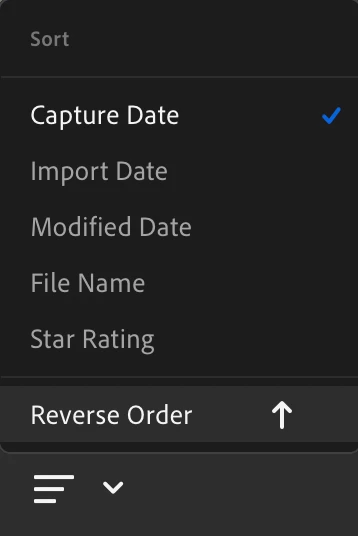
Default Capture Date sort order in Photo Grid is newest first, oldest last (reverse chronological order). The Sort menu shows this:
I prefer oldest first and newest last (chronological order). I can change it using the Sort menu:
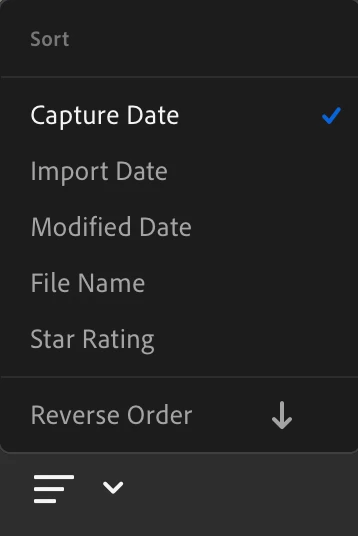
But when I follow this sequence:
- Create a filter for some images.
- Delete all images selected by the filter.
- Select Turn Off Filters.
The photos are now shown in newest first (reverse chronological) order, even though the Sort menu is still set as for chronological.
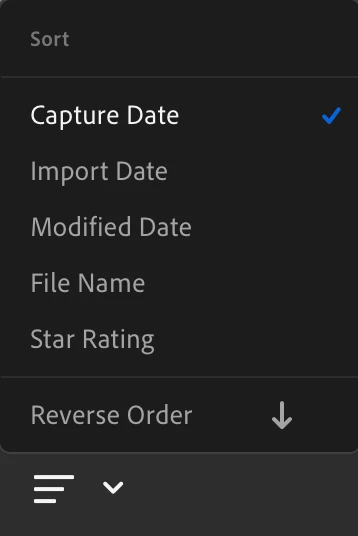
This is a bug. I can select Reverse Order twice to get the Photo Grid to display in the order I want but it should not change the order.


 AdChoices