
S24 Ultra RAW Photos Hyper-Exposed upon Import
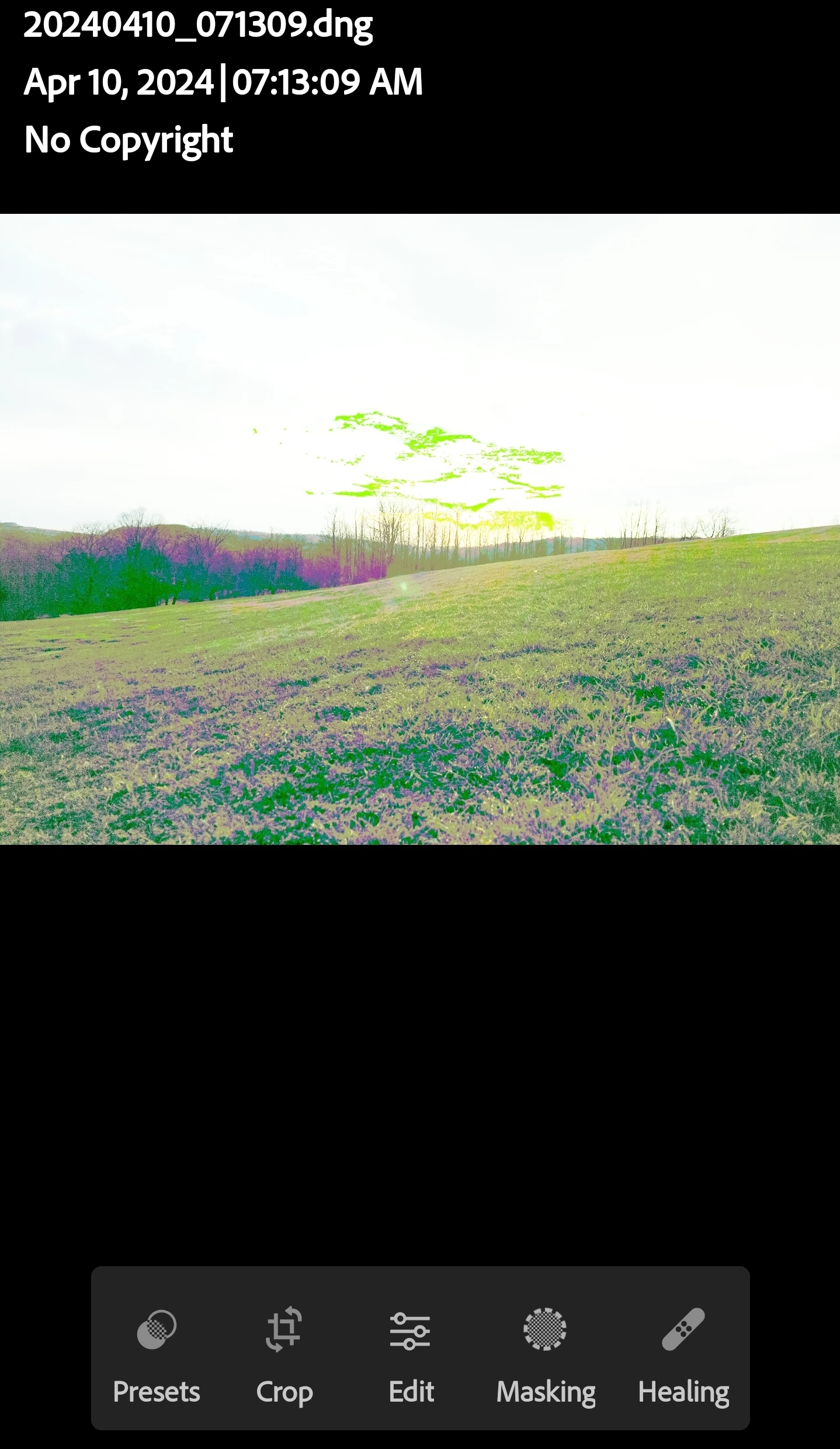
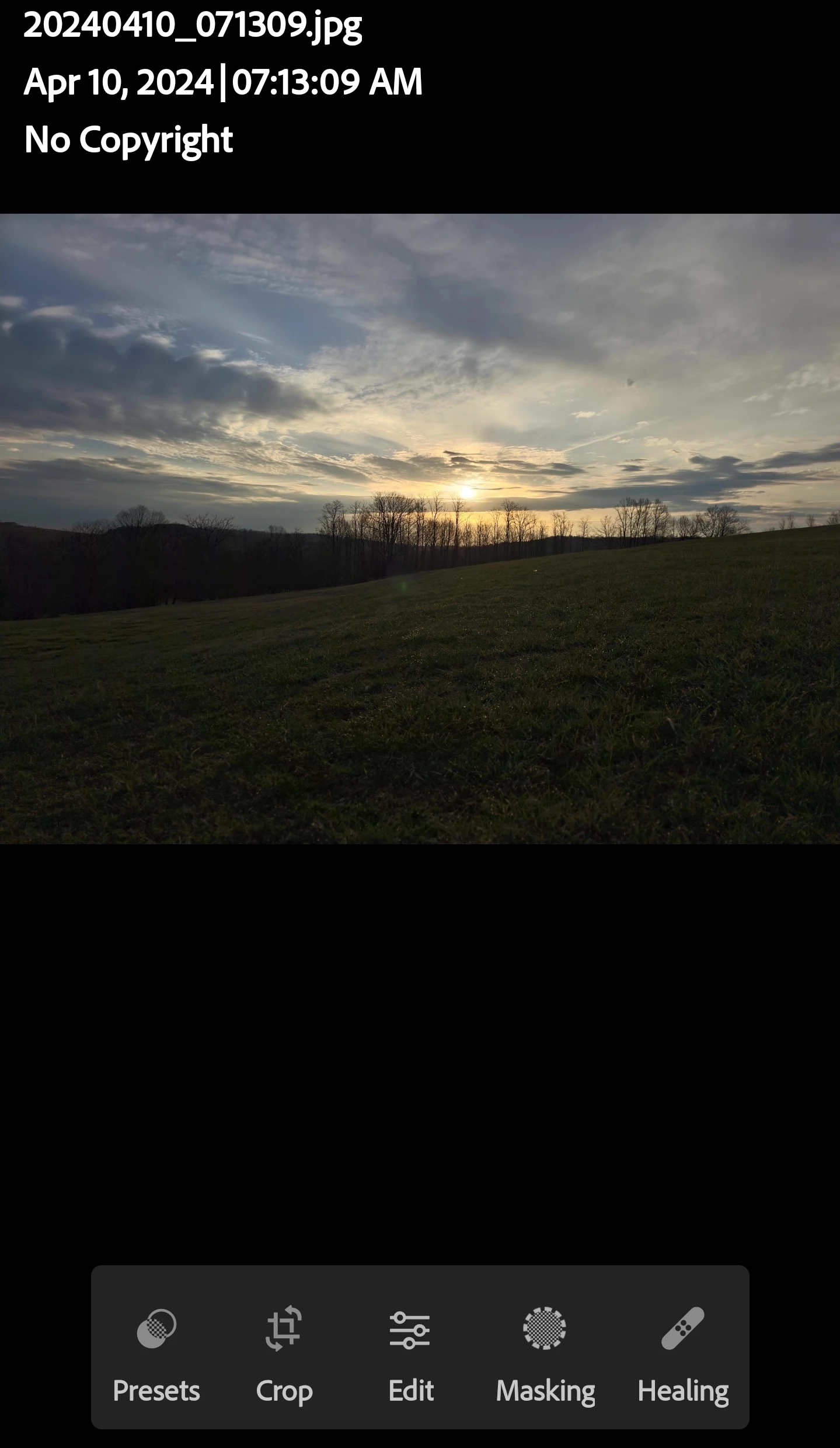
Maybe it's just a setting or something I'm missing, but I can no longer edit my S24 Ultra RAW photos as they immediately become hyper-exposed & impossible to edit. There's NO issue with jpeg files at all.
I've looked at my import options & can't find anything that would be affecting this as the only thing selected is "Adobe Default".
I've tried using the HDR import option with & without different pre-sets but that just makes it worse.
I fully expect the RAW files to be displayed differently since they contain more data than their jpeg counterparts but however the .dng files are being translated is really not practical.
If this is my error & there's a fix, I'd SO much appreciate some input! ...
And if not, PLEASE, please fix this!
*Screenshots of same photo in .dng & .jpg imported to LR Mobile with no edits


 AdChoices