Participating Frequently
August 18, 2019
Question

Saving as JPEG and losing image quality

  • August 18, 2019
  • 1 reply
  • 398 views

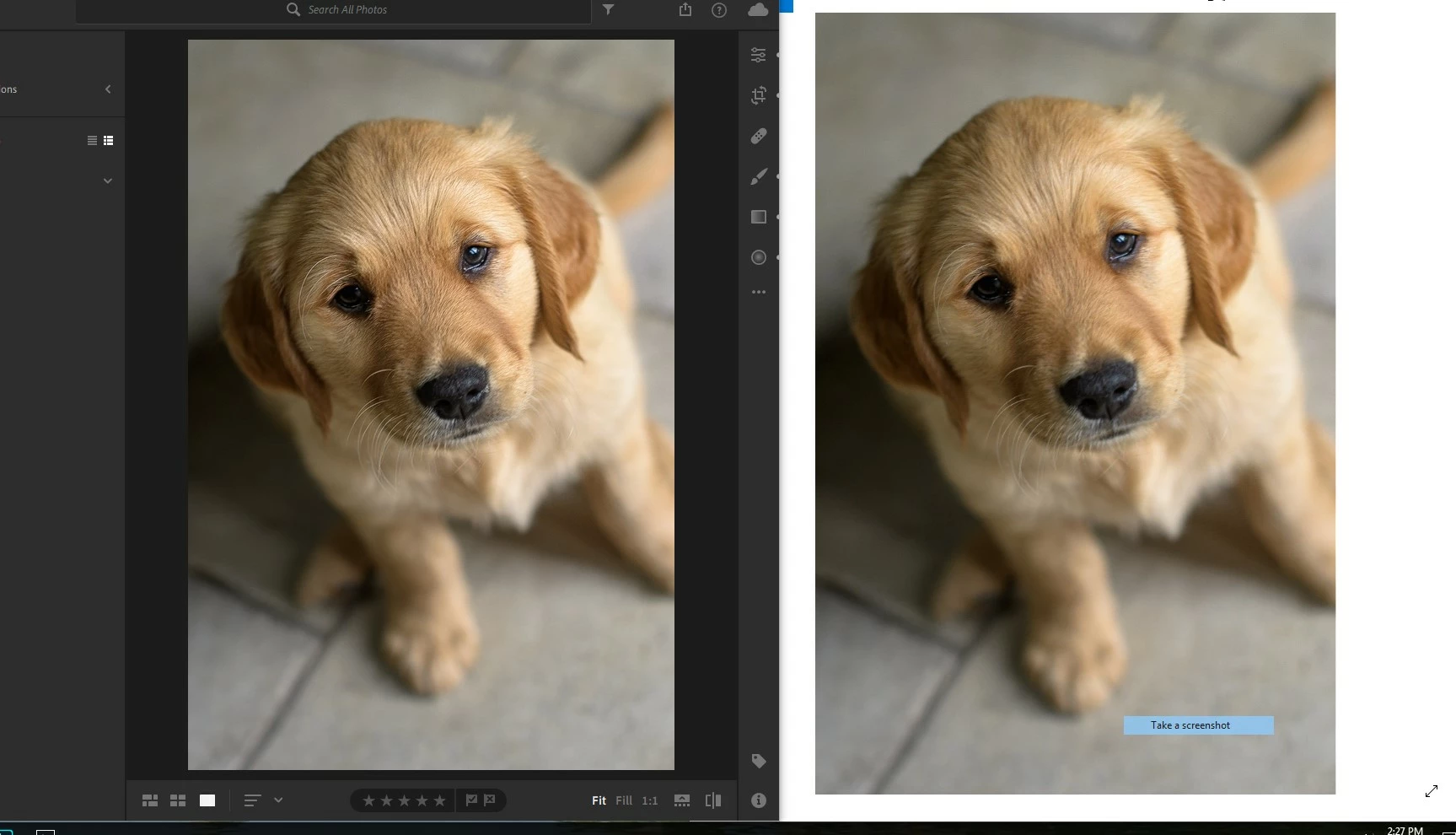
Hello, I am new to Lightroom. I just edited this photo. On the left is the image in Lightroom. On the right is the JPEG I saved as in windows image preview. There is a loss of sharpness in the JPEG. How do I fix this? I'm using the "cloud based" Lightroom. There are no options when I save as a JPEG, just says 'large file or small'. Thanks alot
    This topic has been closed for replies.

    1 reply

    Akash Sharma
    Legend
    August 20, 2019

    Hi Zenfiretrading,

    Sorry that you're seeing difference in saturation between the images in Lightroom and one you've exported.

    This issue may occur if your monitor is not color calibrated. Could you please check if you have calibrated your display correctly? Check out this article How to manage color in Lightroom Classic

    Also, please take a look at the FAQ's related to colors in Lightroom: Common questions asked about Color in Lightroom

    Here's a similar thread: Lightroom export issues - colour saturation

    Let us know how it goes.

    Thanks,

    Akash

    Participating Frequently
    August 20, 2019

    My monitor is calibrated.. Both images are on the same monitor. How would that effect the way Lightroom (cloud) exports an image and then view the new JPEG and original image on the same monitor.

    And sorry you misunderstood my original question. This isnt a saturation issue. This is a sharpness issue. Figured it was obvious to someone elses eyes. Just look at the hairs on the dogs face. Appreciate ya