

Question
saving edits
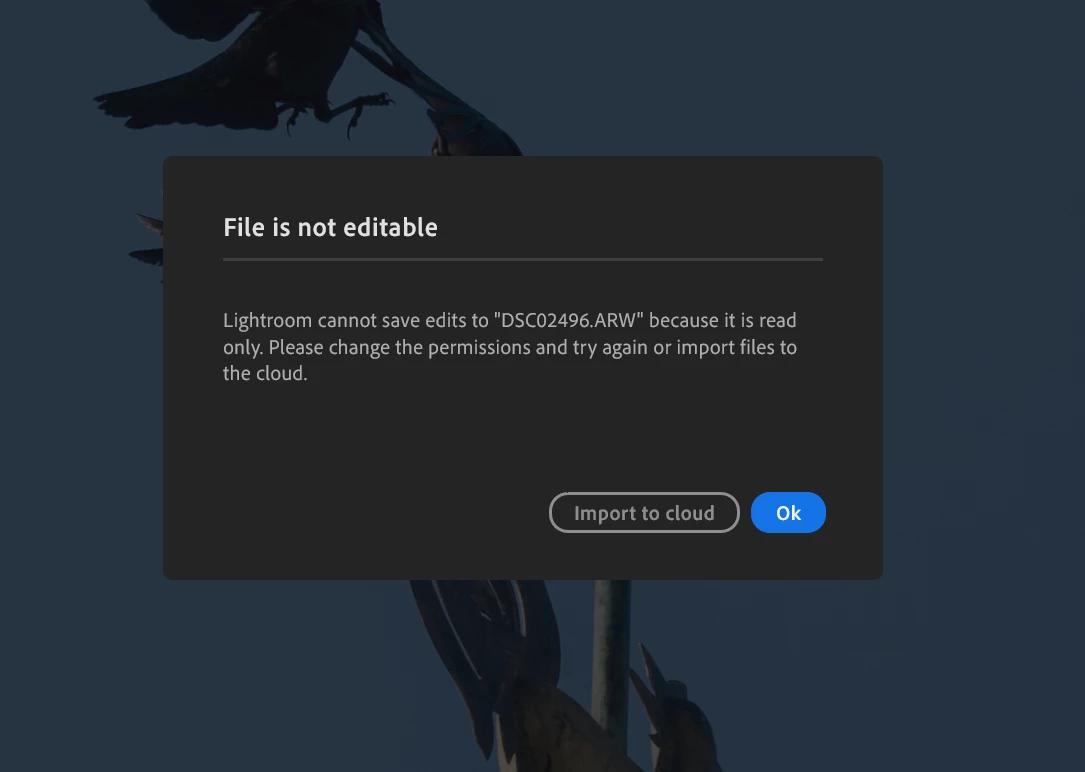 I tried some photos I took today with my new SonyA1M2and opened the photos in the local folder (not the cloud). I was surprised that every time I had done some edits I got the message "lightroom cannot save edits to (name of the file) because it is read only, please change permission and try again or send it to the cloud" ????? What am I doing wrong? I first transferred the photos from my memory card to my PC in the specific folder with the name of the birds I took and opened them from there in LR
 AdChoices