ICSTARS15067439
Participating Frequently
June 16, 2021
Question

Saving Enlarged Photo through Lightroom

  • June 16, 2021
  • 2 replies
  • 285 views

Hello Everyone,

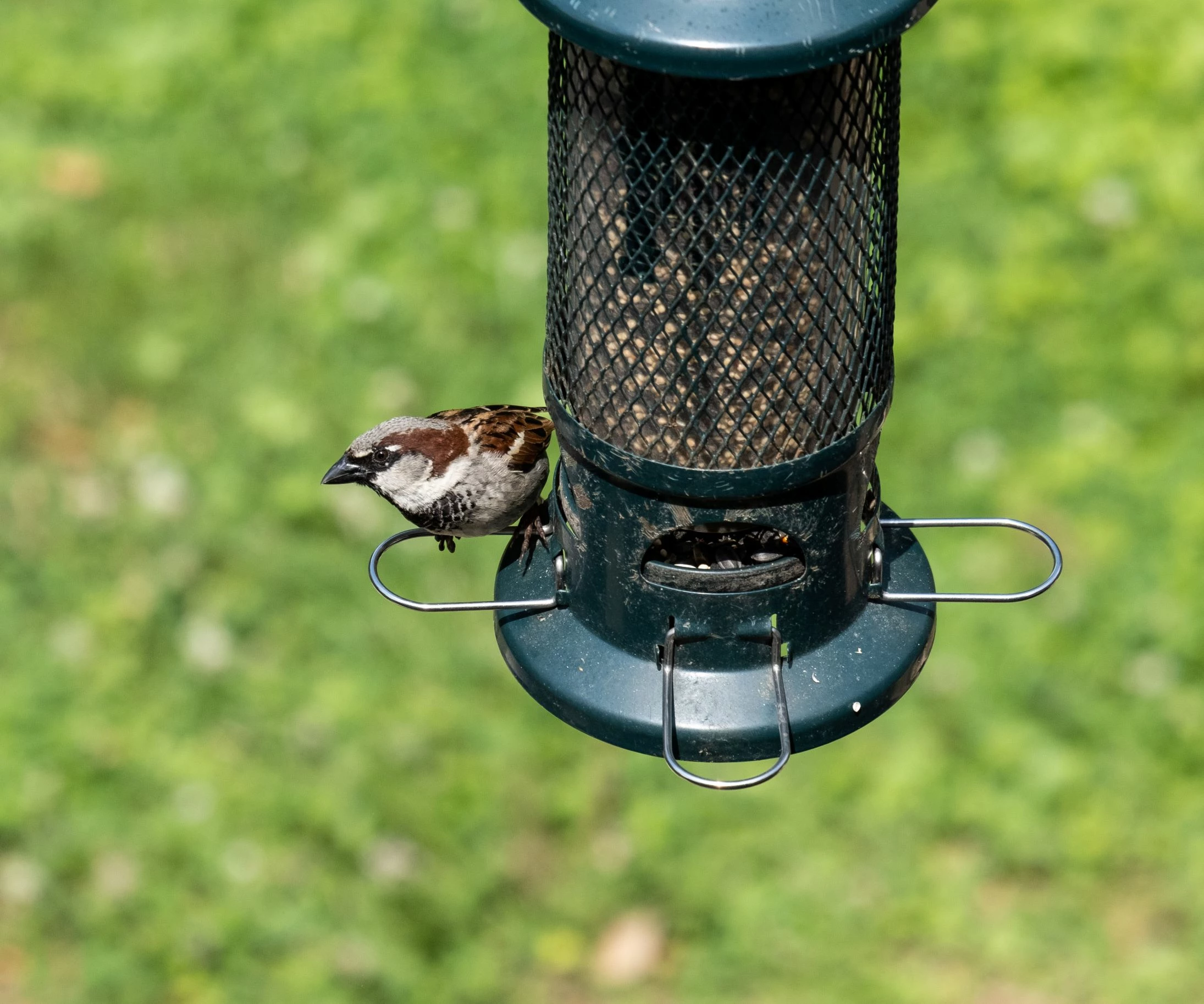
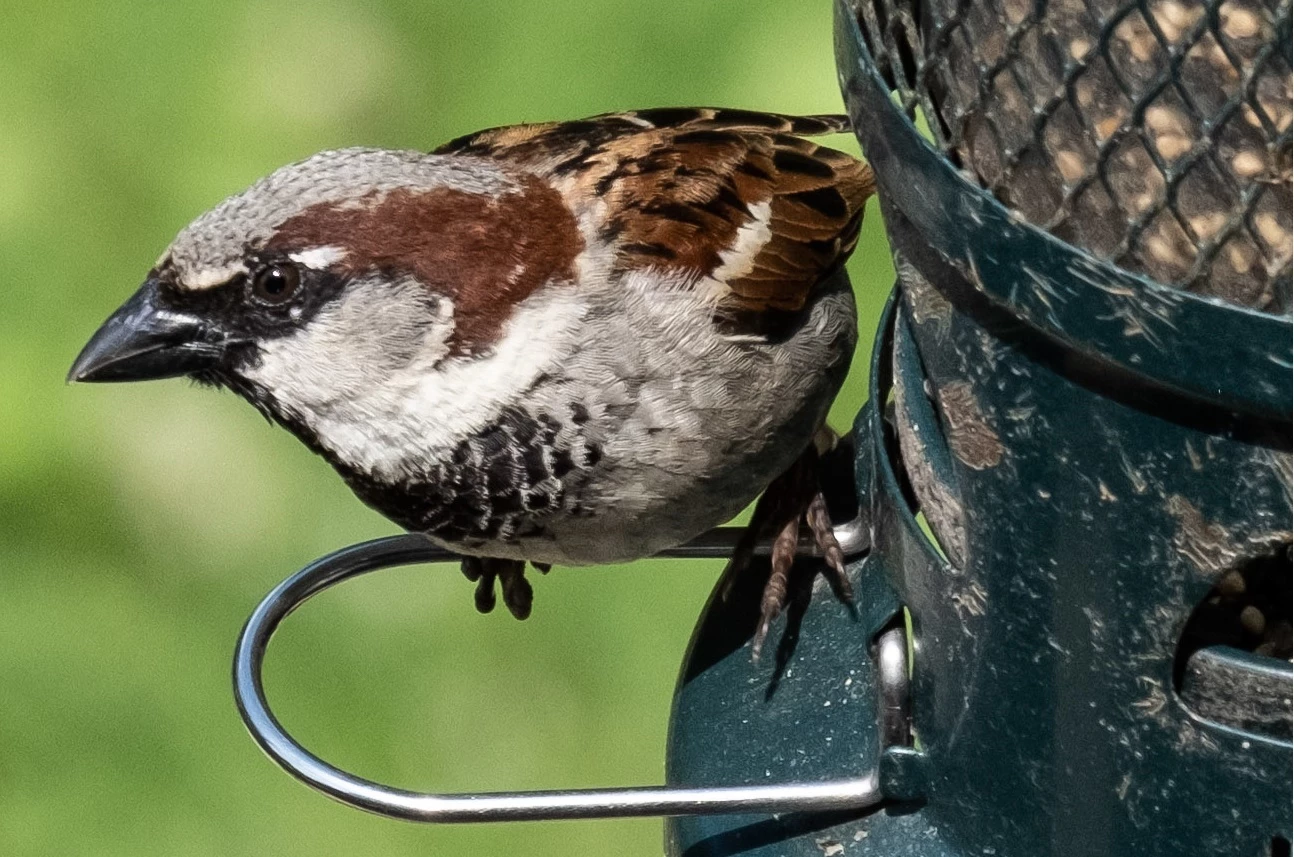
I am having some fun with a Fujinon 55-200 XF. I've enlarged an image of a wren to 100%. I like what I see. But I do not know a method for saving the enlarged image. I know I can do a screen capture, past the result in Microsoft's Paint program, then save as a JPEG. However the image gets dumbed down and is disappointing to say the least. An example of the wren in the FIT view and dumbed down 100% view presented here.  
This topic has been closed for replies.

2 replies

JP Hess
Inspiring
June 16, 2021

Another option, if you are using Lightroom 4.3, would be to use the Enhance feature. That would create a duplicate image with double the resolution. That might help in this instance.

nikunj.m
Legend
June 16, 2021

Hi, 


Looking at what you are trying to achieve it appears cropping the image & then saving the cropped image should help with that. To check how you can crop the images in Lightroom, you can check: https://helpx.adobe.com/lightroom-cc/how-to/crop-straighten-photos-lightroom-cc.html


Once you have cropped the image you can save the final image as JPEG & that might get you where you want. You can check how you can export the images from Lightroom, here: https://helpx.adobe.com/lightroom-cc/using/save-share-photos.html


Regards,

Nikunj