


Question
Select Subject/Sky Download Workaround Not Working - Android Mobile
- Version of the app: Lightroom Android v8.1.2
- Platform and OS version: Android version 12 (I have 8GB RAM)
- Basic steps to reproduce the problem: I am trying to select subject and it says I need to download first (same issue with select sky) but when I click download it does nothing.
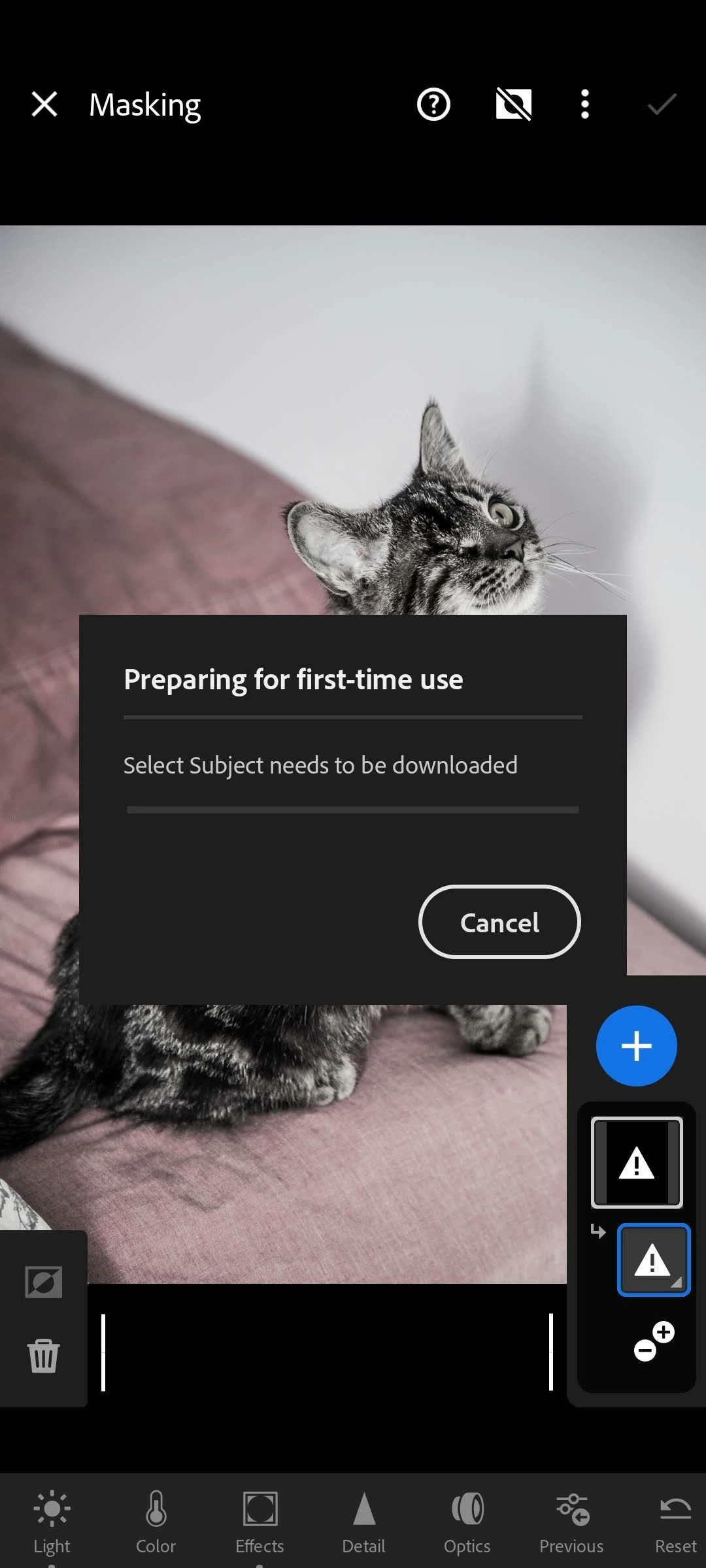
- Expected result and actual result: I have read about a work around where you can copy and paste a setting where AI subject was used and it will automatically download it. The download window pops up but it never changes from that (see attached screenshot)
 AdChoices