
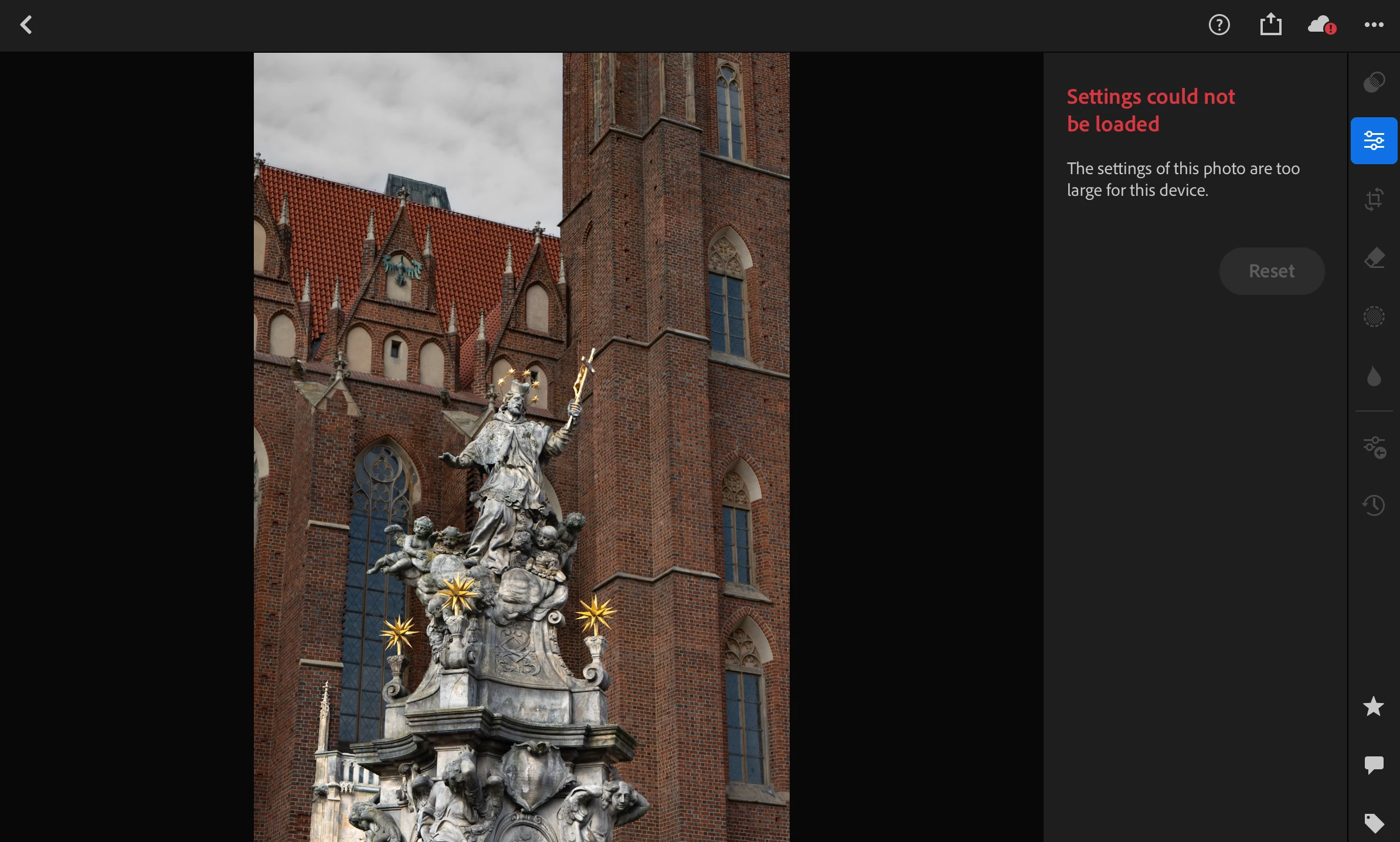
Settings could not be loaded. The settings of this photo are too large for this device. Lightroom
Hello, after editing a photo, I can’t edit or save it in Lightroom on my iPad. I edited the photo the whole day, and everything was fine. But when I tried to save it, I couldn’t.
Here’s what happened:
I edited the photo all day, opened and closed the app several times, and everything was working fine. When I finished editing, I decided to save the photo. As usual, I pressed ‘Export,’ and the photo was rendered without any problems. Then, I pressed ‘Save Photo.’
However, when I went to the gallery where the photo should have been saved, it wasn’t there. I thought, ‘Okay, let’s try again.’ I repeated the process about three times, but the result was the same — the photo didn’t save.
After that, I tried closing and reopening Lightroom, but when I opened it, I got the message: ‘Settings could not be loaded. The settings of this photo are too large for this device.’
Now, I don’t know what to do. I’m really sad that I spent so much time for nothing, and there’s no guarantee this won’t happen again in the future.
I have 30 gigabytes available on my iPad Pro 4th gen. Other photos in Lightroom can be saved and edited without this error.


 AdChoices