Participant
Jan 18, 2020 1:40 PM UTC
Question

“Sharing options” not part of menu

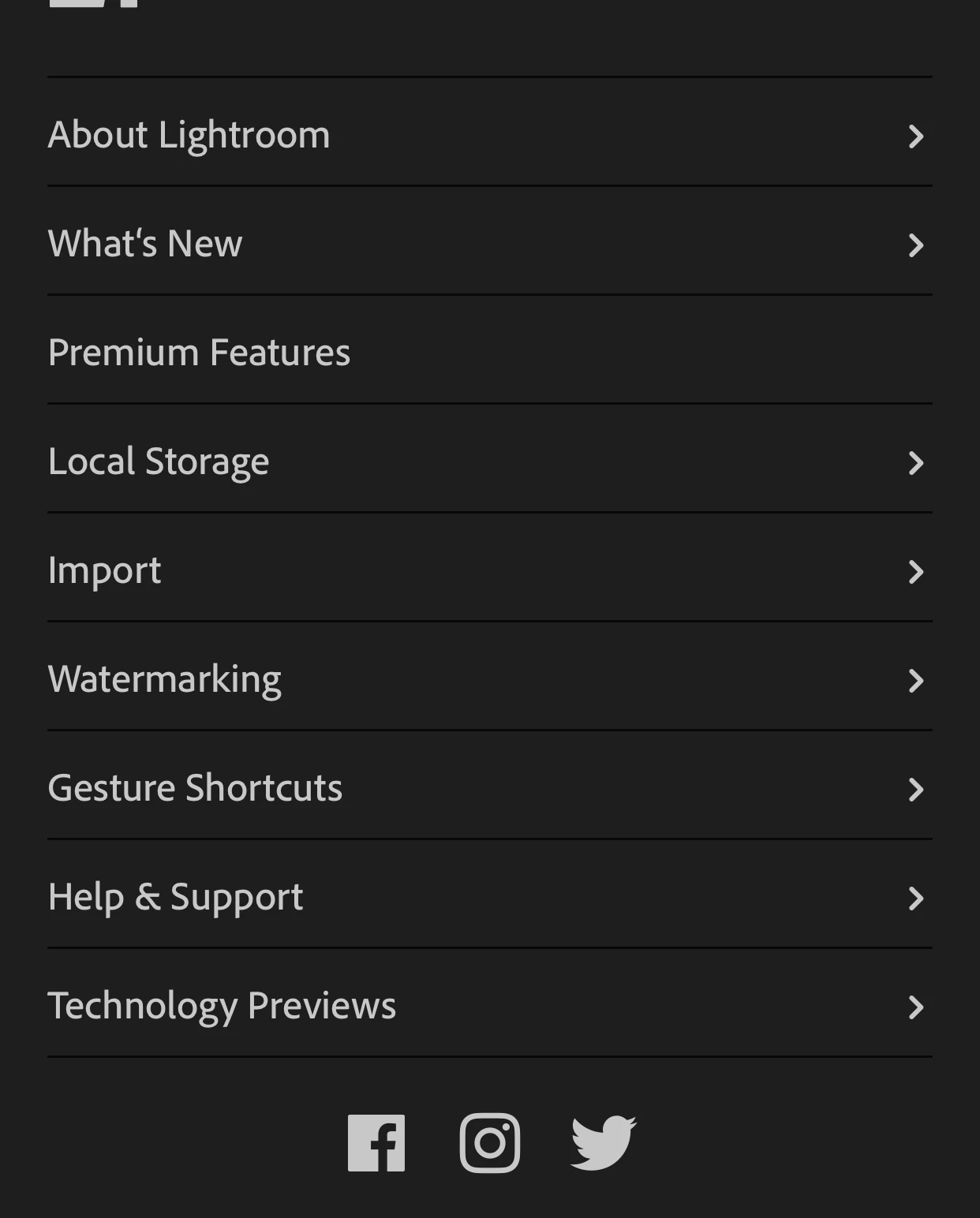
I was trying to setup watermarking and the "sharing options" items is not a part of my menu on iOS mobile app. 


This topic is closed to new replies. Start a new post to keep the conversation going.

4 replies

Theresa J
Community Expert
Community Expert
Jan 18, 2020 3:56 PM UTC

Watermarking is now found under "watermarking" which is seen in your screen capture. It used to be found in "sharing". I think there is still some outdated help pages on the Adobe website with the wrong screen capture. Maybe that is what confused you. If you turn the watermarking on in the setting menu that you screen captured, a watermark will be added to any image you export.

You can also turn on watermarking at the time of export by tapping on the icon to the right of the share options. See my screen capture. The watermarking option is found in the second menu after you tap on this icon.

Translate
cmgap
Community Expert
Community Expert
Jan 18, 2020 2:35 PM UTC

Which version do you have? Did you purchase from the App store?

Translate
Participant
Jan 18, 2020 2:39 PM UTC

5.1.0  yes. Purchased from Apple store.

Translate
cmgap
Community Expert
Community Expert
Jan 18, 2020 3:32 PM UTC

The Share option is not  in this menu. When you select an image you will  see the Share icon at the top of  the screen to the left of the  Cloud icon. Is that  what  you are looking for?

Translate
