



Show us your magic with Quick Action in Lightroom on Mobile & Web

Hello Friends,
We’re thrilled to invite you to try out the new Quick Actions tool in Lightroom Mobile! This powerful feature makes editing a breeze with AI-powered suggestions for specific areas of your image. Just open a photo, select Actions, and watch as Lightroom delivers custom enhancements in seconds. Give it a go, enjoy faster edits on the move, and don’t forget to share your before and after images with us—we can’t wait to see your creations!
--------------------------------------------------------------------------------------------------------------------------------------------------
Here's how you can accomplish this in Lightroom on Mobile (iOS-Phone & Android) & Lightroom on Web
❶ Open a photo in Lightroom on mobile and select Actions
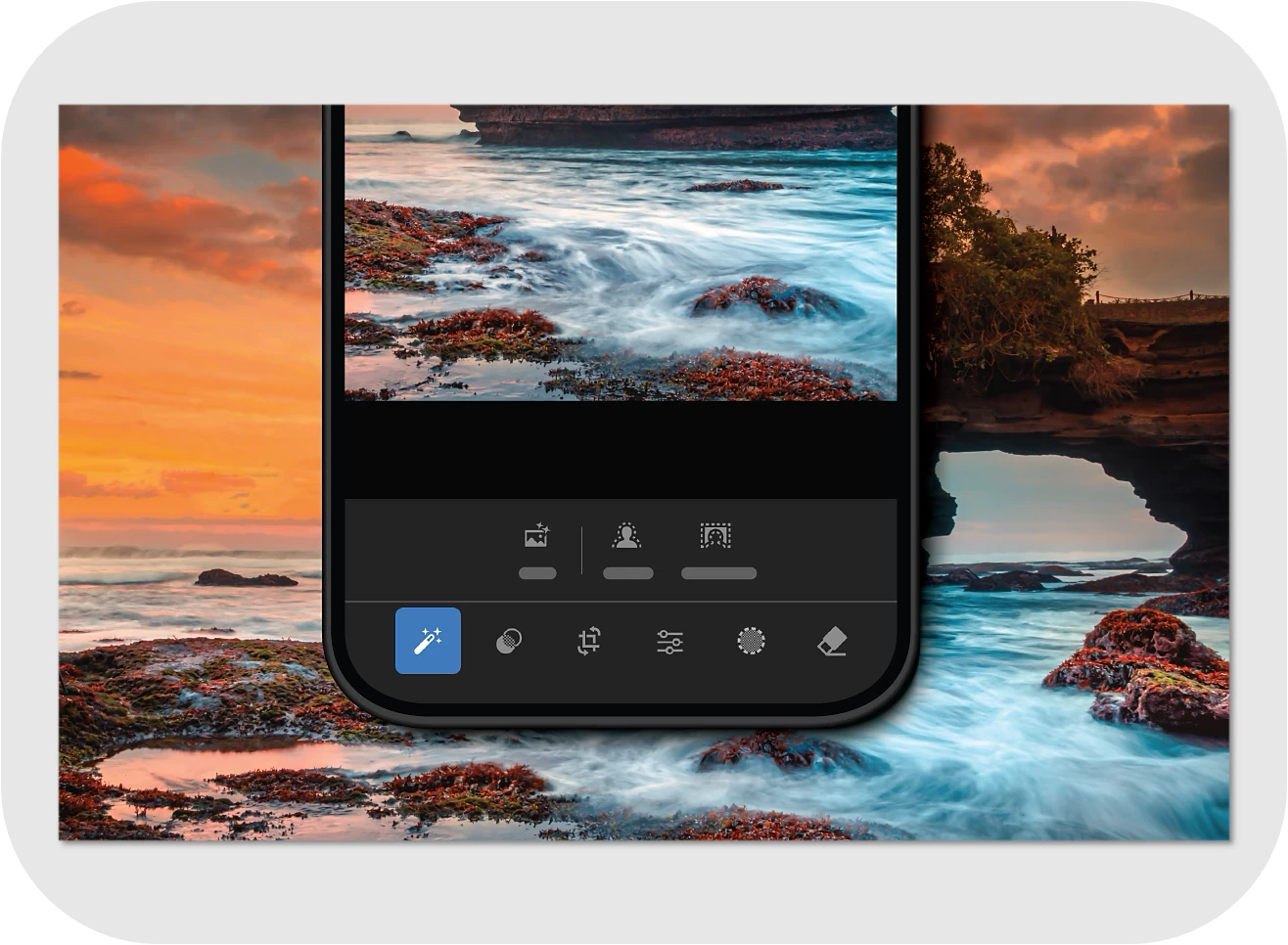 ❷ When you open a photo in Lightroom on Mobile and select Actions, Lightroom analyzes and suggests one-tap edits using AI-powered features like:
- Subject: Lightroom automatically detects the subject in the photo.
- Background: Lightroom automatically detects the background in the photo.
- Sky: Lightroom automatically detects the sky in the photo.
- Retouch: Lightroom automatically detects areas that can be retouched. Retouch is available only when a person is in the photo.
❸ To edit the Subject and Background selection, adjust the following:
- Preset: Select from the given set of presets to edit your photo in just one tap.
- Exposure: Adjust the exposure of the photo using the slider.
- Saturation: Adjust the saturation of the photo using the slider.
- Dehaze: Adjust the haze in the sky using the slider. This is available only with Sky.
❹ To edit features with Retouch, use the sliders for Hair, Skin, Clothes, and more, based on the photo.
❺ Click the check-box to save the edits.

Give it a try! Once you've used Quick Actions in Lightroom on Mobile or Web, we’d love to see your work. Share your Before & After images—or just the After—and show us the magic you've created!

Submit your creation? Click 'Reply' below to post.
Click 'Follow' below to bookmark this post for easy reference.


 AdChoices